


•Hamza Rashid• 17 min read
Call of Duty: Modern Warfare 4

MW4 supports crossplay across PlayStation 5, Xbox Series X/S, Windows PC, and Nintendo Switch 2. Friends can play online together across those systems using Activision accounts.
The MW4 platform lineup includes PC versions on Steam, Battle.net, and Xbox on PC. Your group can choose different hardware and still meet online, provided everyone's account permissions and crossplay settings allow it.
Cross-progression covers another part of the setup: continuing your online profile on a different linked platform. Your game license, currency balance, and purchased content have separate rules worth checking before you switch.
PS5, Xbox Series X/S, PC, and Nintendo Switch 2 support cross-platform online play.
Use the Social menu and your friend's full Activision ID to find each other.
Keep your platforms linked to the same Activision account to continue online progression.
Console crossplay controls sit under Account & Network; available choices depend on the platform and playlist.
COD Points remain tied to the platform where you buy or earn them.
Game access and online subscriptions still apply to the version you're playing.
MW4's supported platforms share cross-platform online play. PC storefront choice doesn't require your friends to use the same launcher.
Platform | Crossplay Support | Version to Use |
|---|---|---|
PlayStation | Supported | PlayStation 5 |
Xbox | Supported | Xbox Series X/S |
Windows PC | Supported | Steam, Battle.net, or Xbox on PC |
Nintendo | Supported | Nintendo Switch 2 |
That covers groups such as a PS5 player joining friends on Xbox and Steam, or a Switch 2 player playing alongside PC friends.
Check both the game and the device. Everyone needs to enter the same MW4 online mode; opening another Call of Duty title in the shared launcher won't put the group into the same session.
Use your friend's Activision ID, including the numbers after the hash mark when shown. A console username or Steam display name alone may point you toward the wrong person.
Open MW4's Social menu.
Choose the option to add an Activision friend.
Enter their full Activision ID, such as PlayerName#1234567.
Send the request and have your friend accept it.
Invite them to your party through the Activision friends list.
Confirm that your crossplay permissions allow everyone in the group before searching.
For a new group, get everyone into the party before choosing the playlist. That makes a missing request or restrictive setting easier to spot than trying to resolve it halfway through matchmaking.
If a request doesn't appear, copy the ID again from the recipient's account screen. Also check pending invitations and blocked players before repeatedly sending the same request.
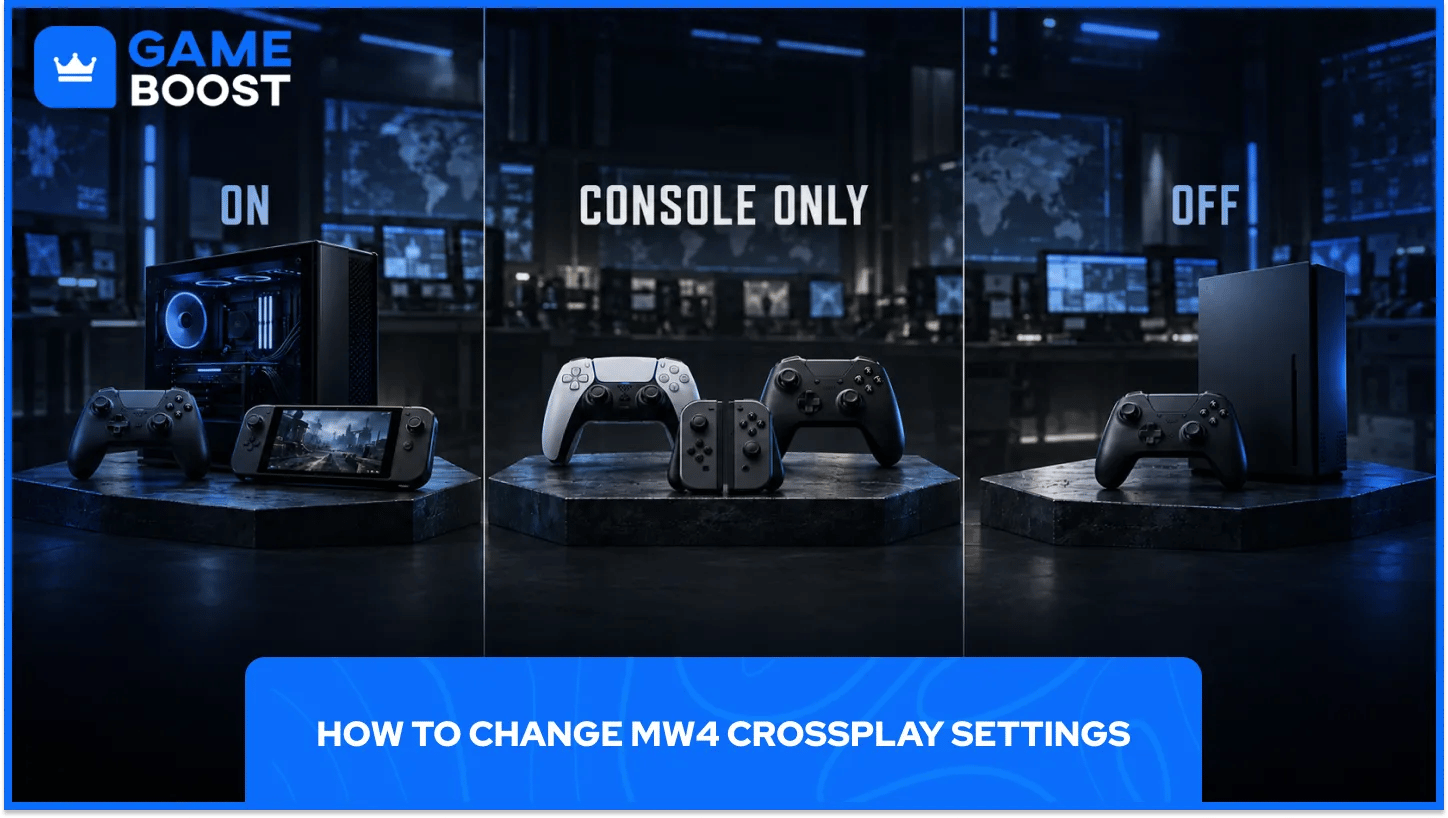
On consoles, start at Settings > Account & Network and look under the Online section. Change the control for the playlist you intend to play.
The menu includes separate crossplay rows for Multiplayer Unranked, Multiplayer Ranked, and Warzone Ranked. A row appearing in the shared settings menu doesn't mean that playlist is currently available in MW4.
Option | What It Does |
|---|---|
On | Allows matchmaking with other supported gaming platforms |
On (Console Only) | Allows other console platforms and excludes PC, where offered |
Off | Restricts the relevant matchmaking to your current platform |
To adjust a supported console playlist:
Leave the active match and return to the menus.
Open Settings, then Account & Network.
Find the crossplay row for the playlist you're using.
Choose one of the available options.
Read any restriction shown beside a locked setting, then return to matchmaking.
Use the choices actually offered on your platform. A screenshot from another system or playlist may show a control you can't change from your current screen.
Console Only suits a mixed-console group that wants to exclude PC. Off is the narrower choice: it limits the relevant matchmaking to your own platform.
For example, a PS5 player choosing Off shouldn't expect the same search to include an Xbox friend. Check the whole party's preferences before changing this setting.
Restricting crossplay also reduces the pool of eligible players. Depending on region, playlist, and time of day, that can affect search times and matchmaking quality.
Xbox also has account-level cross-network permissions. If an Xbox player can't join friends outside the Xbox network, check Privacy & online safety > Xbox privacy > View details & customize > Communication & multiplayer.
Review the permission for joining cross-network play. Communication permissions are separate, so being able to enter a match doesn't guarantee that voice chat is allowed too.
These are broader Xbox account settings. Treat them separately from MW4's playlist controls, and check the family's approved permissions if the account has family restrictions.
Don't assume the console menu applies to every PC version. MW4-specific official guidance does not currently establish the same opt-out controls for Steam, Battle.net, and Xbox on PC.
If your PC menu lacks the console crossplay rows, changing controller input won't make them appear. Xbox on PC users can also review their Xbox account's cross-network permissions, though that is a separate account control rather than a confirmed MW4 playlist toggle.
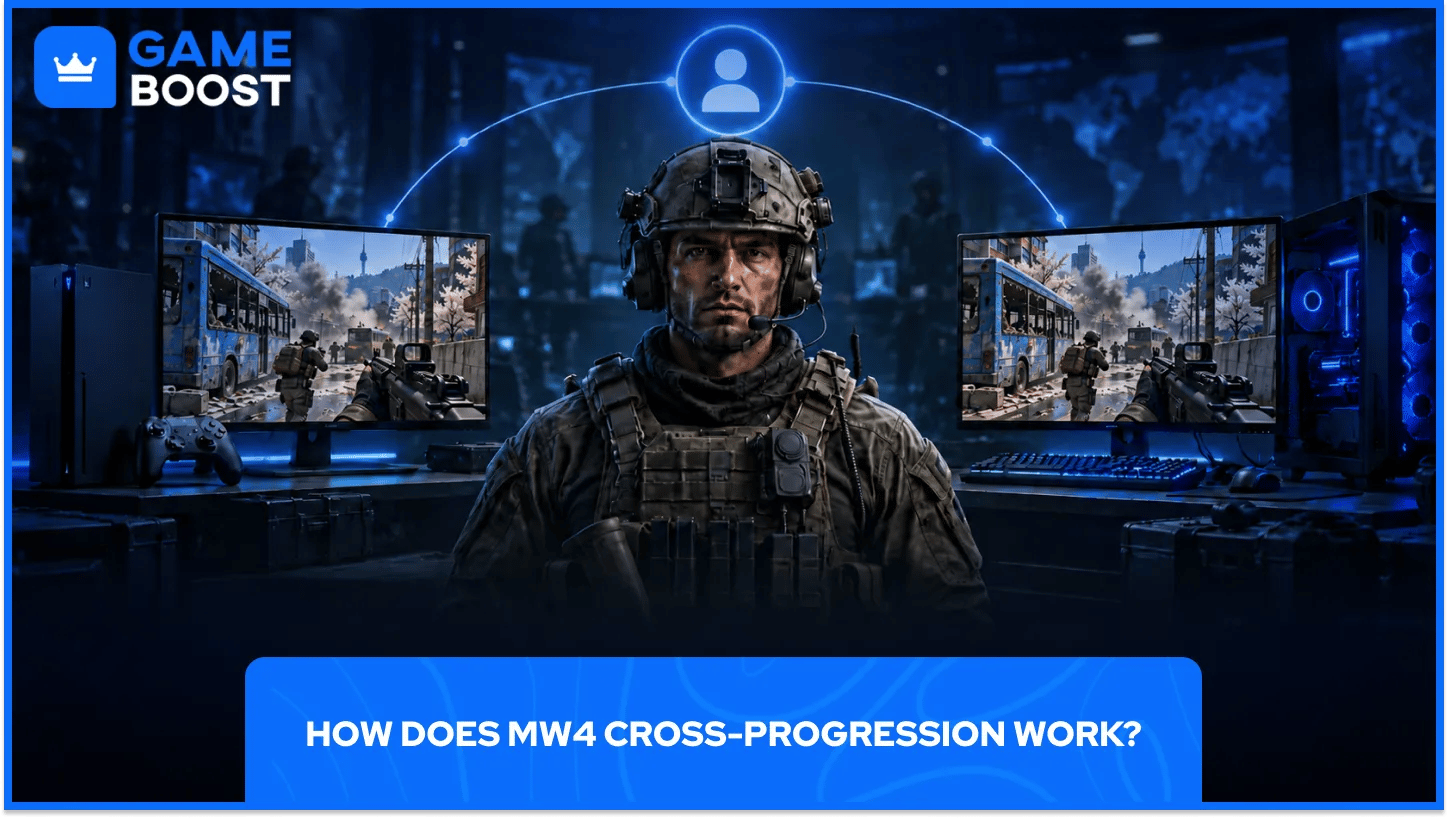
Your online progression follows your Activision account. To continue that profile on another supported platform, link the new platform account to the Activision account you already use.
Before playing on another device:
Sign in to your existing Activision account.
Open Linked Accounts.
Check which platform profiles are already connected.
Link the additional platform account and complete the verification prompts.
Launch MW4 on that platform and check your online profile.
Activision allows one linked account per provider. Read the account details before confirming a link, especially if your browser is already signed in to another platform profile.
If your progression appears missing, check the Activision account first. Linking your platform to a different Activision account doesn't move the original profile into that account.
Don't start unlinking profiles at random to troubleshoot it. Activision applies limits to unlinking, so confirm which account holds your progress before changing those connections.
The MW4 account guidance confirms online progression. It doesn't establish universal Campaign checkpoint synchronization across every supported platform.
Check the relevant storefront's cloud-save features before relying on a story save elsewhere. Xbox Play Anywhere has its own supported-device benefits; those shouldn't be treated as a promise covering every console and PC storefront.
Activision's MW4 currency guidance separates the points balance from the content bought with it.
Content | Cross-Platform Rule |
|---|---|
Purchased COD Points | Spend on the platform where purchased |
COD Points earned through a Battle Pass | Spend on the platform where earned |
Eligible content purchased with COD Points | Shared across linked platforms, with platform-exclusive exceptions |
Most content purchased directly with real money | Restricted to the purchasing platform |
Battle Pass progress and earned content | Follows the same linked Activision account, excluding the COD Points restriction |
If you're buying COD Points, choose the platform where you intend to spend them. Check exclusive-content terms before assuming an entire bundle follows you everywhere.
Battle Pass rules describe how that content works once the relevant pass is available. They don't mean every future seasonal feature is already active in MW4.
You need game access on the version you're launching. Cross-progression by itself doesn't provide a license for every storefront or console.
Xbox Play Anywhere is a relevant exception: qualifying MW4 purchases through the Xbox console or Xbox on PC store provide access on both supported Xbox and PC platforms. That entitlement doesn't extend to a separate Steam, Battle.net, PlayStation, or Nintendo purchase.
Console online access also requires the applicable platform subscription. A friend inviting you from another device doesn't remove that requirement.
If you're comparing MW4 accounts, read the listed platform and game-access details. Progress belongs to the associated Activision profile; a different account won't merge with the profile you already use.
Start with the party and account settings, then test the connection. Reinstalling the game is a lot of work for an invitation sent to the wrong ID.
Problem | First Check |
|---|---|
Friend request doesn't arrive | Full Activision ID, pending requests, and blocked players |
Can't join a friend on another platform | Crossplay choice and platform cross-network permissions |
Party joins but matchmaking fails | Everyone's playlist access, installed updates, and restrictions |
Match works but voice chat doesn't | Audio settings, mute state, and communication permissions |
Profile looks empty after switching devices | Activision account and linked platform profile |
Connection fails even when playing alone | MW4 server status and your platform's online service status |
Have everyone install pending updates and restart the game before rebuilding the party. For a connection problem, check service status before changing your router settings.
If only one player can't connect, have that person test a normal online session alone. That helps separate a general connection issue from a party-specific problem.
For a mixed-platform group, start with the Activision friends list and permissions that allow everyone to join. Copy the full IDs, confirm the party, and choose the same mode before searching. That short setup check can save several rounds of invitations that never arrive.
If you're moving between devices yourself, check the account links and game access before playing. Keep your existing Activision profile connected to the right platform accounts, then review currency and purchase restrictions before spending anything on the new version.
Crossplay settings are worth revisiting when your group changes. Console Only, Off, and unrestricted crossplay serve different party setups, and availability can depend on the playlist and platform. Choose the setting that fits the people you're playing with, then keep a note of any account permissions you changed along the way.
Buy Cheap Call of Duty Game Keys
Call of Duty MW4 Accounts for Sale
Buy Cheap CoD Modern Warfare 4 Items
Cheap Call of Duty Accounts
Buy CoD Items
Call of Duty Points for Sale
View all GameBoost Game Keys
View all GameBoost Accounts
View all GameBoost Boosting Services
View all GameBoost Currencies
View all GameBoost Gift Cards
View all GameBoost Top Ups
View all GameBoost Items
“ Filip Premuš is a seasoned gaming content writer specializing in titles like Steal a Brainrot, Old School RuneScape, and other popular online games. With a sharp focus on accuracy, updates, and in-game strategy, he creates comprehensive guides that help players stay ahead of the meta and make informed decisions.”


