

•Filip Premuš• 10 min read
Call of Duty
Popular searches:
Popular Categories:
Trusted by Millions of Gamers Worldwide

Excellent 4.9 out of 5.0
Based on 719,244+ orders
Re*****cq
Belgium
I got my payment and the service was good
go*****ty
Puerto Rico
almost immediate delivery, great price, and even though i joined on wrong account they were very understanding 10/10
Li*****ll
United States
Was very patient and helpful with his services.
No*****er
United States
It was great and seller was kind
ch*****un
Germany
Very patient, customer friendly. Would reccommend. Thanks!
Cr*****ng
United States
clocked in at 34 seconds, speed demon. seen in 12
Buy MW4 items with quick delivery and GB Coins cashback on every order.

Modern Warfare 4 items include camos, Operator skins, blueprints and Double XP that make your profile stand out and level faster. Most of them take a long run of matches and challenges to earn, and some only come from limited-time promotions. That's why many players buy MW4 items instead of grinding for every one. If you'd rather start fresh with progress already in place, you can browse MW4 accounts for sale instead.
Every item ends up on your own Activision account, which is where Call of Duty saves your level, weapons and cosmetics. Unlocks stay on your account for good and carry over to any platform you've linked.
Camos matter most to many players, since the rarest ones show exactly how much work went into a weapon. Double XP is the other big one, because it speeds up everything else. Each Double XP token doubles the XP you earn for a set time, and its timer only runs while you're in a match. Promo codes add a third layer, with themed skins, charms and calling cards that disappear once a promotion ends.
Call of Duty MW4 items come in six types, and each one targets a different part of the grind:
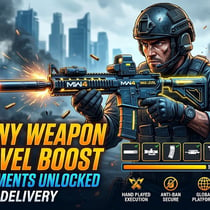
Camo unlocks: Sellers complete the camo challenges on your account, from Platinum on a weapon class up to every mastery camo in a mode.
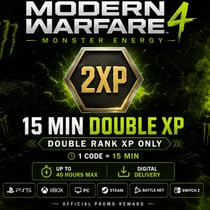
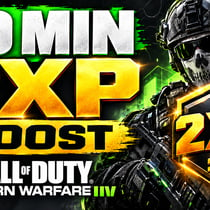
Double XP codes: Player and Weapon 2XP tokens that speed up your level and weapon progress.
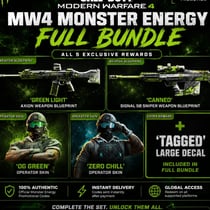
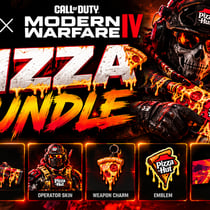
Promo codes: Codes from brand tie-ins like Monster Energy, which unlock themed Operator skins, weapon blueprints and Double XP. You redeem them at callofduty.com/redeem, and each code works once.
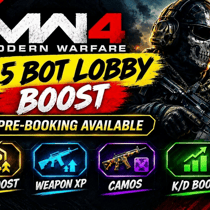
Bot lobbies: Matches filled with bot opponents that you join and play yourself, so every kill counts toward your own challenges.
Leveling: Player level, Prestige, DMZ level or single weapons pushed to their max on your profile.
Campaign completion: Sellers finish the story missions on your account, so you collect the campaign rewards.
Each type is delivered differently, so the product description always shows what the seller needs from you and how long the order takes.
MW4 items reach your account in one of three ways, and the product description says which one applies:
Account login: Camo, leveling and campaign services. You share your login in the order chat, and the seller plays on your account until the goal is reached.
Lobby invite: Bot lobbies. You add the seller in game, accept their invite and play the match yourself.
Redeem code: Double XP and promo codes. Your code appears in the order panel after payment, and the product description says where to redeem it.
Link your platform first: Your Activision account should already be linked to the console or PC you play on, so the unlocks show up there.
Stay off the account: On login services, avoid playing while the seller works, unless the product description says otherwise.
Plan your 2XP: You can use up to one hour of each Double XP type per day, and 40 hours per account across all promotions.
Compare delivery times: Bot lobbies and codes are the quickest, while full camo sets take the longest.
Earning camos and levels the official way means grinding every challenge yourself, match after match. Buying online hands that work to a seller, who sets their own price based on how long the goal takes. That's why a single weapon level costs far less than a full set of mastery camos. Cheap MW4 items like bot lobbies sit right next to full mastery camo services.
Check the delivery method in the product description before you order. Login services, bot lobbies and codes each need something different from you. Codes are one-time use, so redeem each one on the account you play on.
Buying MW4 items takes five steps:
Choose an offer with the Game Version, Platform, Price and Delivery Time filters.
Read the product description to see the delivery method and what's included.
Provide the details the seller needs, like your login for services or your in-game name for bot lobbies.
Click Buy Now and pay for the quantity you want.
Follow the delivery steps in the order chat, or redeem the code from your order panel.
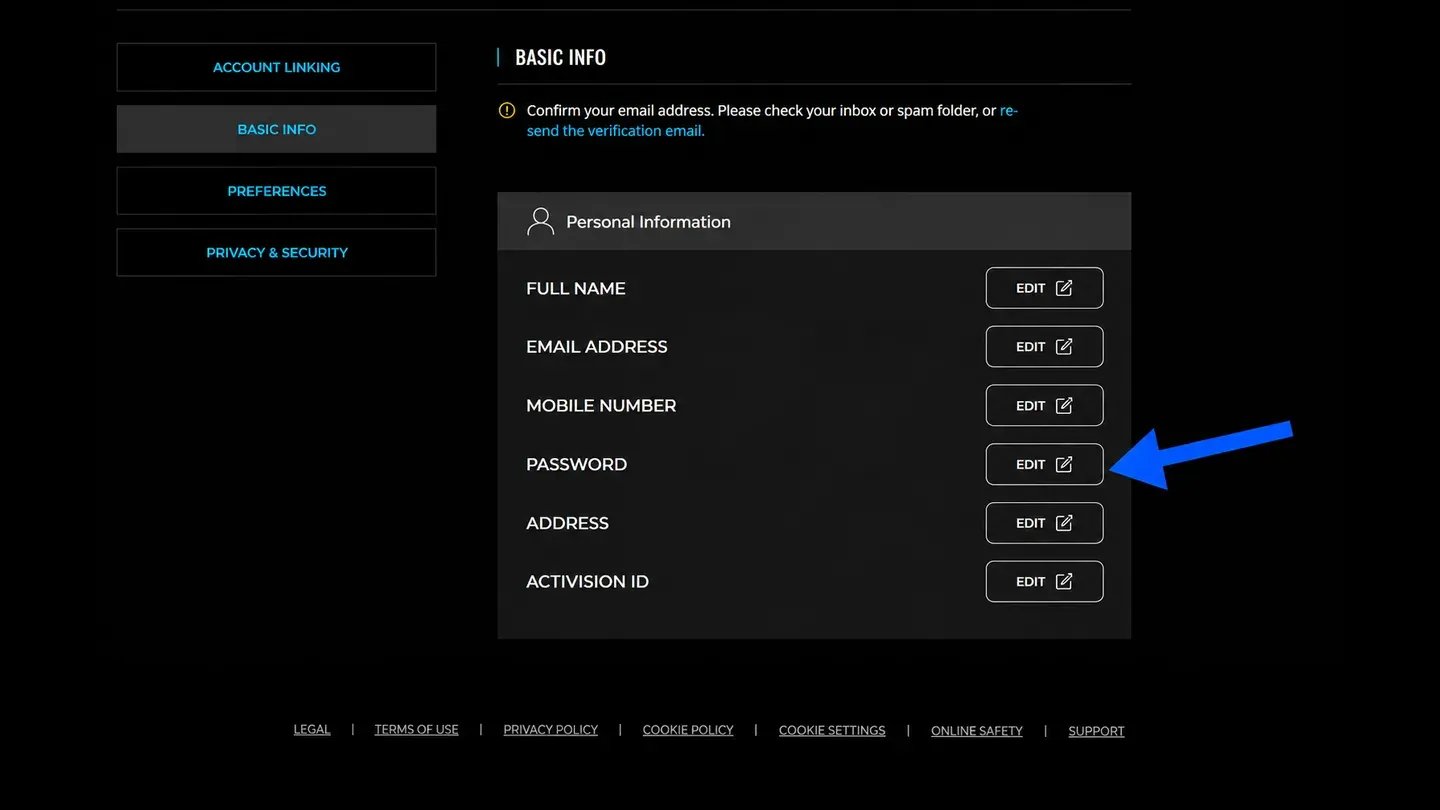
Once the seller finishes, check that the camos or levels are on your account and confirm the order. If you shared your login, change your password on the Activision website under Basic Info afterwards, and turn on two-factor authentication if it's off.
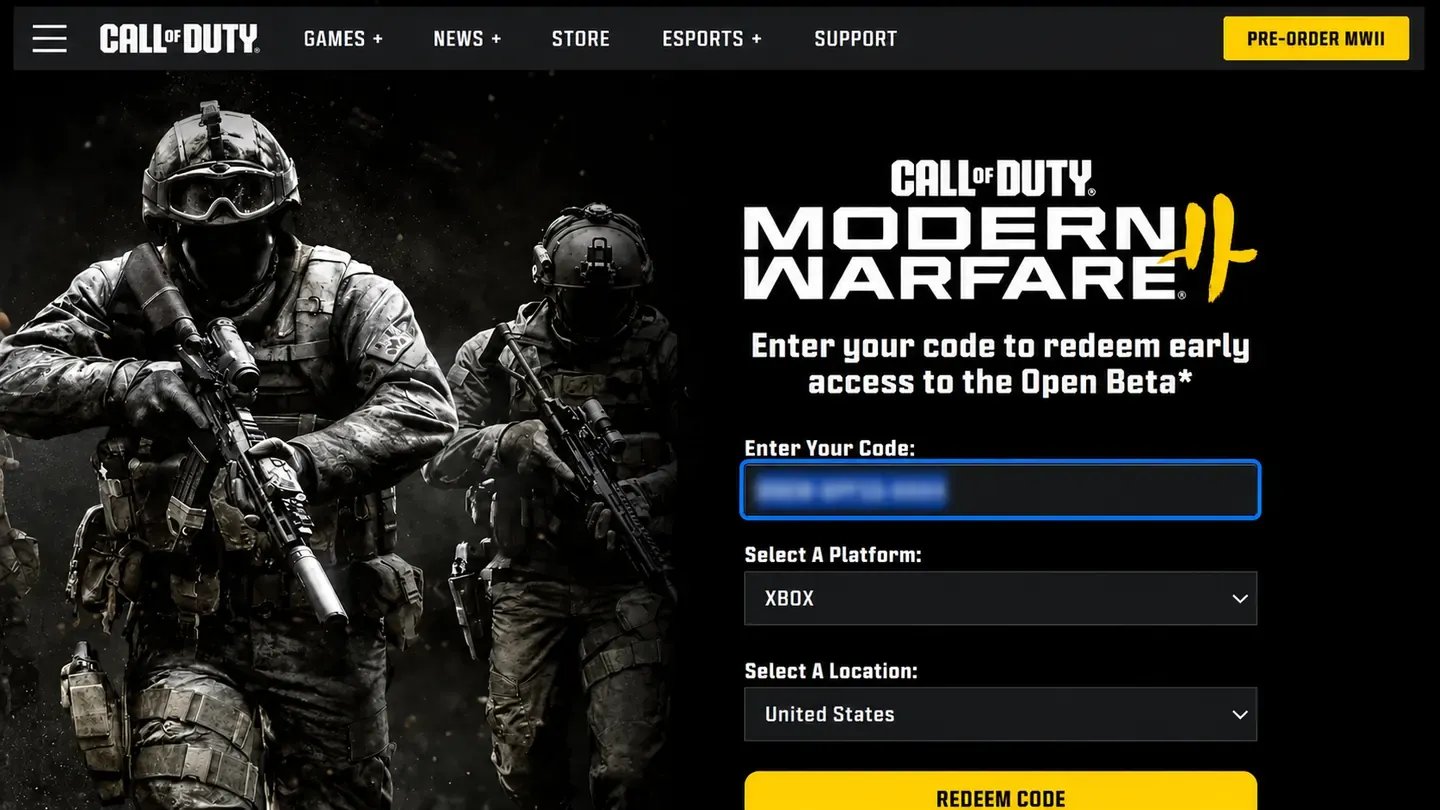
Monster Energy MW4 codes come from the official promotion that runs until March 31, 2027. Your first six redemptions unlock Monster-themed rewards, like Operator skins and weapon blueprints, and every code adds a 15-minute Double XP token. You can redeem one code per day, and if the product description says it's a can code, enter it at callofduty.monsterenergy.com first.
Most MW4 codes, including Monster Energy, Double XP and Call of Duty Shop codes, redeem on the Call of Duty website in four steps:
Go to callofduty.com/redeem in your browser.
Sign in with your Activision account, the one linked to your platform.
Enter the code from your order panel and submit it.
Launch MW4 and find the reward in your inventory, which can take up to 24 hours to appear.
Xbox Store codes work differently, since they redeem through Microsoft, not Call of Duty. Enter them in the Xbox app or at xbox.com/redeem while signed in to your Microsoft account, and the 2XP tokens are added to MW4. If your Activision account isn't linked to your platform yet, link and unlink accounts in Call of Duty first. Rewards also carry over to Warzone from Season 1, as long as you use the same linked profile.
MW4 camos come in four kinds, and mastery camos sit at the top. Military camos unlock as a weapon levels up, Special camos need mode challenges, and Completionist camos like Gold and Platinum need their own. Mastery camos are the hardest to earn, because each mode has its own set across all 33 weapons.
Each mode in Modern Warfare 4 has three mastery camos:
Mode | Mastery camos |
|---|---|
Multiplayer | Mercurial Drift, Polyatomic Reforged, Orion Reforged |
DMZ | Chiral, Ripple Tide, Helio |
Warzone | Parallax, Damascus Reforged, Empyros |
All three mastery sets are available to order, Warzone's Parallax, Damascus Reforged and Empyros included. Sellers offer them per mode, so you only pay for the set you want.
Player level runs from 1 to 55, and reaching 55 lets you Prestige. Classic Prestige resets your unlocks for a 20% XP boost, while Regular Prestige restarts your level but keeps everything. DMZ has its own 70-level track, and every weapon levels up separately, with its Apex Attachment unlocked at max level.
Every seller who works on MW4 items has passed KYC verification before they can list, so each one is checked before taking your order. Each product description shows the delivery method and timing up front. You also stay in touch with the seller the whole way through the order chat.
Buying Modern Warfare 4 items on GameBoost also comes with these perks:
Verified sellers: Each one passes KYC before posting an offer.
Flexible payments: Pay by card, Apple Pay, Google Pay, Paysafecard, Skrill or crypto.
Order chat: Talk to the seller directly from your order page at any time.
GB Coins: Every order earns 3% cashback toward your next purchase.
24/7 support: Real people answer questions about your order at any hour.
Prices vary because each seller prices their service by the work involved and the delivery time. Comparing a few offers is the easiest way to find cheap Modern Warfare 4 items that still cover the goal you want.
GameBoost is a safe place to find MW4 items for sale since every seller is KYC-verified and every order is protected. For anything else, you can open a support ticket at any time.
Service offers need your account login, so keep it handy along with access to the email on your Activision account. For bot lobbies, have the game open on the platform you'll play on.
Starting from gameboost.com, buying MW4 items takes five steps:
Search for Call of Duty in the search bar and open Items.
Select Modern Warfare 4 in the Game Version filter.
Open an offer and read the product description.
Choose the quantity and fill in any details the product description asks for.
Click Buy Now, pick a payment method and click Pay Now.
After payment, your order opens in My Orders with a chat to the seller. Codes show up in the order panel, while services start once the seller has what they need from you.
“GameBoost is not affiliated, endorsed, sponsored, or authorized by Activision, Inc., Call of Duty, or any of its subsidiaries or affiliates. Activision, Inc.’s official website can be found at: https://www.activision.com. The name Call of Duty, as well as related names, marks, emblems, and images are registered trademarks of their respective owners. Use of trademarks is covered by fair use principles under EU Regulation 2017/1001, Article 14.”