

•Mario Juričević• 14 min read
Raid Shadow Legends

Raid Shadow Legends is a free-to-play RPG, available on PC, iOS, and Android. With years of progress, rare champions, and real money invested, losing access to your account is one of the worst things that can happen as a player.
Account issues come in different forms. Some players get locked out after forgetting their login credentials or losing access to a linked email. Others discover their account has been taken over entirely, with champions deleted, shards opened, or the account name changed without their doing.
The good news is that Plarium stores all accounts on its servers, meaning access can be restored regardless of how it was lost. The process, however, requires knowing the right steps to take and what information to have ready before reaching out.
In this article, we'll explore how to handle both situations, what to expect from Plarium's support process, and how to protect your account from future issues.
Also Read: How to Get Gems in Raid Shadow Legends
If your account has been taken over, change your password immediately and submit a support ticket with your Player ID and purchase screenshots.
Plarium will send an automated email first, respond to it, and their team will follow up within a few days, requesting more details.
Locked accounts caused by a forgotten password can be fixed through the "Forgot Password" option on the Plarium login page.
If you lost access to your linked email, recover the email account first before contacting Plarium.
Enable two-factor authentication through Plarium Play to block unauthorized logins and get notified of suspicious activity.
Keep purchase receipts or screenshots saved, as this is the main way Plarium confirms account ownership during recovery.
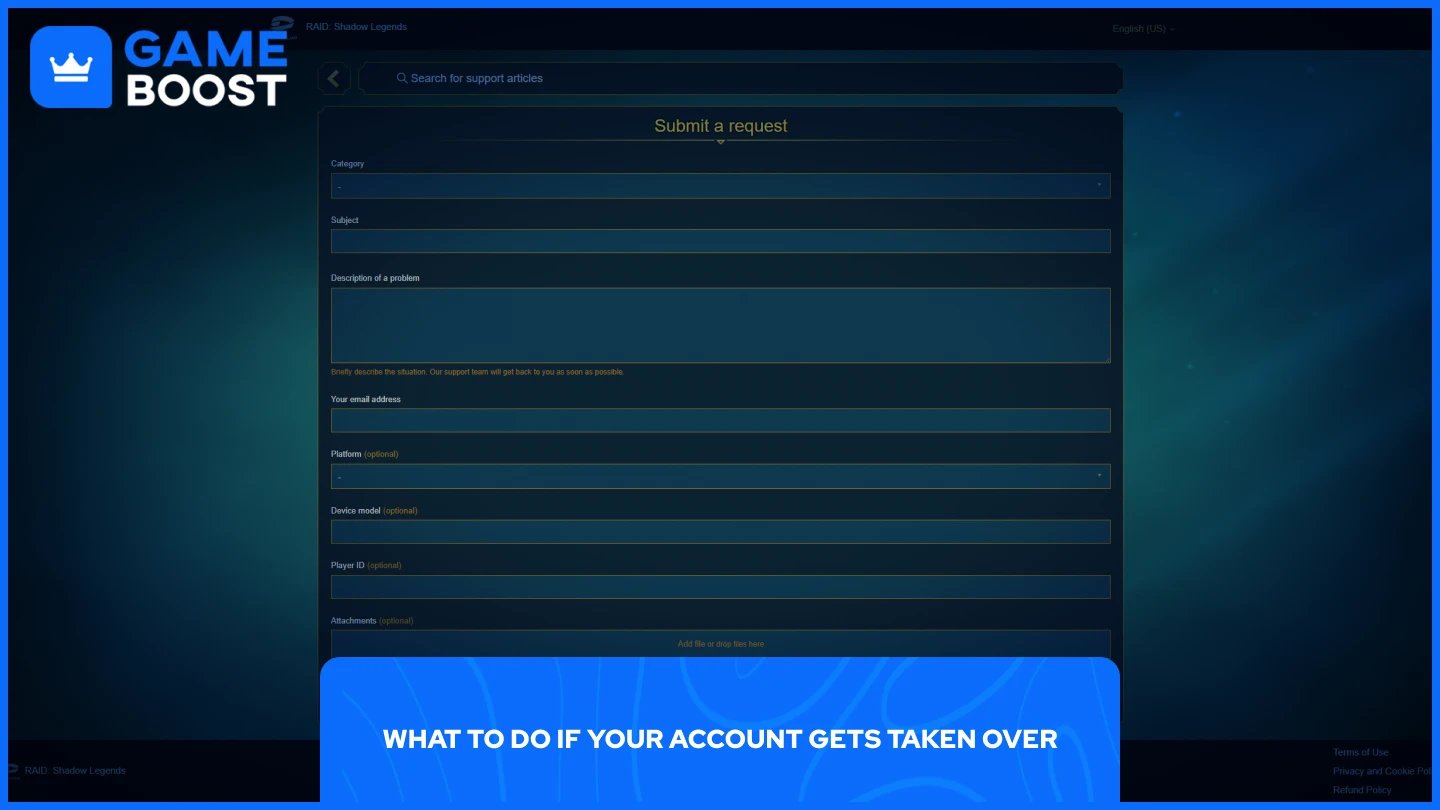
Finding out that someone else has access to your account is stressful, especially when you've spent time and money building your account. The first thing to do is change your Plarium account password immediately, and if your linked email has also been compromised, secure that first before anything else.
Once your password is updated, contact Plarium Support by submitting a ticket. When you do, include as much information as possible. Your Player ID, screenshots of any purchases you've made, and details about your account, such as champions you own or events you've participated in. The more proof you can provide that the account is yours, the better your chances of a quick resolution.
After submitting your ticket, you'll receive an automated email first. Respond to it, and within a few days, Plarium's support team will follow up asking for additional details. At that point, provide everything they request as clearly as possible. The process can take anywhere from a few days to a couple of weeks, depending on the complexity of your case, so patience is important here.
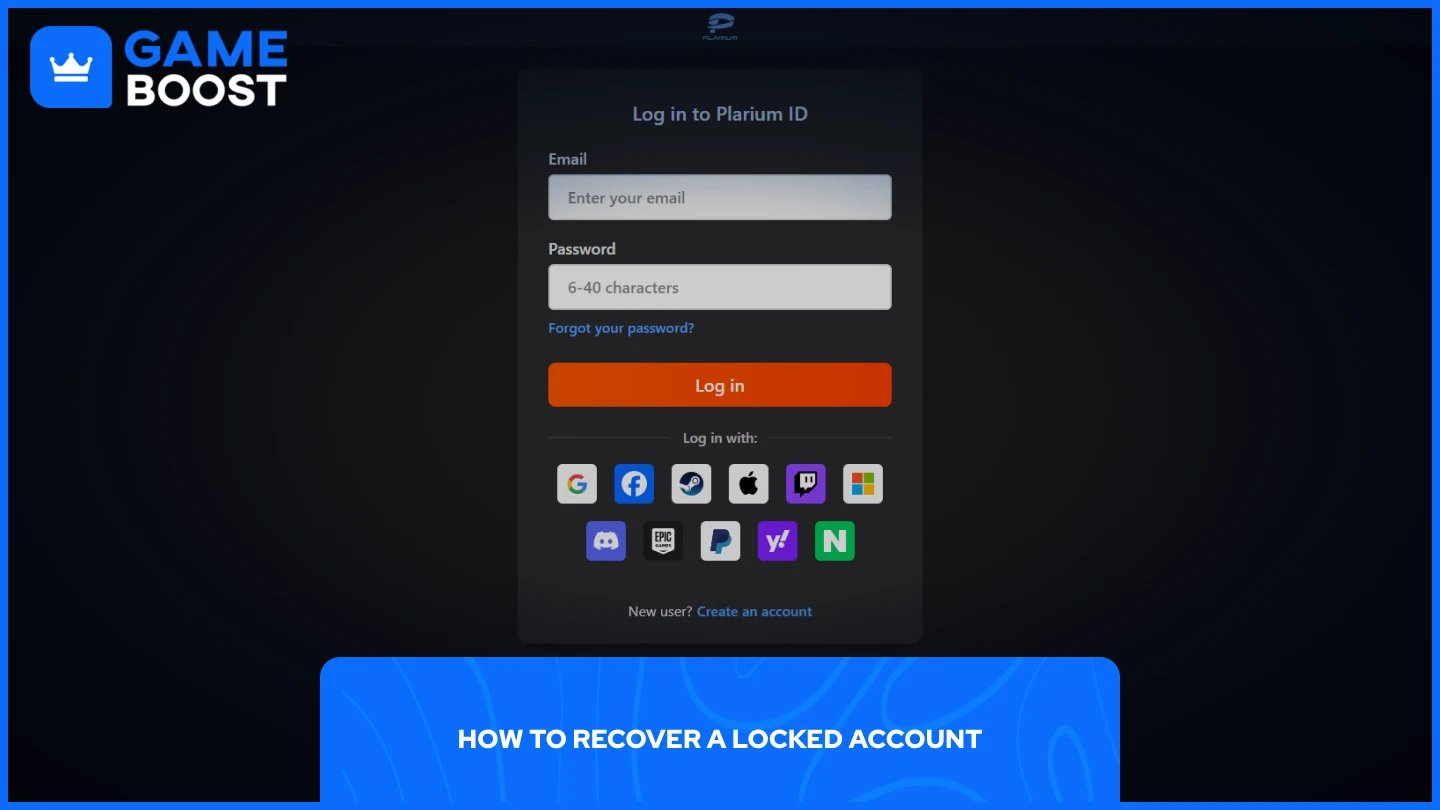
The most common reasons players lose access are a forgotten password, a lost email address, or an account that was never linked to a Plarium ID in the first place. Here's how to approach each situation:
If you've forgotten your password, go to the Plarium login page and use the "Forgot Password" option. A reset link will be sent to your registered email address.
If you've lost access to your linked email, recover that email account first through your email provider before attempting anything with Plarium.
If your account was never linked to a Plarium ID, Facebook, or Apple ID, recovering it becomes harder. Contact Plarium Support directly and provide your Player ID along with any purchase receipts to verify ownership.
If you accidentally deleted your Plarium ID, check your inbox for the recovery email Plarium automatically sends after deletion. Use the link in that email to restore the account.
If none of the above work, submitting a support ticket is the next step. Include your Player ID, the email you believe was associated with the account, and any purchase history you have available.
Also Read: All Raid Shadow Legends Promo Codes
Recovering a hacked or locked account is a frustrating process, and there's no guarantee everything will be restored the way you left it. Protecting your account from the start is the better approach.
The most important step is enabling two-factor authentication on your Plarium account. You can do this through Plarium Play by clicking on your profile and navigating to the security settings. With 2FA active, anyone attempting to log in from an unrecognized device will be blocked, and you'll be notified immediately.
Beyond that, use a strong and unique password for your Plarium account, and avoid reusing passwords from other platforms. If one of those platforms gets breached, your Raid account becomes an easy target. It's also worth keeping records of your purchase history, such as screenshots or email receipts, as this is the primary way Plarium verifies ownership during any account recovery process.
Losing access to your Raid Shadow Legends account is a serious situation, but it's recoverable in most cases as long as you act quickly and provide Plarium with the right information. The support process isn't always fast, so submitting your ticket early and responding promptly to their follow-up emails will make a real difference. Going forward, enabling 2FA and keeping your purchase receipts saved somewhere accessible are the two simplest things you can do to avoid going through this again.
“ Mustafa Atteya has been writing about gaming and esports since 2023, specializing in competitive game content and player improvement guides. At 25, he brings both hands-on gaming experience and professional SEO writing expertise to the GameBoost team.”