

•Filip Premuš• 9 min read
Call of Duty
Black Ops 7 launched with multiple Twitch drops campaigns that rewarded viewers with exclusive in-game cosmetics just for watching streams. These limited-time promotions ran during the game's pre-launch period, offering players free emblems, calling cards, weapon blueprints, and even early beta access codes.
The Twitch drops system for Call of Duty allows players to earn rewards simply by tuning into streams on the platform. Each campaign features specific watch time requirements, with better rewards unlocking as you spend more time watching and participating. Once you meet the time thresholds, you claim the drops through your Twitch inventory, and they transfer directly to your Call of Duty account.
This guide covers everything about the Black Ops 7 Twitch drops system, from the rewards that were available to the claiming process and troubleshooting tips.
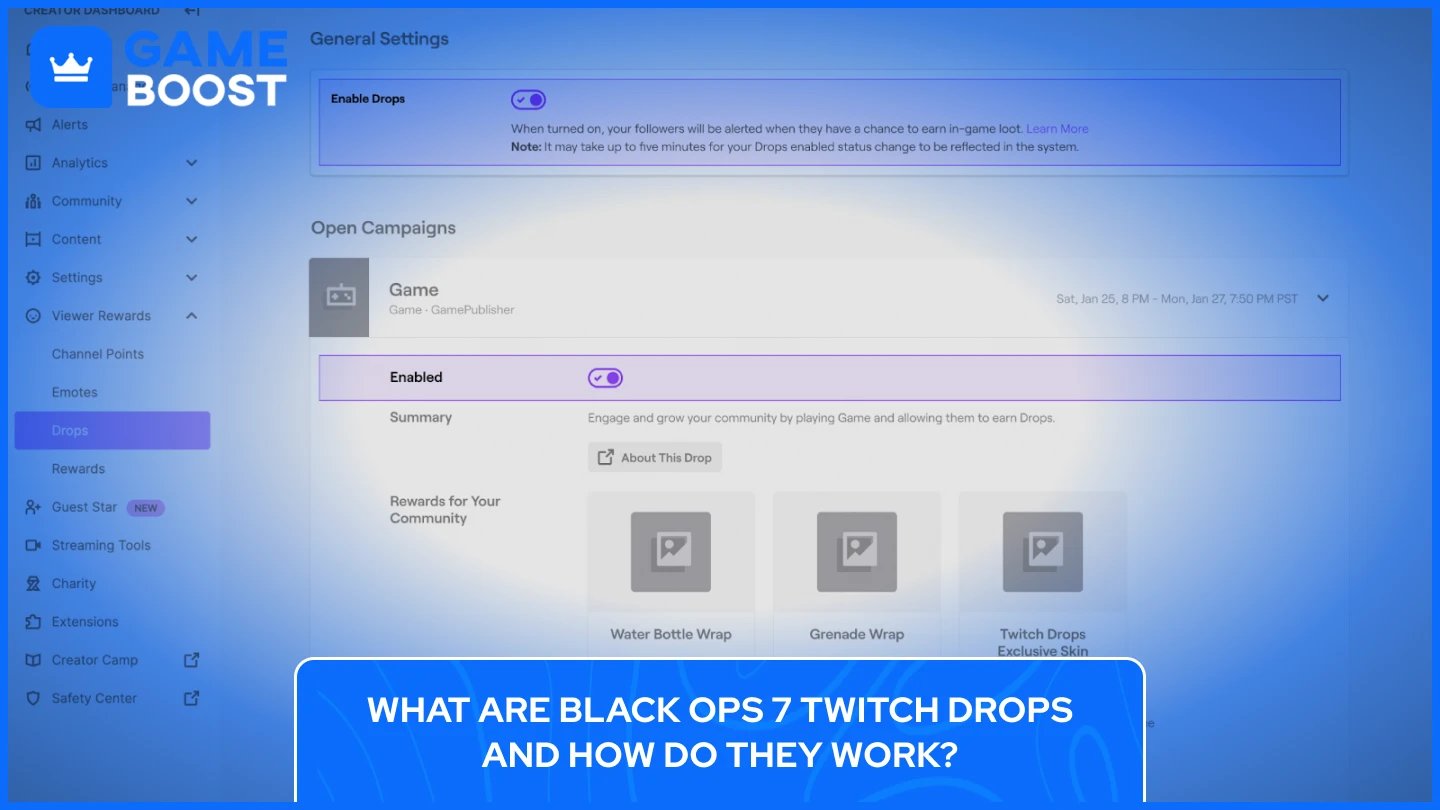
Twitch drops are free in-game rewards that viewers earn by watching live streams on Twitch. For Black Ops 7, Activision partnered with Twitch to offer exclusive cosmetic items during specific promotional windows, giving players an incentive to watch Call of Duty content creators and official broadcasts.
The system operates on watch time requirements. When you tune into a stream that has drops enabled, Twitch automatically tracks how long you've been watching. Once you hit certain time milestones, typically ranging from 15 minutes to several hours, you unlock rewards that you can claim and use in Black Ops 7.
These drops only work on streams that display the "Drops Enabled" tag, which appears on channel pages during active campaigns. You need to watch streams in the Call of Duty: Black Ops 7 category with your Twitch account signed in, and your Twitch account must be linked to your Activision profile before any watch time counts toward rewards.
The rewards themselves are cosmetic items like emblems, calling cards, weapon charms, stickers, and blueprints. They don't affect gameplay, but let you customize your in-game appearance and show off exclusive items that were only available during limited campaign windows. For Black Ops 7, Activision ran two distinct campaigns: one during the COD Next reveal event and another throughout the open beta period, each offering different rewards with separate watch time requirements.
The first Black Ops 7 Twitch drops campaign launched on September 30, 2025, during the COD Next event. This one-day promotional window gave viewers the chance to earn exclusive cosmetics and, most importantly, an early access beta code by watching the official Call of Duty broadcast. The campaign ran exclusively during the COD Next livestream, which aired on both the Call of Duty Twitch and YouTube channels.
Here are all Twitch Drop Rewards players could earn during the COD Next campaign stream:
Watch Time | CoD Twitch Drop Reward |
|---|---|
15 Minutes | "COD NEXT" Emblem |
30 Minutes | "COD NEXT" Calling Card |
45 Minutes | "BO7" Charm |
60 Minutes (Twitch Only) | Black Ops 7 Early Access Beta Code |
The beta code didn't appear in the standard Twitch drops inventory. Instead, Activision delivered codes directly to users' Twitch notifications, which caused confusion for many players who expected to find them in their drops page. Some viewers experienced delays receiving their codes, but Activision confirmed that everyone who met the one-hour watch requirement would receive their code before the early access period began on October 2.
The cosmetic rewards earned during COD Next became available in the full game when Black Ops 7 when launched. Players needed to claim these rewards from their Twitch drops inventory within 48 hours of the event ending.
Also Read: Call of Duty Black Ops 7 Beta: Everything You Need to Know
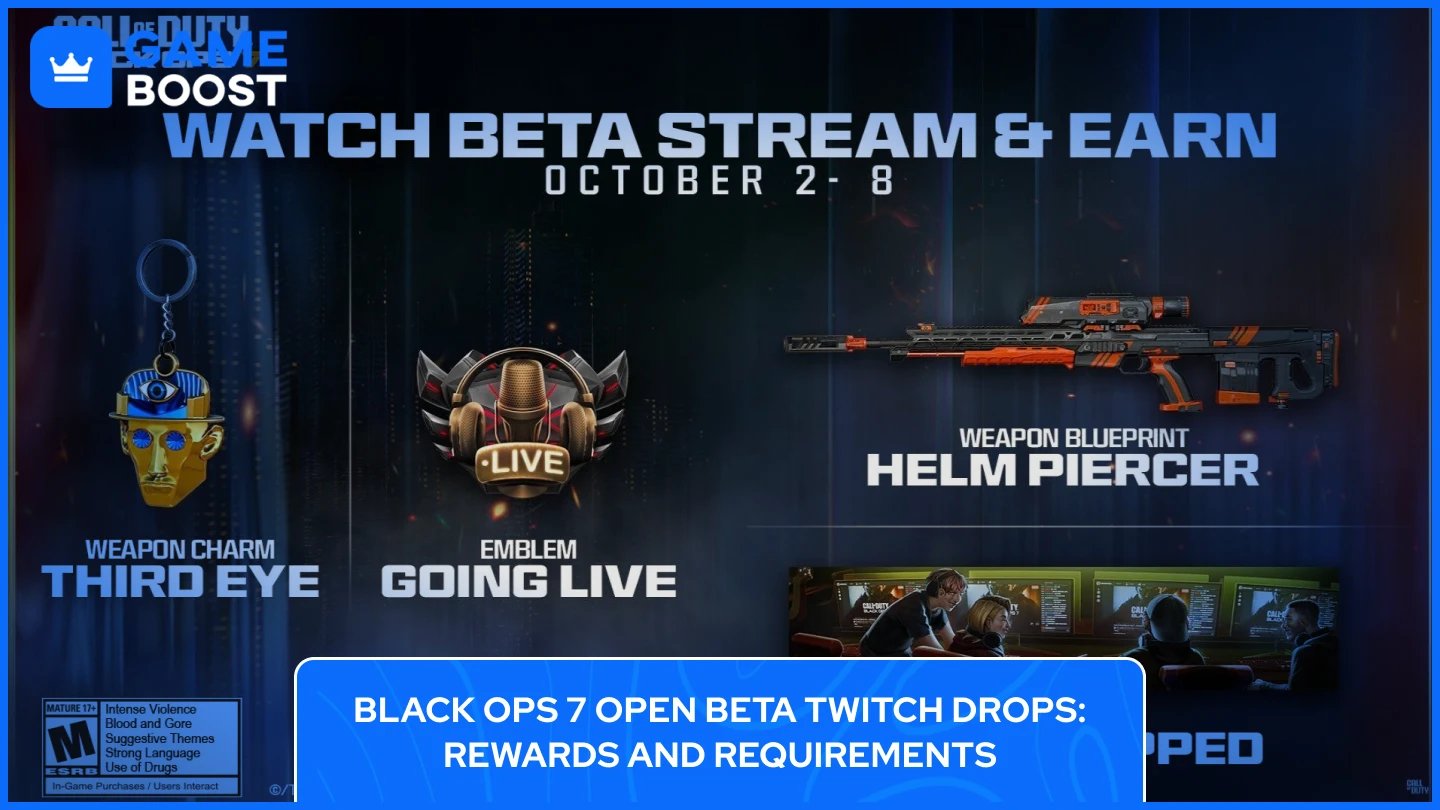
The second Twitch drops campaign ran from October 2 to October 8, 2025, ending with the Black Ops 7 open beta period. This campaign offered a longer reward ladder compared to COD Next, with four tiers of cosmetic items. This event only aired on official Call of Duty channels, but the open beta drops were available on any Twitch stream in the Call of Duty: Black Ops 7 category that had drops enabled
The campaign officially ended on October 8, 2025, at 12:59 PM ET, when the open beta finished. Players needed to claim their drops from the Twitch inventory before this deadline, as rewards weren't available retroactively after the campaign ended.
Here's the complete list of CoD Twitch rewards for the open beta campaign:
Watch Time | CoD Twitch Drop Reward |
|---|---|
1 Hour | "Beta - Going Live!" Emblem |
2 Hours | "Beta - Beta Prepped" Calling Card |
3 Hours | "Beta - All Systems Go" Weapon Sticker |
4 Hours | "Overclock" Weapon Blueprint |
The "Overclock" weapon blueprint represented the top-tier reward, requiring players to watch a full four hours of the streams. This blueprint became one of the most valuable items from the beta period, as it offered a unique weapon design that wouldn't be available through any other means.
All rewards earned during the open beta campaign became usable in the full Black Ops 7. Players who claimed their drops during the beta period found these items waiting in their inventory on launch day, ready to equip and show off to other players.
Players could track their progress in real time through the Twitch drops inventory page, which displayed exactly how much time remained until the next reward unlocked.
Twitch drops require your Twitch account to be connected with your Activision account before any watch time counts toward rewards. Without this link, you can watch streams for hours and never receive anything. The linking process takes just a few minutes and needs to be completed only once.
Here are the steps on how to link your Activision and Twitch accounts:
Visit the Call of Duty website and sign in to your Activision account. Create one if you don't have an account yet.
Click your username in the top right corner and select "Account Linking" from the dropdown menu.
Find the Twitch logo under "Social Networks" and click the "Link Account" button next to it.
Sign in to your Twitch account when the authorization window opens. Make sure you're using the Twitch account you plan to watch streams on.
Click "Authorize" to allow Activision to connect with your Twitch account.
Link your gaming platform account (PlayStation Network, Xbox Live, Steam, or Battle.net) in the same Account Linking section.
Verify that both accounts show "Connected" status or green checkmarks on the Account Linking page.
The connection works across all Call of Duty titles, so you only need to link your accounts once. Future Twitch drops campaigns will automatically work with the same linked accounts.
Also Read: Is Call of Duty Black Ops 7 Cross-Platform? Everything to Know
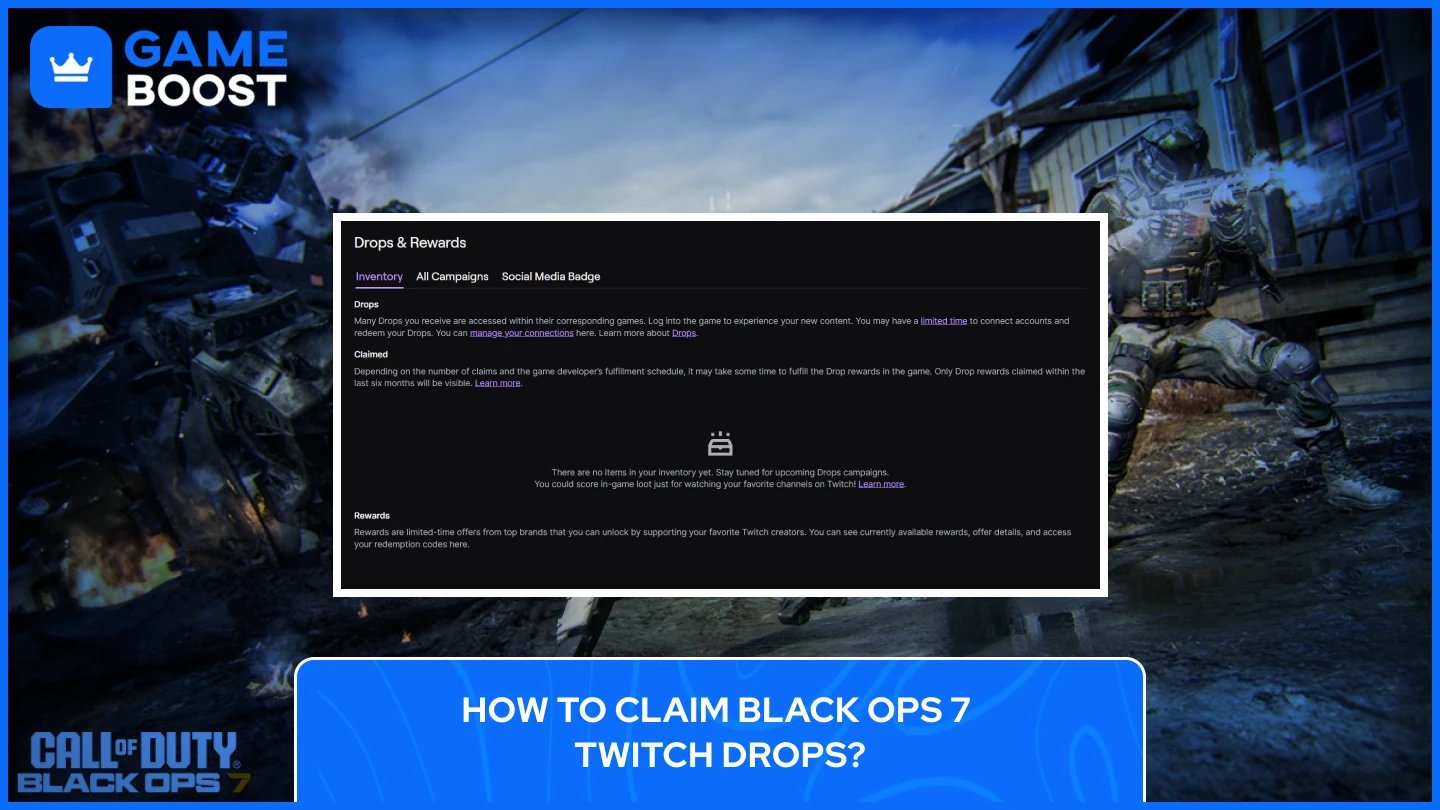
After linking your accounts, you need to find eligible streams and watch them for the required time to earn drops. The claiming process involves tracking your progress and manually claiming each reward from your Twitch inventory.
Go to Twitch and navigate to the Call of Duty: Black Ops 7 category.
Look for streams with the "Drops Enabled" tag. This tag confirms that watching this stream will count toward your drop progress.
Start watching the stream.
Muted tabs or background windows may not count toward watch time, so keep the stream as an active tab in your browser.
Track your progress by visiting twitch.tv/drops/inventory to see how much remains until your next reward unlocks.
Claim each reward once it becomes available. A notification appears at the top of the Twitch navigation bar when a drop is ready. Click the notification or go to your drops inventory and press "Claim" next to each reward.
Wait up to 24 hours for claimed rewards to appear in Black Ops 7. If the game is running when you claim a drop, restart it to see your new items.
You can only earn progress from one stream at a time. Watching multiple streams simultaneously doesn't speed up the process. The rewards transfer automatically to your Call of Duty account after claiming them on Twitch, and they'll appear in your in-game inventory once the sync completes.
Players encountered various problems during the Black Ops 7 Twitch drops campaigns. Here are the most common issues that can pop up with BO7 Twitch Drops and how to fix them.
The COD Next beta codes never appeared in the standard Twitch drops inventory. Activision sent these codes directly to Twitch notifications instead. Check your Twitch notifications by clicking the bell icon at the top of the Twitch page. The code appears as a message, not as a claimable drop.
If your progress bar isn't moving, confirm your accounts are still linked by visiting the Account Linking page on the Call of Duty website. Sometimes the connection breaks and needs to be reestablished. After relinking, refresh the stream page. The channel must also display the "Drops Enabled" tag for watch time to count.
Activision's system takes up to 24 hours to sync rewards between Twitch and Call of Duty accounts. If you claimed a drop and don't see it immediately, wait a full day before troubleshooting further. Restart Black Ops 7 completely if the game was running when you claimed the reward, as items won't appear until after a fresh launch.
Many players didn't receive their beta codes during the COD Next broadcast on September 30. Activision confirmed that codes rolled out gradually over the following days. Everyone who Black Ops 7 Twitch Drops Troubleshooting before the early access period started on October 2, but some waited 24-48 hours after the event ended.
If the linking page shows an error or won't connect your accounts, try signing out of both Twitch and Activision, then clearing your browser cache. Sign back into Activision first, then attempt the Twitch linking process again. Using a different browser sometimes resolves persistent connection issues.
Also Read: Call of Duty Black Ops 7 System Requirements
The two Black Ops 7 Twitch drops campaigns rewarded viewers with exclusive cosmetics that remain unavailable through any other method. Players who linked their accounts and watched eligible streams during the COD Next event and open beta period secured limited-time items for the full game.
Activision consistently runs similar promotions for Call of Duty titles around major events, seasonal updates, and tournaments. The account linking process remains the same across all campaigns, so keeping your Twitch and Activision accounts connected ensures you're ready when new opportunities arrive. Future drops campaigns will likely follow the same format: watch eligible streams, claim rewards from your Twitch inventory, and wait for items to sync.
Follow official Call of Duty social media channels and check the Call of Duty blog for announcements about upcoming Twitch drops. Campaigns typically get revealed a few days before they start, giving you time to prepare for the viewing windows and plan your watch time around the reward tiers you want to unlock.
“ Kristina joined GameBoost in 2024 as an SEO specialist and quickly became the go-to writer for third-person shooter and competitive games. She covers titles like Fortnite, Valorant, League of Legends, GTA 5, and Roblox, focusing on how-to guides, practical tips, and updates.”