

•Hamza Rashid• 5 min read
League of Legends
League of Legends is a free-to-play MOBA developed by Riot Games, and one of the most played competitive titles in the world. Creating an account takes just a few minutes, but there are a few things worth knowing before you dive in, like region selection, which locks your account to a specific server, and the grind to level 30 required before ranked mode unlocks.
Your Riot account also isn't just for League. The same login gives you access to Valorant, Teamfight Tactics, and Legends of Runeterra, so getting set up here covers you across Riot's entire catalog.
In this article, we'll explore how to create a League of Legends account step-by-step, what to keep in mind during setup, and how to get your account ready for ranked play.

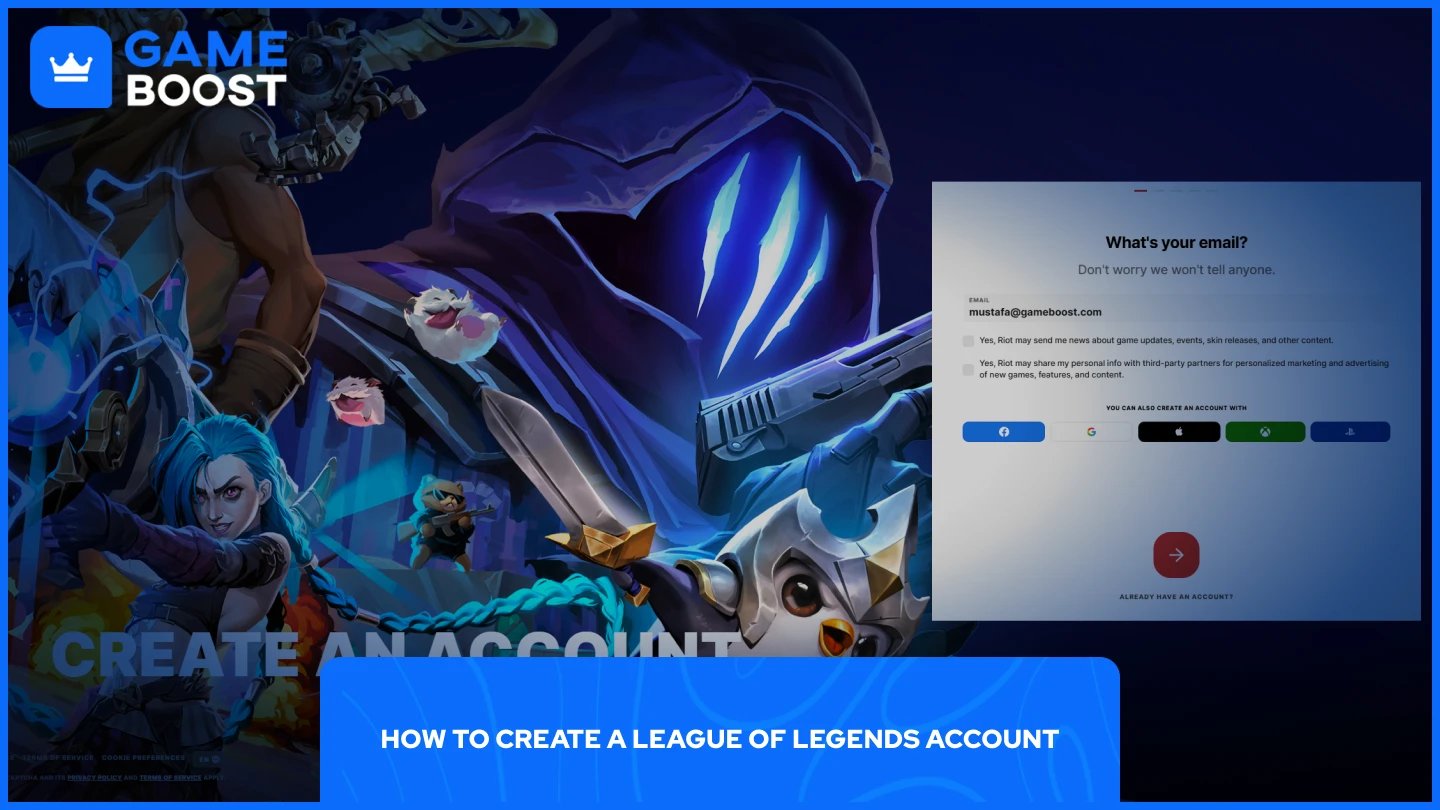
Creating a League of Legends account is done through Riot Games' official website, since League runs on the Riot Client alongside Valorant, TFT, and other Riot titles. The whole process takes a few minutes. Here's how to do it:
Go to account.riotgames.com and click "Create Account."
Enter a valid email address and click "Continue."
Enter your date of birth and click "Continue."
Create your username and password, then click "Continue."
Check your inbox for a verification email and click the confirmation link.
Download the Riot Client and log in with your credentials.
Select League of Legends from the launcher and install the game.
Once installed, you'll be prompted to set your Summoner Name the first time you log in. This is the name other players will see in-game, and it can be changed later.
Also Read: All League of Legends Champions by Release Date
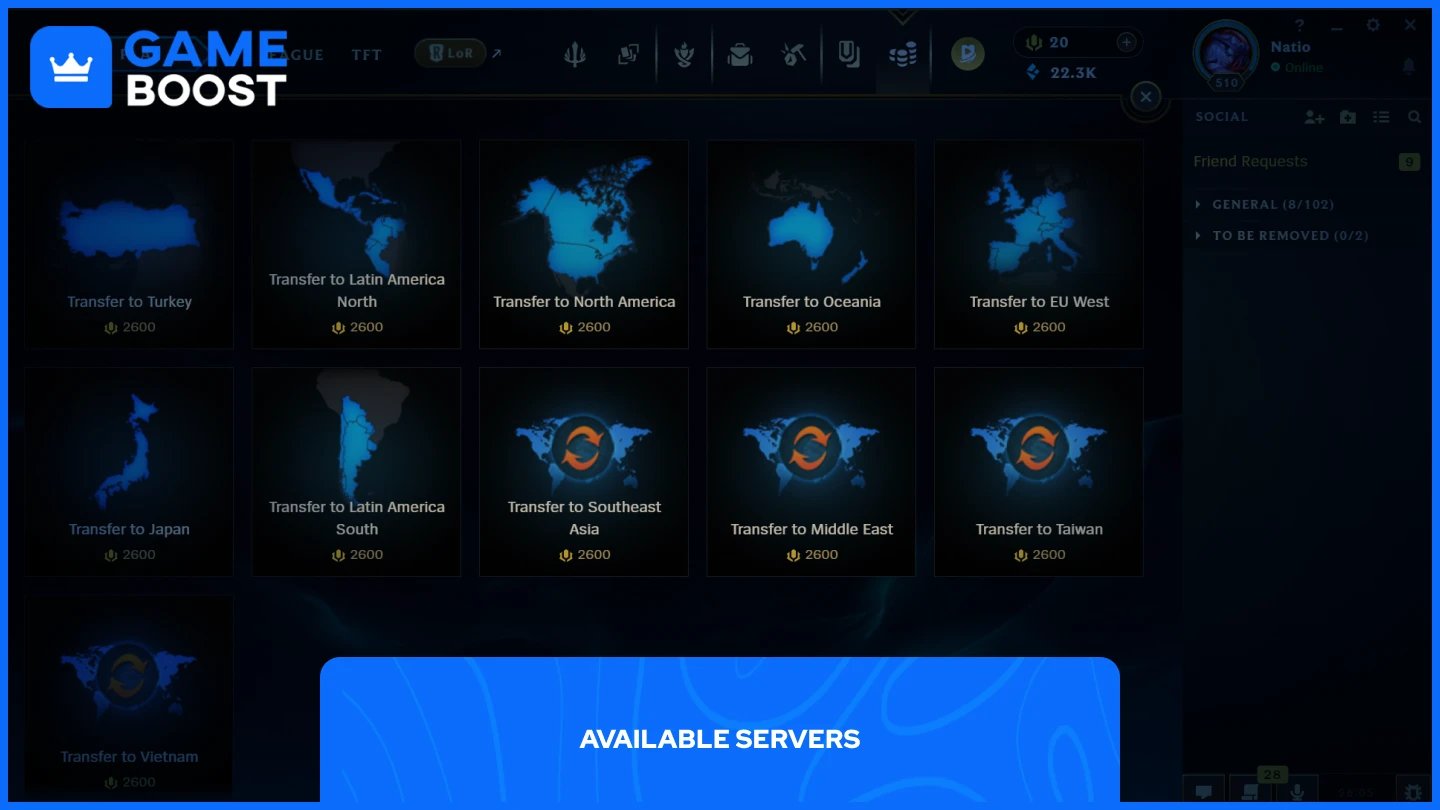
League of Legends accounts are region-locked, an account created for one region cannot log in to another region's client. You select your server the first time you launch the game, so it's worth knowing your options before you start.
Server | Region |
|---|---|
North America (NA) | United States, Canada |
Europe West (EUW) | Western Europe |
Europe Nordic & East (EUNE) | Northern & Eastern Europe |
Brazil (BR) | Brazil |
Latin America North (LAN) | Mexico, Central America |
Latin America South (LAS) | South America |
Oceania (OCE) | Australia, New Zealand |
Japan (JP) | Japan |
Russia (RU) | Russia |
Turkey (TR) | Turkey |
Southeast Asia (SEA) | Singapore, Malaysia, Indonesia, Philippines, Thailand |
Taiwan (TW) | Taiwan, Hong Kong, Macau |
Middle East (ME) | Middle East & North Africa |
Vietnam (VN) | Vietnam |
Note: Thailand and the Philippines merged into the Southeast Asia server in January 2025 with patch 15.1.
Two servers have special requirements worth knowing about. The Korean server requires a Korean ID to play, meaning non-Korean residents effectively cannot access it. The Chinese server runs on a separate Tencent client, and Riot does not support account transfers to it.
If you want to switch servers after creating your account, a transfer costs 2,600 RP (approximately $20), is one-way, and will reset your ranked progress, friends list, and server-specific data. Pick the server closest to your location for the best ping, and make sure your friends are on the same one, you can't play with someone on a different server without one of you transferring.
Also Read: Rarest League of Legends Skins and How To Get Them
Not right away. To access Ranked Solo/Duo or Ranked Flex, your account must be at least level 30, you must own at least 20 champions, and you must have completed at least 10 full Normal Summoner's Rift games.
Champions can be unlocked using Blue Essence, which you earn by leveling up and opening Champion Capsules. The rotation of free-to-play champions doesn't count toward the 20 required for ranked, so you'll need to own them outright.
Once all three requirements are met, you'll play placement matches that determine your starting rank, from Iron at the bottom up to Challenger at the top.
Also Read: How Many Times Has Faker Won Worlds?
Creating a League of Legends account is straightforward, but the decisions you make during setup, particularly your server choice, have long-term consequences. Pick the right region from the start, grind to level 30, unlock 20 champions, and you'll have full access to everything the game offers, including ranked.
Buy LoL Skins
Buy Riot Points
League of Legends Boosting Service
LoL Accounts
View all GameBoost Accounts
View all GameBoost Boosting Services
View all GameBoost Currencies
View all GameBoost Game Keys
View all GameBoost Gift Cards
View all GameBoost Top Ups
View all GameBoost Items
Counter-Strike 2 Skins
“ Mustafa Atteya has been writing about gaming and esports since 2023, specializing in competitive game content and player improvement guides. At 25, he brings both hands-on gaming experience and professional SEO writing expertise to the GameBoost team.”