

•Filip Premuš• 6 min read
Gift Cards
Microsoft gift cards are a flexible way to add funds to your Microsoft account. Whether you’re grabbing Xbox games, a PC title from the Microsoft Store, or renewing your Game Pass subscription, redeeming one takes less than a minute. Here’s how to redeem a Microsoft gift card across all platforms—including Xbox, Windows, and mobile.
Also Read: How to Redeem iTunes Gift Card (Step-by-Step Guide)
Microsoft gift cards can be redeemed via browser, Xbox console, or Windows Store.
Balance is added to your Microsoft account and can be used across Xbox and Windows platforms.
Gift cards can be digital or physical—you’ll need a 25-character code to redeem.
The balance is region-locked and non-transferable.
Microsoft gift cards do not expire once redeemed.
A Microsoft gift card is a prepaid digital or physical card used to add funds to your Microsoft account. This balance can be spent on games, apps, movies, or subscriptions like Xbox Game Pass and Microsoft 365. Unlike Xbox Live Gold cards, which apply directly to subscriptions, a Microsoft gift card gives you general-purpose store credit.
You can redeem your code through any of these platforms:
Go to the Microsoft Redeem Page
Sign in to your Microsoft account.
Enter your 25-character code (no dashes needed).
Confirm to add the funds to your account.
Press the Xbox button to open the guide.
Select Store > Redeem.
Enter your code manually using the on-screen keyboard.
Hit Next to apply the balance to your account.
Open the Microsoft Store app.
Click your profile icon > Redeem Code or Gift Card.
Paste or type your 25-character code
Click Next to confirm redemption.
You can also scan QR codes with the Xbox app or redeem via mobile browsers.
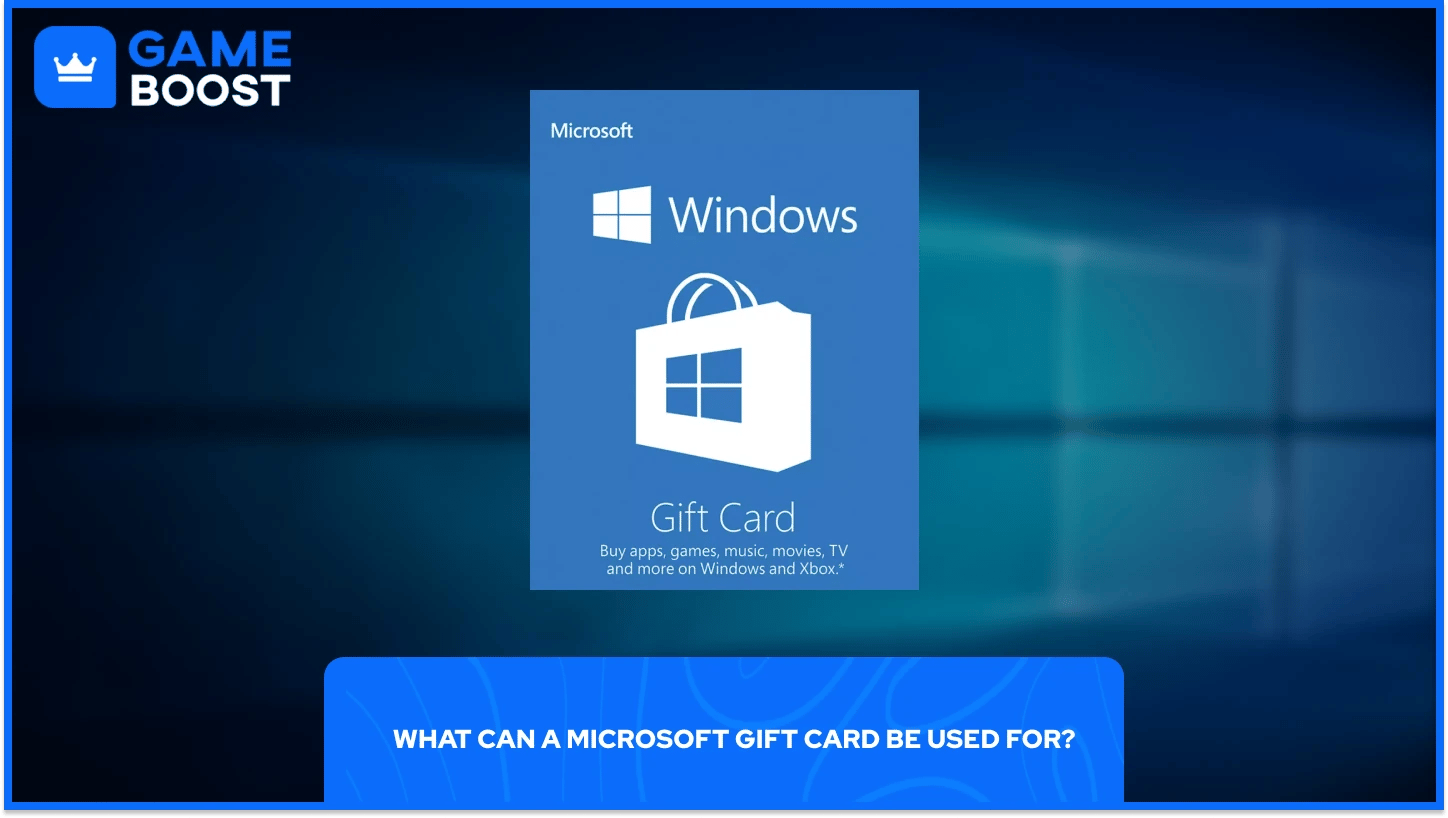
Once redeemed, your balance can be used on:
Xbox digital games, DLC, and in-game currency (e.g., V-Bucks, CoD Points)
PC games and apps from the Microsoft Store
Movies, TV shows, and media content
Xbox Game Pass or Game Pass Ultimate (if the region supports)
It cannot be used to buy physical products from the Microsoft Store or converted to cash. The gift card must match your account region.
Yes and no. Functionally, they are the same—both add credit to your Microsoft account. The difference lies in branding. Some cards are labeled "Xbox Gift Card" but still credit your Microsoft balance. You can use either card across Xbox consoles or the Microsoft Store on PC.
If you plan to gift a card to someone who only plays on console, either version works as long as the account region matches the card.
Also Read: How to Redeem Uber Gift Cards: Step-by-Step Guide
A: You can buy them digitally from the Microsoft Store, Amazon, GameBoost, or physically at major retailers. Digital cards are usually delivered instantly.
A: Microsoft gift cards cover digital purchases, including games, subscriptions, and media—but not physical hardware.
A: Both go to your Microsoft account balance and work on Xbox or Windows. It’s mostly a branding difference.
A: Go to the Microsoft Redeem Page or use the Microsoft Store/Xbox console. Enter the 25-character code and confirm.
Redeeming a Microsoft gift card is quick, easy, and unlocks access to everything Microsoft offers digitally—from games and apps to Game Pass and movie rentals. Just make sure the card matches your region, and enter the 25-character code through your preferred device. Whether you’re gifting or spending, Microsoft gift cards are still one of the most convenient ways to fund your digital content.
How to Redeem Xbox Game Pass, Gift Cards, and Games
How to Redeem Minecraft Gift Cards
How to Redeem Blizzard Gift Cards
How to Redeem Playstation Gift Cards
View all Entertainment Gift Cards
“ Filip Premuš is a seasoned gaming content writer specializing in titles like Steal a Brainrot, Old School RuneScape, and other popular online games. With a sharp focus on accuracy, updates, and in-game strategy, he creates comprehensive guides that help players stay ahead of the meta and make informed decisions.”