


•Hamza Rashid• 7 min read
Fortnite

Few games have managed to hold players' attention for as long as Fortnite has. Epic Games has built something that goes well beyond a typical battle royale, with seasons, collaborations, live events, and a cosmetic collection that players spend years building up. Losing access to that account feels like losing progress you can't easily replace.
The problem gets more serious when the email tied to the account is no longer accessible. A deleted inbox, an old school address, or simply forgetting which email you used are all more common than people think, and none of them make recovery straightforward.
This guide covers every legitimate option available for getting your Fortnite account back without email access, what information Epic Games will ask for, and what to realistically expect from the process.
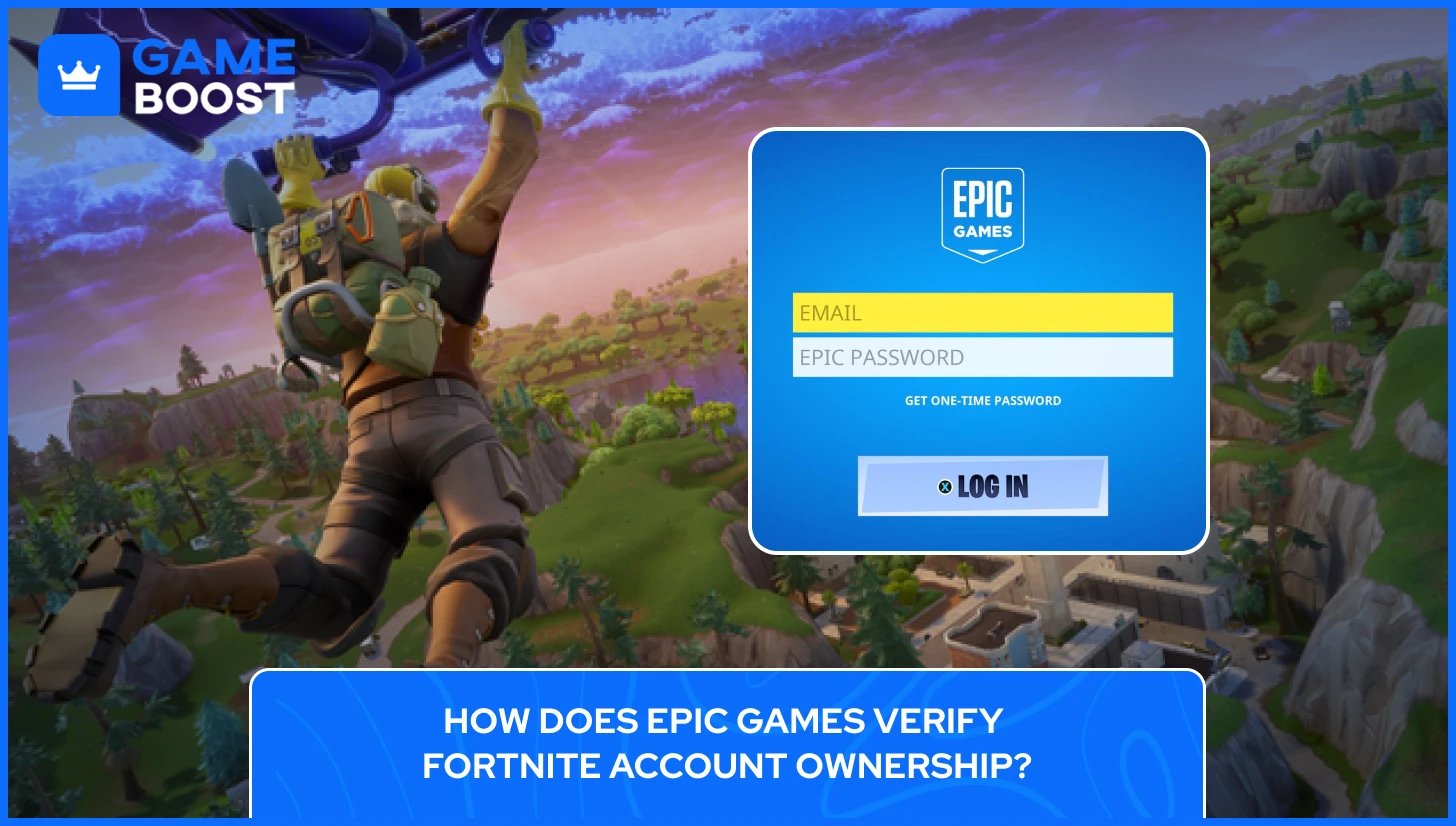
Every Fortnite account is tied to an Epic Games account, and your email address is the primary way Epic confirms your identity. It's used to send security codes, process password resets, and verify any changes made to the account. Once that email is inaccessible, the standard recovery tools stop working.
The "Forgot Your Password" option on the login page sends a reset link straight to your registered inbox. No email access means that option is off the table entirely. There's nothing on the login page that routes around it.
Epic's verification process is strict by design. Owning an account isn't enough on its own, you need to prove it. A display name or a general memory of your cosmetics won't satisfy their support team. They need verifiable details that only the real account owner would reasonably know, such as purchase history, account creation dates, and linked platform information.
That said, Epic does have a manual review process for cases exactly like this. It takes longer than a standard reset and the outcome isn't guaranteed, but players who submit a well-prepared ownership case do successfully recover their accounts. The next sections cover what information to gather and how to contact support in a way that gives you the best shot.

Epic Games won't restore access to a Fortnite account based on a hunch or a general description. Their support team works through a manual review process, and the outcome depends on how much verifiable information you can provide about your Fortnite accounts upfront.
To recover a Fortnite account without email, you'll need to provide Epic Games support with the following:
Purchase history and transaction IDs — Any V-Bucks, Battle Pass, or item shop purchases made on the account are your strongest evidence. Check your PayPal history, bank statements, or old email receipts for transaction IDs and payment details like the last four digits of the card used.
Linked platform accounts — If the Fortnite account was ever connected to PlayStation Network, Xbox Live, Nintendo Switch, or Steam, note those down. Console-linked accounts are among the most reliable ownership indicators since they connect an Epic account to a separate verified platform.
Account creation details — The approximate date the Fortnite account was created, the display name, any passwords previously used, and the region the account was played from all add credibility to the recovery request.
None of these individually guarantees a successful Fortnite account recovery, but the more specific and consistent the information is, the stronger the request looks to whoever reviews it at Epic. Vague or contradictory details will slow the process down significantly.
Also Read: How to Find Out How Much Your Fortnite Account Is Worth?
There are two realistic paths to getting a Fortnite account back without email access. The first is logging in through a linked console or platform account. The second is going through Epic Games Support directly. Starting with the console option saves time since it doesn't require waiting for a support team response.
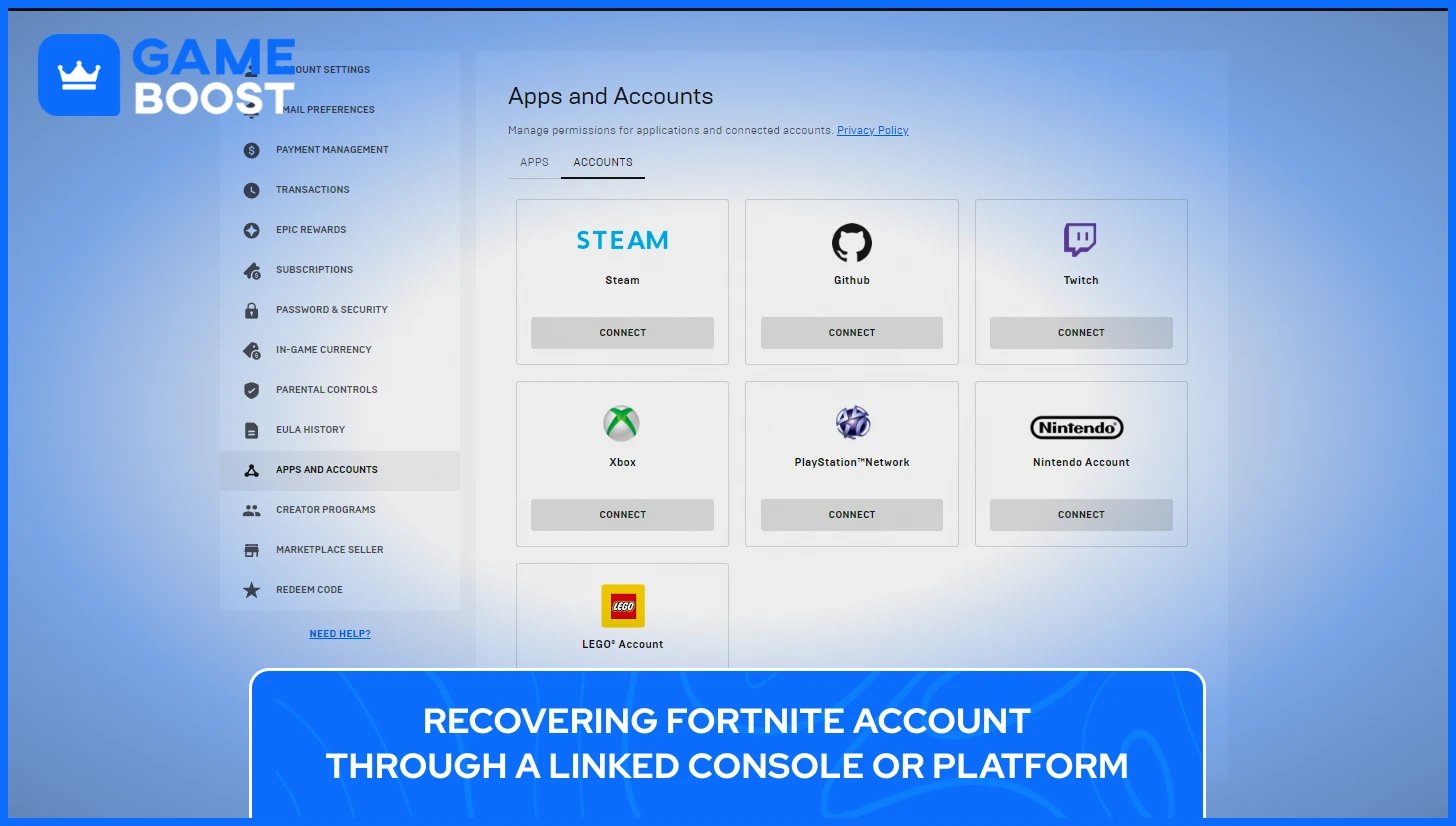
If the Fortnite account was ever connected to a PlayStation Network, Xbox Live, or Nintendo Switch account, that console login can be used to access the Epic account directly. On the Fortnite login screen, select the platform option rather than the email login. As long as the console account itself is still accessible, this bypasses the email requirement entirely.
Once logged in through the console, go to the Epic Games account settings and update the email address to one that is currently active. This secures the account going forward and restores full access.
Also Read: How to Restart Fortnite on Consoles (Xbox, PlayStation, Nintendo)
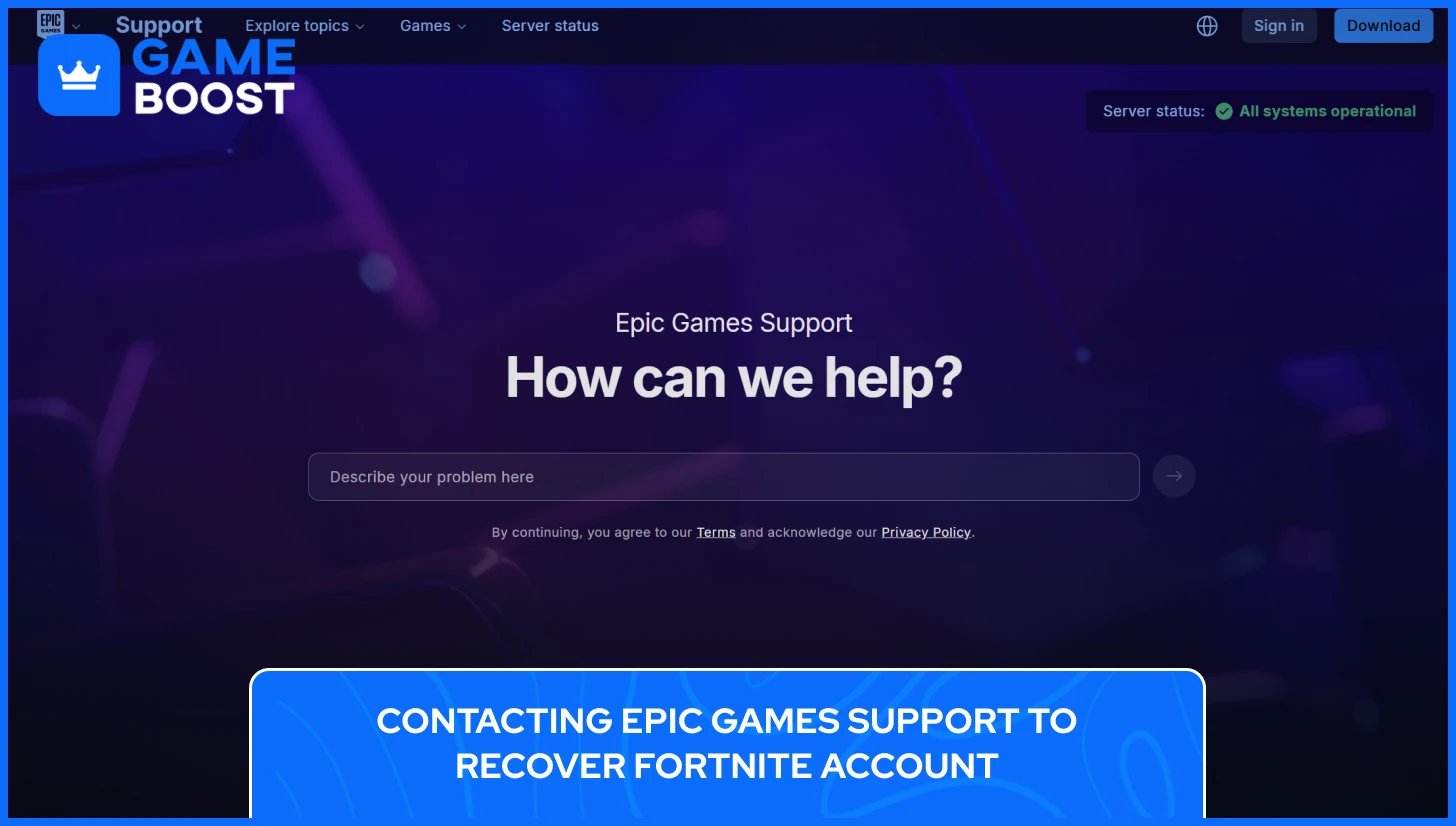
If no console account is linked, the next step is reaching out to Epic Games Support directly. Because Epic Games Support requires an account login to submit a ticket, a temporary new Epic Games account will need to be created first. Use a current, active email for this new account since it will be the address Epic uses to communicate throughout the recovery process.
To contact Epic Games Support for recovery of your Fortnite account, follow these steps:
Go to epicgames.com/help
Click "Contact Us" in the top right corner
Select "Accounts" then "I can't access my account"
Scroll down and select "I don't have access to the email on my account"
Fill out the account recovery form and submit it
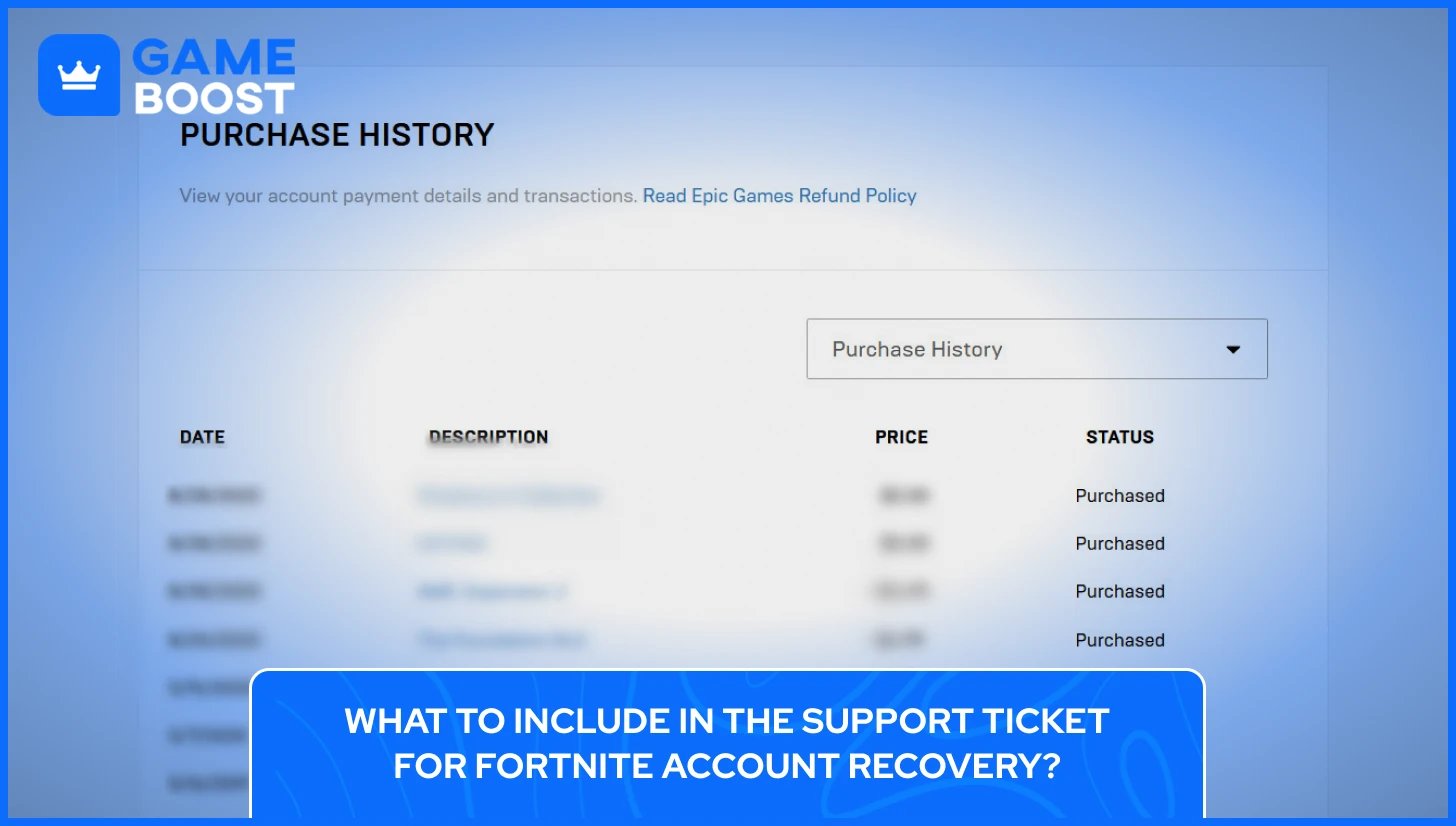
The support ticket is where the proof of ownership gathered earlier becomes critical, and how it's written matters just as much as what's included. Epic's support team handles a high volume of requests daily, so a ticket that is vague or hard to follow is easy to deprioritize against ones that are clear and well-organized.
Start with the basics: the Fortnite account display name and the approximate date the account was created. From there, move into the stronger evidence, such as transaction IDs, V-Bucks, or Battle Pass purchase receipts, and the last four digits of the payment method used. If the account was linked to a PlayStation Network, Xbox Live, or Nintendo Switch account, include those details too, since platform connections are easy for Epic to verify on their end.
Attach any screenshots or receipts directly to the ticket rather than describing them in text. The goal is to give Epic's team everything they need to confirm ownership without having to ask follow-up questions, since every additional email exchange adds more time to an already slow process.
Also Read: How Much Have I Spent on Fortnite?
Once the support ticket is submitted, the waiting begins. Epic Games states that account recovery requests receive a status update within 48 hours, either confirming the outcome or letting the player know more time is needed to investigate. That said, cases involving missing email access tend to take longer than standard recovery requests since they require more manual verification on Epic's end.
In practice, the full process can stretch from a few days to a couple of weeks. The back-and-forth with Epic's support team is normal, especially for no-email cases. Epic may come back asking for additional details, specific transaction dates, or further confirmation of ownership before moving forward. Responding to those follow-up requests quickly helps keep the process moving.
If no response arrives after 48 hours, checking the spam folder of the temporary account email is worth doing before raising a new ticket. Epic Games also provides a recovery request status page where the request ID from the confirmation email can be used to track progress directly without needing to contact support again.
In case Epic Games can't verify ownership, the recovery request will be declined. This typically happens when the information provided is too vague, inconsistent, or doesn't match what Epic has on file for that account. A declined request doesn't permanently close the door, but resubmitting with stronger evidence is the only realistic path forward at that point.
Getting the Fortnite account back is only half the job. The same gaps that made recovery necessary in the first place need to be closed, otherwise the account stays vulnerable to the same problem happening again. A few straightforward steps after recovery make a significant difference in long-term account security.
Two-Factor Authentication is the single most important security step for any Epic Games account. With 2FA active, logging into the Fortnite account requires both the password and a one-time verification code, meaning a stolen password alone isn't enough for someone to get in.
To set it up, go to epicgames.com/account/personal, click Password and Security, then scroll to the Two-Factor Authentication section and select a method. Epic Games supports three options:
Authenticator app (Google Authenticator, Authy, Microsoft Authenticator) — the most secure option since it generates codes locally without relying on email or SMS
SMS authentication — sends a code to a registered phone number
Email authentication — sends a code to the registered email address
Epic Games also rewards players with in-game items for enabling 2FA, so it's worth doing immediately after regaining access.
Also Read: How to Enable 2FA in Fortnite?
Once the Fortnite account is recovered, updating the registered email to one that will remain accessible long-term is a priority. Epic Games specifically advises using an email address that won't change, since losing email access is the primary reason account recovery becomes complicated in the first place. Adding a phone number as a secondary verification method gives an additional fallback if the email ever becomes inaccessible again.
Connecting the Fortnite account to a PlayStation Network, Xbox Live, Nintendo Switch, or Steam account creates additional login options that don't rely solely on email. If one login method is ever lost, a linked platform account can be used to get back in without needing to go through Epic Games Support again. Epic recommends securing those platform accounts with their own strong passwords and 2FA as well, since a compromised console account can be used to access the linked Epic account.
Yes, but it requires going through Epic Games Support manually. Since the standard recovery tools rely on email access, you'll need to create a temporary Epic account to submit a support ticket and prove ownership through purchase history, linked platform accounts, and account creation details.
If the account itself is recovered and wasn't tampered with, all cosmetics, V-Bucks, and progress should still be there. However, if the account was compromised and items were removed, Epic may be able to roll back certain changes after verifying ownership, though this isn't guaranteed.
A display name alone isn't enough for Epic Games to confirm ownership and recover your Fortnite account. It needs to be paired with verifiable details such as purchase receipts, transaction IDs, or linked console account information.
A declined request means Epic couldn't verify ownership based on what was submitted. The account isn't permanently blocked from recovery, but the only option is to resubmit with stronger, more specific evidence.
Epic Games does not authorize any third-party recovery services, and using them puts the account at further risk. The only legitimate recovery path runs through Epic Games Support directly at epicgames.com/help.
If the account was previously linked to a PlayStation Network, Xbox Live, or Nintendo Switch account, logging in through that platform bypasses the email requirement entirely. This is the fastest recovery option available.
Fortnite account recovery without email isn't a quick process, and going in without realistic expectations tends to make it more frustrating than it needs to be. Epic's verification system is strict by design, and the outcome depends almost entirely on how well you can prove the account is yours before support even gets involved.
What this process makes clear is that account security rarely feels urgent until something goes wrong. A linked console account, an active email address, and 2FA enabled are things most players set up and forget about, until they're the only things standing between them and a locked account. The players who recover their Fortnite accounts the fastest are the ones who had that groundwork in place before they ever needed it.
Buy V-Bucks
Buy Fortnite Skins
Fortnite Accounts For Sale
View all GameBoost Accounts
View all GameBoost Boosting Services
View all GameBoost Currencies
View all GameBoost Game Keys
View all GameBoost Gift Cards
View all GameBoost Top Ups
View all GameBoost Items
Buy CS2 Skins
“ Kristina joined GameBoost in 2024 as an SEO specialist and quickly became the go-to writer for third-person shooter and competitive games. She covers titles like Fortnite, Valorant, League of Legends, GTA 5, and Roblox, focusing on how-to guides, practical tips, and updates.”