

•Hamza Rashid• 9 min read
Roblox
Getting banned from Roblox means losing access to your account, progress, purchased items, and friends. With over 380 million monthly active users and 88.9 million people logging in daily, Roblox has become one of the largest gaming platforms in the world. The platform's strict moderation system uses both automated detection and human review to enforce community standards, which means even legitimate players can sometimes face bans due to false reports, account compromises, or automated errors.
Most Roblox bans can be appealed, but you need to act quickly. Roblox gives players few days from the ban date to submit an appeal, and understanding how to navigate this system properly makes a significant difference in your chances of success.
This guide covers everything from ban types and common reasons to the step-by-step appeal process, what to include in your appeal, and what to expect after submission.
Also Read: All Roblox Baddies Codes
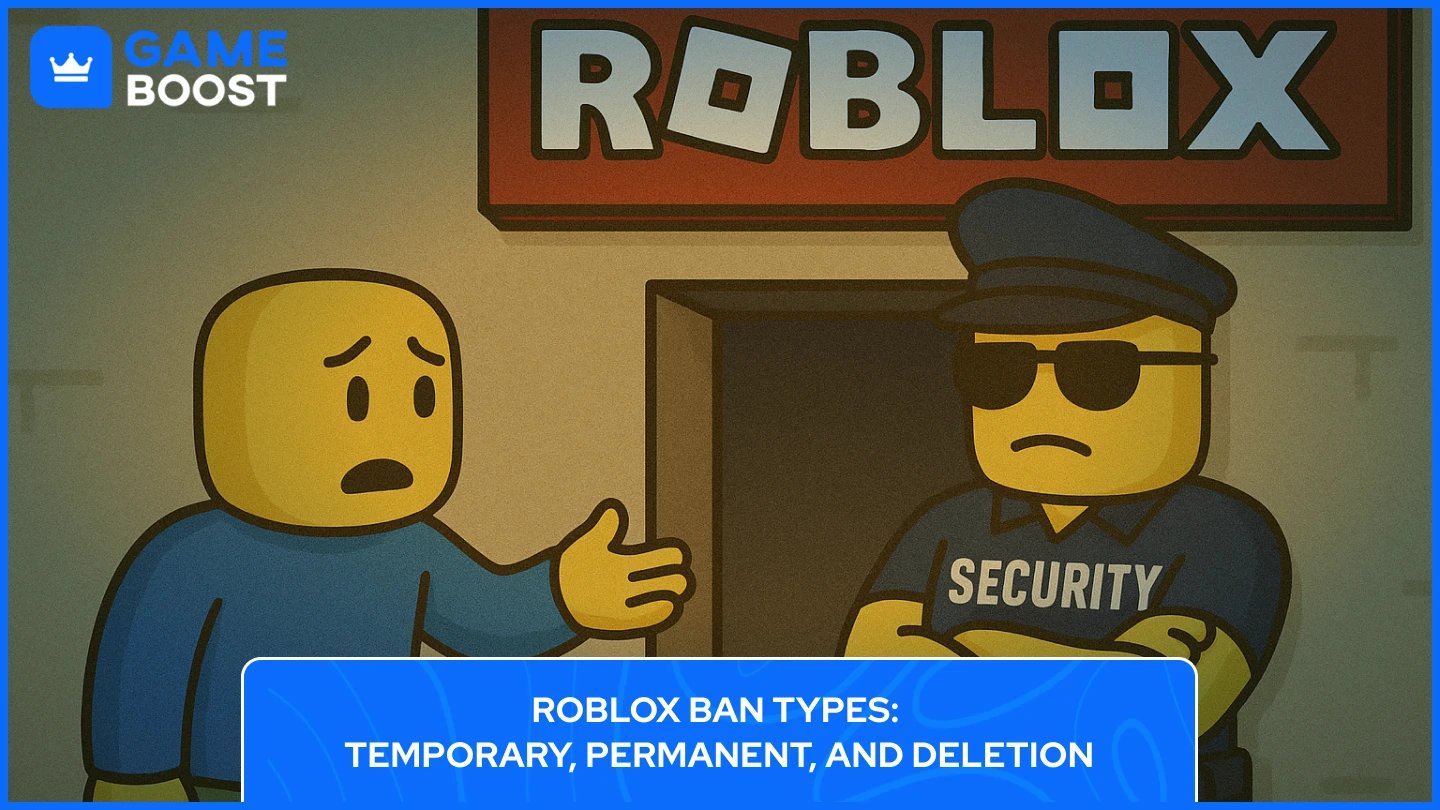
Roblox uses multiple levels of moderation actions depending on the severity of the violation. The platform's system can issue anything from a simple warning to a complete account deletion. Knowing the difference between these ban types helps you understand what you're dealing with and how to approach your appeal.
Warnings are the lightest form of moderation. You receive a notification about the rule violation, but your account remains fully accessible. You simply need to agree to the Terms of Service to clear the warning. Warnings stay on your account's moderation history and can add up over time. Players can typically receive anywhere from 1 to 15 warnings before facing more serious consequences, though Roblox doesn't follow a strict formula and evaluates each case individually.
Here are the stricter forms of Roblox Bans and how they affect your account:
Ban Type | Duration | What You Lose? | What Stays? |
|---|---|---|---|
Temporary Ban | 1 day, 3 days, 7 days, or 14 days | Access to account, games, chat, and all features during ban period | All items, Robux, game progress, and account data remain intact |
Permanent Ban | Indefinite (forever) | Everything including Robux, limited items, game passes, avatar items, progress, and username | Nothing - account is fully deleted |
IP Ban | Indefinite (affects entire network) | Access from all devices on your internet connection, cannot create new accounts | Existing accounts and data remain but are inaccessible from banned IP |
Game-Specific Ban | Varies by developer | Access to one specific game only | All other games and platform features work normally |
One important detail is that Roblox bans do not automatically reset every year. Your moderation history stays on your account permanently unless Roblox support determines a moderation action was incorrect and removes it. Some players believe violations expire after time, but Roblox has not confirmed any automatic reset policy. Each new violation builds on your existing moderation history, which is why repeated offenses lead to increasingly severe penalties.
Knowing why you got banned is crucial for writing an effective appeal. Roblox bans accounts for specific violations of their Terms of Service and Community Standards. Some bans happen due to legitimate rule breaking, while others result from false reports, automated system errors, or compromised accounts where you weren't actually in control.
These are the most common reasons players get banned on Roblox:
Using Exploits or Cheating - Third-party software, script executors, mod menus, or any unauthorized programs that give unfair advantages. This includes unlimited currency hacks, speed modifications, wallhacks, auto-farming scripts, or bypassing game mechanics.
Harassment and Bullying - Threatening, stalking, trolling, or targeting other players for ridicule or abuse through chat, private messages, or in-game actions. Discrimination based on race, ethnicity, gender, or religion falls under this category.
Inappropriate Content - Uploading or sharing content that violates Roblox's age-appropriate guidelines. This applies to images, audio files, game thumbnails, clothing designs, decals, and chat messages..
Scamming and Fraud - Fake giveaways, phishing attempts, selling fake items, misleading trade offers, or promising Robux for personal information. Misleading game descriptions that trick players also count as scamming.
Account Compromise - If your account gets hacked and someone uses it to spam, exploit, or distribute inappropriate content, Roblox may ban the account even though you weren't in control.
Sharing Personal Information about yourself or others violates safety policies.
Creating Multiple Accounts to Evade Bans
Roblox has zero tolerance for exploitation and scamming, often issuing permanent bans for these violations. Harassment typically results in temporary bans for first offenses but escalates to permanent bans for repeat violations.
Also Read: How to Reset and Change Your Roblox Password?
Roblox offers two official methods to appeal bans depending on your violation type. In order to get unbaned from Roblox, you must submit your appeal within 30 days of receiving the ban, and you only get one chance per moderation action. Submitting an appeal doesn't guarantee your ban will be removed, but following the correct process and providing complete information improves your chances.
When you receive a ban, Roblox sends a notification to your account email explaining the reason and which appeal method to use. Some violations can be appealed through Violations and Appeals, while others require the Support Form.
Check your notification carefully to see which method applies to your case and what to do to get Unbanned from Roblox.
Appeal Method | Steps to Follow to Get Unbanned from Roblox |
|---|---|
Violations and Appeals |
|
Roblox Support Form |
|
Your appeal must include your exact Roblox username, the email linked to your account, the date of the ban, and the reason given. If you have evidence supporting your case, like screenshots or proof of account compromise, include that in your description. Be specific about why you believe the ban was incorrect or unfair.
Remember that you have 30 days to submit your appeal (EU users get 6 months). Roblox only reviews each moderation action once, so duplicate appeals won't be accepted. Only the account owner can appeal using the email address registered to the banned account.
The quality of your appeal directly impacts your chances of getting unbanned from Roblox. Platfrom’s moderators review hundreds of appeals daily, so writing a clear, honest, and respectful message makes yours stand out. Your appeal is your only chance to explain your situation, so take time to craft it properly before submitting.
Start by explaining your situation truthfully. If you made a mistake, admit it directly. If your account was compromised, explain how it happened and what security steps you've taken. If you believe the ban was a mistake, explain why without making excuses. The appeals team can verify your claims, so dishonesty will hurt your case.
Even if you disagree with the ban, acknowledge that you understand why the action was taken. Explain what you've learned and how you'll prevent similar issues in the future. Simply saying "I'm sorry" isn't enough, show genuine reflection on what happened. Taking responsibility improves your chances of a successful appeal.
If you have proof supporting your case, include it. This could be screenshots showing you weren't online during the violation, evidence of account compromise, or proof that someone else used your account. Only include relevant evidence that directly relates to your ban.
Write your ban appeal in complete sentences with proper grammar and spelling. Avoid all caps, excessive exclamation marks, or emotional language. Stay professional and polite. Keep your explanation focused on the facts without rambling. A well-written, respectful appeal is more likely to be taken seriously.
Don't beg or plead for your account back. Avoid blaming Roblox moderators, claiming the rules are unfair, or threatening to quit the platform. Don't mention how much money you've spent or how long you've played. Never lie about what happened or claim ignorance of basic rules. Focus on the specific ban you're appealing and nothing else.
Also Read: How to Block and Unblock Users on Roblox (Step-by-Step)
After submitting your Roblox ban appeal, response times vary significantly. Most players receive a response within 24 hours to one week, though some appeals take longer during busy periods. Roblox sends decisions to your account email, so check your inbox regularly including spam folders.
If your appeal gets approved and you're unbanned from Roblox, account access is typically restored within a few hours. You'll receive an email confirmation and can log back in normally. All your items, Robux, and game progress remain intact.
If your appeal gets denied, Roblox's decision is final. The platform strictly prohibits reviewing the same moderation action twice, so submitting duplicate appeals won't be processed. You cannot reappeal the same violation - your first appeal is your only chance.
For temporary bans with denied appeals, wait until the ban duration expires and your account automatically becomes accessible. For permanent bans with denied appeals, your account remains permanently banned with no further appeal options. Creating new accounts to evade a permanent ban violates Terms of Service and can result in IP bans blocking your entire network.
Some players don't receive responses within the expected timeframe. If you haven't heard back after one week, verify you submitted your appeal with the correct email address. Avoid submitting multiple appeals while waiting, as this delays the process. There's no way to check appeal status or expedite the review - you must wait for the appeals team to respond.
Avoiding another ban is easier than appealing one. Once you get unbanned from Roblox or your ban expires, taking preventive steps protects your account and keeps you playing without interruption. The most important action is reading and following Roblox's Community Standards and Terms of Service. Never use third-party software, exploits, cheats, mod menus, or script executors, even in private games. Roblox's automated systems detect these programs regardless of how you use them, and exploitation violations typically result in permanent bans.
Watch your behavior in chat and interactions with other players. Avoid arguments, harassment, or any language that could be interpreted as bullying. Don't share personal information about yourself or others, including social media accounts, phone numbers, or real names. Secure your account with strong passwords and two-factor authentication to prevent compromises. Many bans happen because hackers access accounts and use them to spam, exploit, or distribute inappropriate content. Enable two-factor authentication in your account settings to prevent unauthorized access.
Be careful about what content you upload or create. Review Roblox's content guidelines before uploading images, audio, clothing designs, or game assets. Don't create multiple accounts to evade bans or bypass restrictions as this signals ban evasion and can result in IP bans affecting your entire network. If you share your internet connection with family members or roommates who play Roblox, make sure they follow the rules too since an IP ban affects everyone on the same network.
Also Read: How to Change Your Name on Roblox: Step-by-Step Guide
Getting banned from Roblox doesn't have to be permanent. The platform provides clear appeal processes for players who believe their bans were mistakes or want a second chance. Success depends on acting quickly within the 30-day deadline, choosing the correct appeal method, and writing a honest, respectful explanation of your situation.
The key to getting unbanned from Roblox is preparation and honesty. Gather relevant evidence, understand why you were banned, and craft a clear appeal that takes responsibility for any mistakes. While not all appeals succeed, following the official process gives you the best chance at account recovery. Once you're back, focusing on prevention through rule compliance and account security ensures you won't face the same situation again.
Remember that Roblox only reviews each ban once, so make your appeal count. you're dealing with a temporary suspension or permanent ban, the steps outlined here give you a realistic path forward. Stay patient during the review process, respect the final decision, and commit to being a positive member of the Roblox community moving forward.
“ Kristina joined GameBoost in 2024 as an SEO specialist and quickly became the go-to writer for third-person shooter and competitive games. She covers titles like Fortnite, Valorant, League of Legends, GTA 5, and Roblox, focusing on how-to guides, practical tips, and updates.”