


•Mustafa Atteya• 4 min read
Clash Royale
Clash Royale is a real-time card battle game developed by Supercell, built around competitive matchmaking and constant deck progression. Players invest significant time leveling cards, building their collections, and climbing the ranked ladder, making a ban one of the most disruptive things that can happen to an account.
Supercell enforces its terms of service strictly across all its games, and Clash Royale is no exception. Bans can come from a range of violations, from using third-party software and account sharing to toxic behavior.
The good news is that many Clash Royale bans can be appealed, and Supercell does review legitimate cases when players provide the right information. In this article, we'll explore the most common reasons Clash Royale accounts get banned, how long each ban typically lasts, and how to go through the appeal process correctly.
Also Read: Clash Royale: How to Fix Account Locked or Disabled

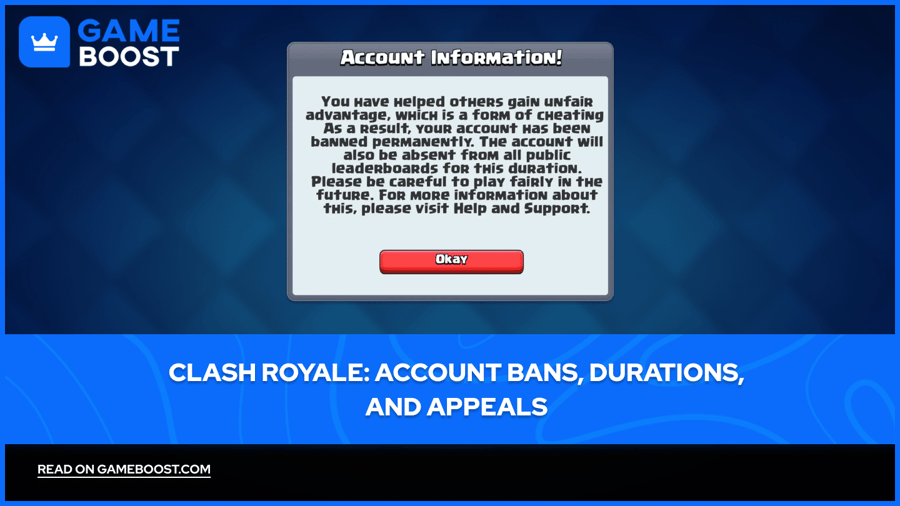
Clash Royale accounts get banned for using third-party software, account sharing, toxic behavior, suspicious payments, bug exploitation, or compromised account activity.
Supercell applies four levels of punishment: warnings, temporary bans, device bans, and permanent bans, depending on the severity of the violation.
Temporary bans can last anywhere from a few hours to several days, while permanent bans do not expire and can only be reversed through a successful appeal.
Device bans are more severe than temporary bans since they block the device itself, meaning creating a new account won't help.
You can appeal a ban through Clash Royale's Help and Support by selecting Leave a Message, then navigating to Account Access and Supercell ID, and then Banned Accounts.
Supercell reviews each case manually and typically responds within 24 to 48 hours on weekdays
Also Read: Where to Buy Clash Royale Accounts
Supercell uses a mix of automated and manual review systems. Most bans are triggered by a clear ToS violation, though some players get flagged without fully realizing what caused it. These are the most common reasons accounts get banned in Clash Royale:
Using third-party software: modified apps, automation software, or programs that manipulate matchmaking are instantly flagged by Supercell's system and usually result in a permanent ban.
Account sharing and boosting: any players found pushing accounts through account sharing will be banned, often permanently, and this applies to all related accounts, including clean ones.
Toxic behavior: insults in chat or repeated harassment typically lead to temporary bans, but can escalate if the behavior continues.
Suspicious payments: chargebacks, refunded purchases, or buying gems from illegal third-party sellers can trigger an automatic ban.
Exploiting bugs or glitches: taking advantage of in-game bugs for progression rather than reporting them goes against Supercell's terms of service.
Compromised account activity: if your account gets hacked and used to cheat or spam, Supercell's system may flag and ban it without you knowing.
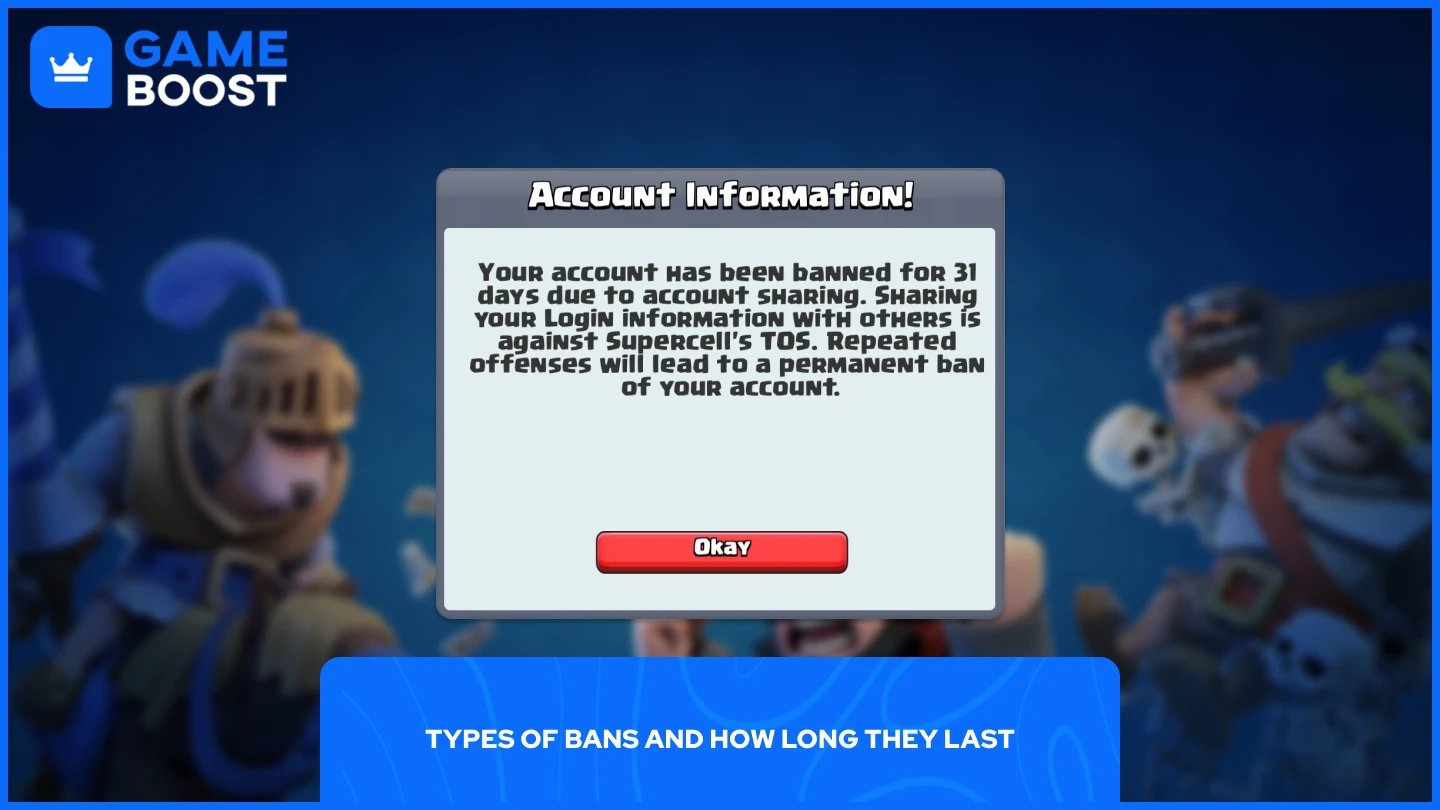
Clash Royale has several types of bans, each tied to how serious the violation is and whether it's a repeated offense. Here's a breakdown of each:
Ban Type | Description | Duration |
|---|---|---|
Warning | Minor violation, account stays fully playable | N/A |
Temporary Ban | Full account suspension, blocking access to battles, clans, and chat | A few hours to several days |
Device Ban | The device itself is blocked, so creating new accounts won't help | Until a successful appeal |
Permanent Ban | Account is locked for good, all progress and purchases are lost | Indefinite |
The first offense for something like account sharing might result in a temporary suspension ranging from a few days to a few weeks. Repeated offenses or more serious violations can lead to a permanent ban, meaning you lose access to all progress, cards, and purchases forever.
Also Read: How to Recover Your Account in Clash Royale
If your Clash Royale account has been banned, the only way to recover it is by submitting an official appeal through Supercell Support. Bans are reviewed manually, so the appeal process relies on clear communication and accurate account details. You only get one proper chance to make your case, so put together a clear and honest appeal before submitting.
Open Clash Royale and go to Settings.
Tap Help and Support.
Open the sidebar and select Leave a Message.
Choose Account Access and Supercell ID, then select Banned Accounts.
Choose between A different game account or This account I'm contacting you from.
Follow the on-screen prompts and provide as many details as possible, including your Player Tag, the date you were banned, and the exact ban message Supercell sent you.
Attach any relevant evidence, such as purchase receipts, device information, or screenshots, then submit.
Keep your appeal under 500 words, only submit one ticket at a time since multiple submissions will close all open requests, and check your spam folder as replies often come from @supercell.com. If your appeal is denied, wait a few days before trying again.
Also Read: How to Delete Your Account in Clash Royale
Getting banned in Clash Royale is frustrating, especially when you've invested time into building your card collection and climbing the ranked ladder. If the ban was a mistake or your account was compromised, the appeal process is your best option. Just make sure you submit once, keep your explanation clear, and include as much supporting evidence as possible.
For violations that did happen, a temporary ban expires on its own, but a permanent one rarely gets reversed. Going forward, staying away from third-party tools, avoiding account sharing, and keeping your chat behavior clean are the simplest ways to make sure it doesn't happen again.
Buy Clash Royale Gems
Clash Royale Accounts For Sale
View all GameBoost Accounts
View all GameBoost Boosting Services
View all GameBoost Currencies
View all GameBoost Game Keys
View all GameBoost Gift Cards
View all GameBoost Top Ups
View all GameBoost Items
Buy CS2 Skins
“ Mustafa Atteya has been writing about gaming and esports since 2023, specializing in competitive game content and player improvement guides. At 25, he brings both hands-on gaming experience and professional SEO writing expertise to the GameBoost team.”