


•Hamza Rashid• 9 min read
Games
Planet Zoo 2 building keeps the piece-by-piece freedom of the first game and cuts a lot of the busywork. Paths snap in finer steps, and the Planet Zoo 2 Nature Brush paints plants and rocks over whole slopes. Two habitat types are new to the series: the Planet Zoo 2 aviary and the Planet Zoo 2 aquarium.
Our Planet Zoo 2 review found building easier than in the first game and the menus worse. Below, you'll find what changed in the toolset, how to build a first aviary and aquarium, and the settings that save time from day one.
Paths snap in finer increments, and shops can sit anywhere on a plaza.
Build a Planet Zoo 2 aviary from barriers, support poles, and a mesh cover, and give the birds room to fly.
In a Planet Zoo 2 aquarium, the filter sets the water type. Match the temperature to the species too.
Since update 1.0.4, angle snapping defaults to 1 degree instead of 15.
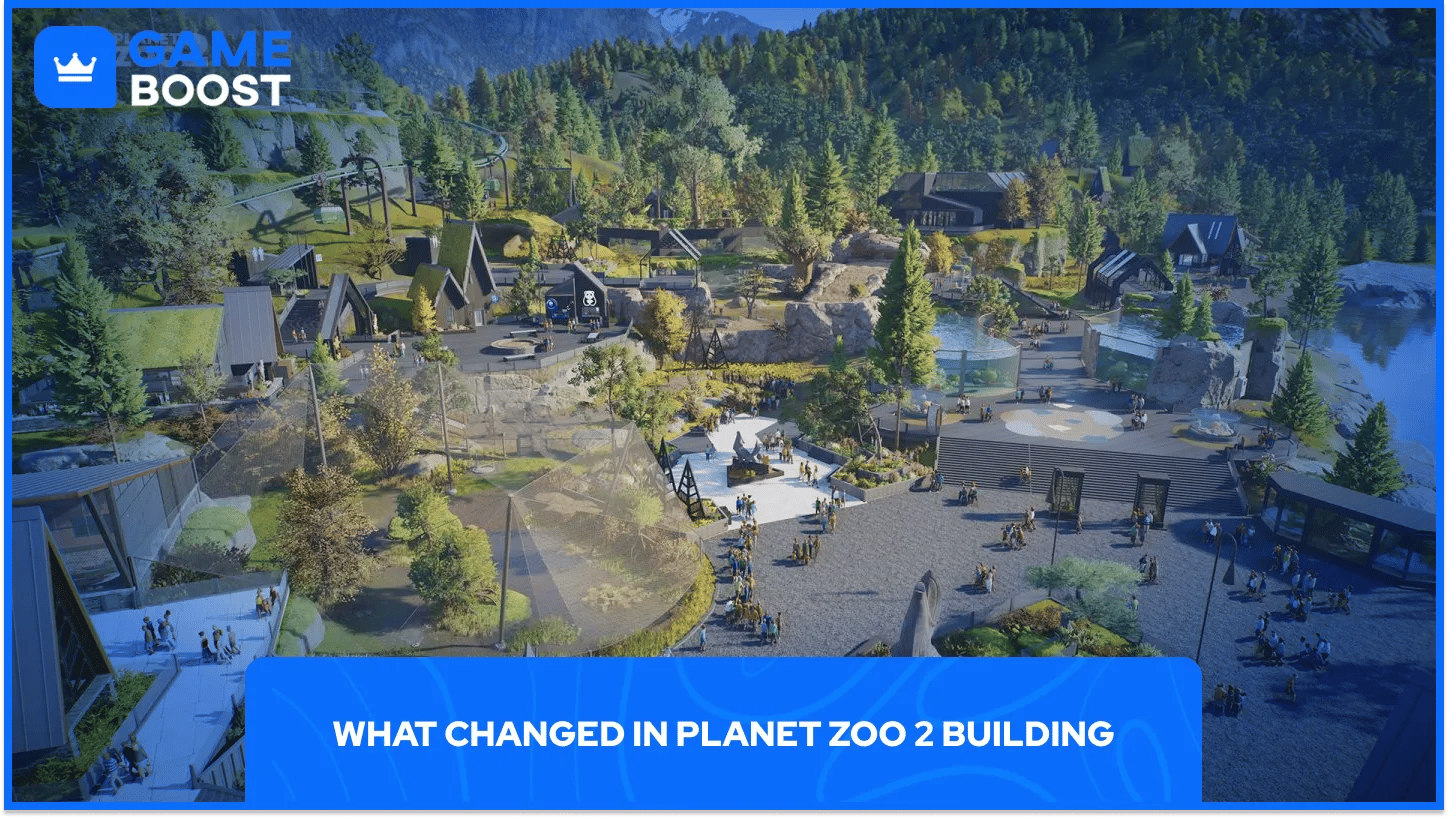
The path builder works in much finer increments, which makes curved routes far easier to lay out. Shop shells can also sit anywhere on a plaza, and guests find their way to them without a path running to the shop's edge.
A line tool now builds raised and stepped walkways in a few clicks. Objects scale freely, mirror, and take wider Flexicolour support, so a single rock asset can fill several roles.
Tool | What it does | Best use |
|---|---|---|
Line tool | Raised and stepped walkways | Multi-level viewing areas |
Nature Brush | Paints a custom mix of plants and rocks | Slopes, habitat edges |
Water editing | Resizes a pool without draining it | Habitat ponds |
Scaling and mirroring | Resizes and flips objects | Rockwork, custom buildings |
Nature Brush is our shorthand: Frontier's store copy talks about new foliage and terrain brushes. Our pick for the biggest change is water editing, since you can now resize a habitat pool without draining it or rebuilding the terrain around it. Small scenery still clips through larger pieces.
An aviary needs three parts: barriers, support poles, and a mesh cover. Frontier's store page describes fully customizable aviaries made from exactly those pieces, and species such as the Toco Toucan and Secretarybird fly freely inside them.
Place the barrier around the footprint, then add the poles. The game builds the net roof over the poles for you, and the poles are adjustable, so you change the roof line by moving them. Some aviaries can be walk-through, letting guests share the space with the birds.
Give the birds height and open air. A low roof or a center packed with scenery leaves little room to fly. Keep tall trees, perches, and nesting platforms toward the edges.
Toucans have tripped up early players. Several Steam users report that huts with bedding don't register as navigable shelter for them, and one saw the same result with the shelter placed high. One player says a scaled-up Terracotta Roofing piece halfway up the Aviary Roof Poles works, though nobody else in the thread had confirmed it at the time of writing.
A first aquarium starts in the barrier menu, and Frontier describes tank building as close to land habitat building. Add the dedicated aquarium staff gate early, so vets and keepers can check animals and refill feeders without disturbing visitors.
Which water goes in the tank? The filter decides. Each filter handles one type (freshwater, saltwater, or brackish); every water body connected to it takes that type, and the filter needs electricity to run. A fresh tank and a salt tank need separate filters.
Set the temperature next, matched to the species you plan to keep. Not every species can share a tank, so group animals with similar needs. Surplus freshwater fish can be released into Wildlife Reserve lakes once a tank gets crowded.
Glass tunnels let guests walk through the water with animals swimming overhead. Plan one for your showpiece tank and use simple glass walls on smaller exhibits.
Update 1.0.4 landed a day after launch and cut the default angle-snapping increment from 15 degrees to 1 degree. Fine work on fences and rockwork got much easier. The same patch added a customizable shortcut for Scale under Object Placement Controls. Custom key bindings also stopped resetting when you open the Hub, Animal Trading, or Animal Storage menus.
Blueprints handle repetition. Save a habitat or tank that works and place it again later, or grab community blueprints from the Frontier Workshop in Sandbox mode, including builds from players on other platforms.
Menus remain the slow part. The game splits habitat welfare across several submenus, so open the Zoopedia entry for your species before you place a single barrier.
The toolset rewards first-game veterans most. Finer paths, free shop placement, and 1-degree snapping remove limits that experienced builders worked around for years.
Aviaries will take the most trial and error, and Frontier hasn't addressed the toucan shelter problem publicly yet.
Frontier lists animal climbing, animal movement, enrichment alignment, and habitat escapes as work in progress, so habitat behavior may shift with the next patches. Build one small aviary and one small tank first, save both as blueprints, and scale up once the rules settle.
Planet Zoo 2 Game Key
View all GameBoost Game Keys
View all GameBoost Accounts
View all GameBoost Boosting Services
View all GameBoost Currencies
View all GameBoost Gift Cards
View all GameBoost Top Ups
View all GameBoost Items
“ A former sports journalist and editor, Patrik joined Gameboost SEO team in 2026. He has spent most of his life playing Football Manager, but his sphere of interests spreads through whole gaming universe.”


