



Bigo Live Top Up
Buy Bigo Live Diamonds with just your Bigo ID and get 3% cashback on every order.

Bigo Live Diamonds for Sale
Bigo recharge adds Diamonds to the Bigo Live account you already use. You pick a pack and share your Bigo ID, and the seller either sends the Diamonds straight to your account or delivers them through in-game mail. Nobody signs in to your account, so your login and password stay with you.
Required Information
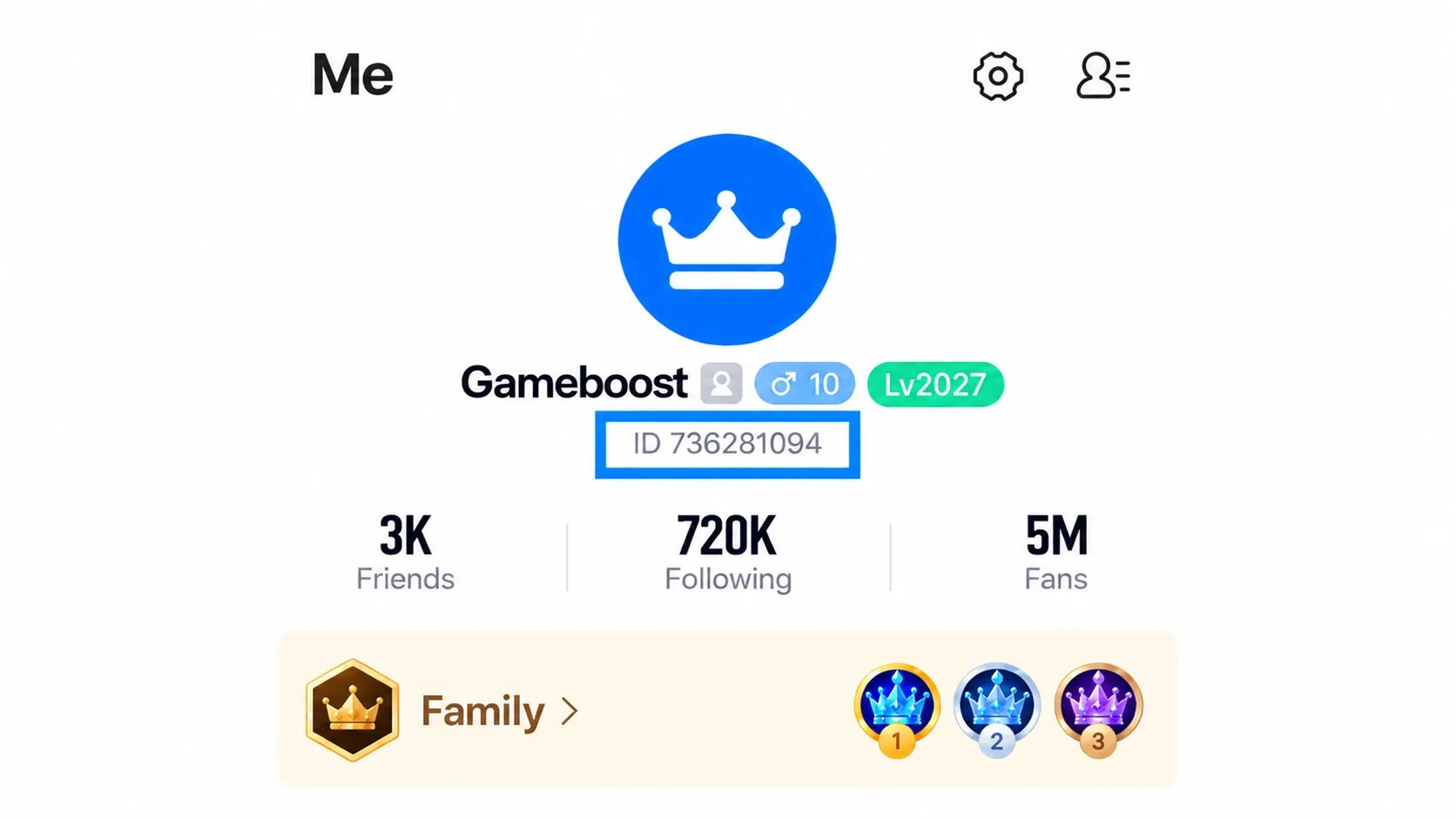
Both delivery methods for a Bigo top up only need a public detail from your profile, never your login:
UID top-up: Share your Bigo ID or username in the order chat, and the seller sends the Diamonds straight to your account.
In-game mail: Share your recipient ID in the order chat, and the seller sends the Diamonds to your in-game mailbox for you to collect.
Your Bigo ID is the number shown under your nickname, and it's the safest detail to share since nicknames can be edited.
These steps take you to your Bigo ID in the app:
Open Bigo Live and tap Me.
Find the number under your nickname.
Copy the digits only, without the "ID:" label.
Tips for Your Bigo Live Recharge
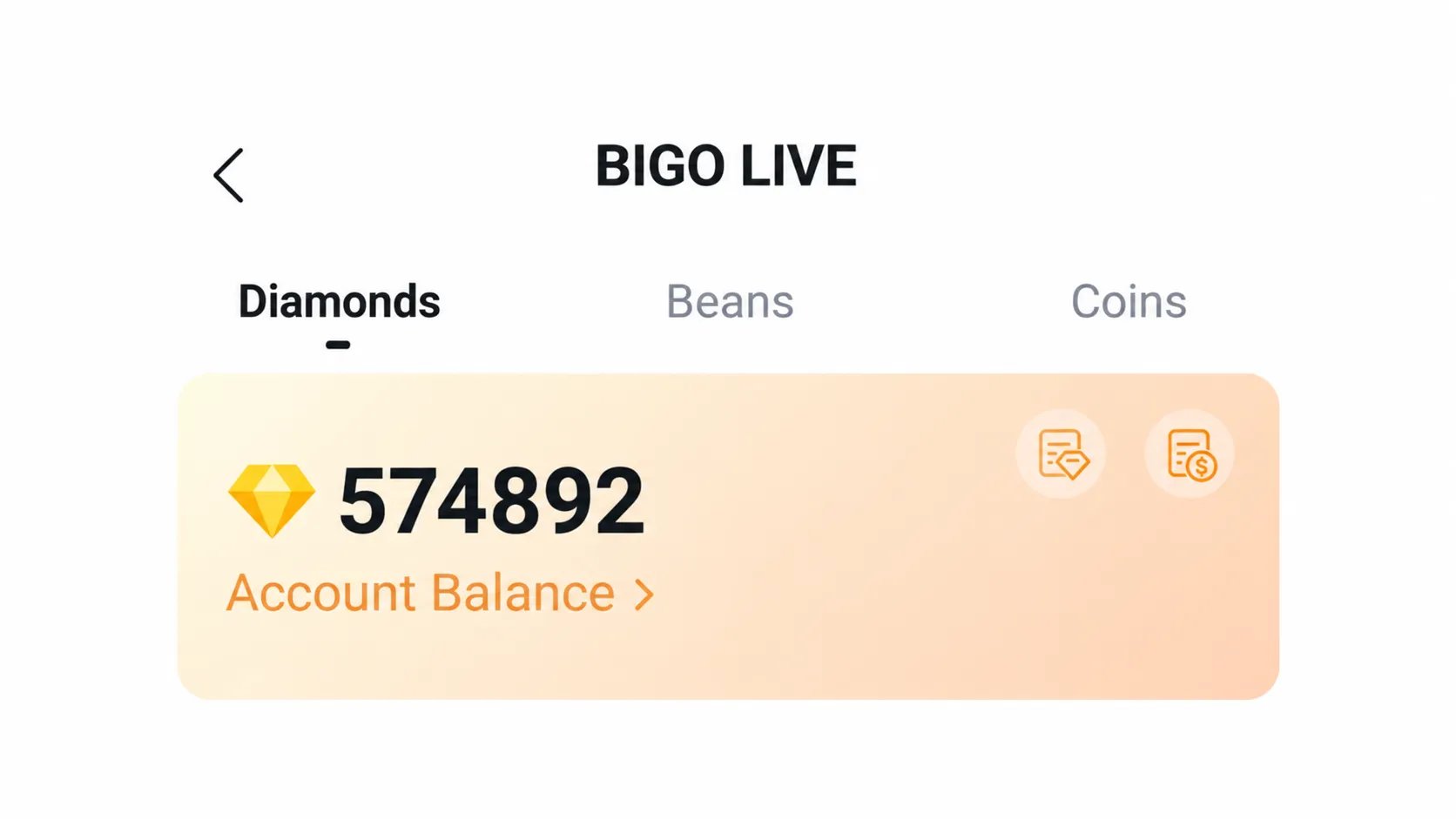
Keep these in mind before and after you pay:
Share your numeric Bigo ID where you can, since nicknames can change.
Read the digits back before paying for a Bigo diamonds recharge, since a wrong ID can credit someone else's wallet.
Look at your Diamond balance in your wallet after the order is marked delivered.
On an in-game mail order, collect the Diamonds from your mailbox once they arrive.
If the Diamonds don't show within the delivery time the listing states, message the seller in the order chat.
How to Recharge Bigo Diamonds
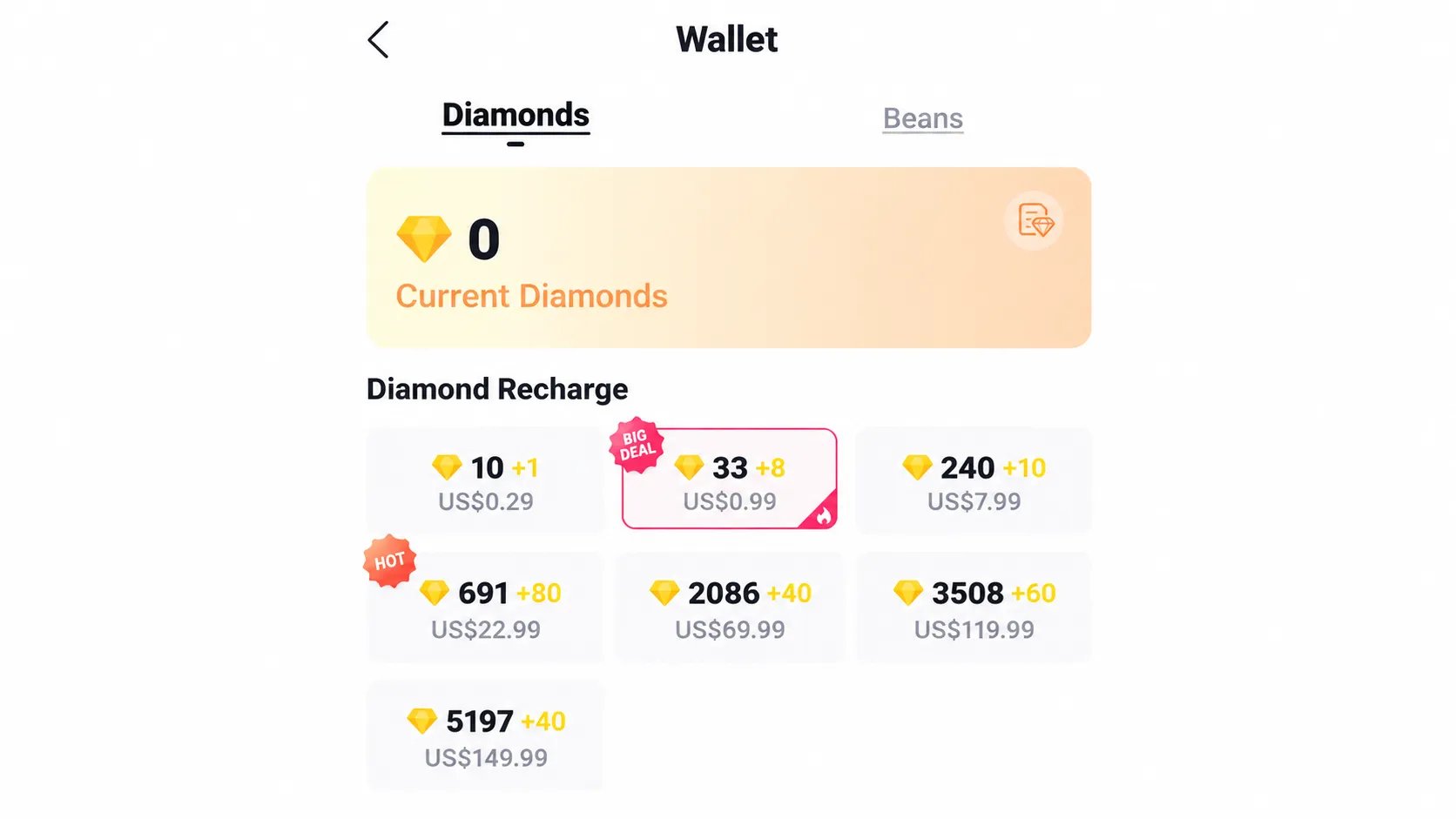
You can recharge Bigo Diamonds inside the app or buy a Bigo recharge online, and both take only a few steps.
To recharge Bigo Live inside the app:
Tap Me.
Open your Wallet and tap Recharge.
Pick a Diamond pack and pay.
To buy a Bigo diamond recharge online:
Choose UID top-up or in-game mail.
Pick the Diamond pack you want.
Pay at checkout.
Share your Bigo ID in the order chat.
Check your wallet, or your mailbox for in-game mail.
What Are Bigo Live Diamonds
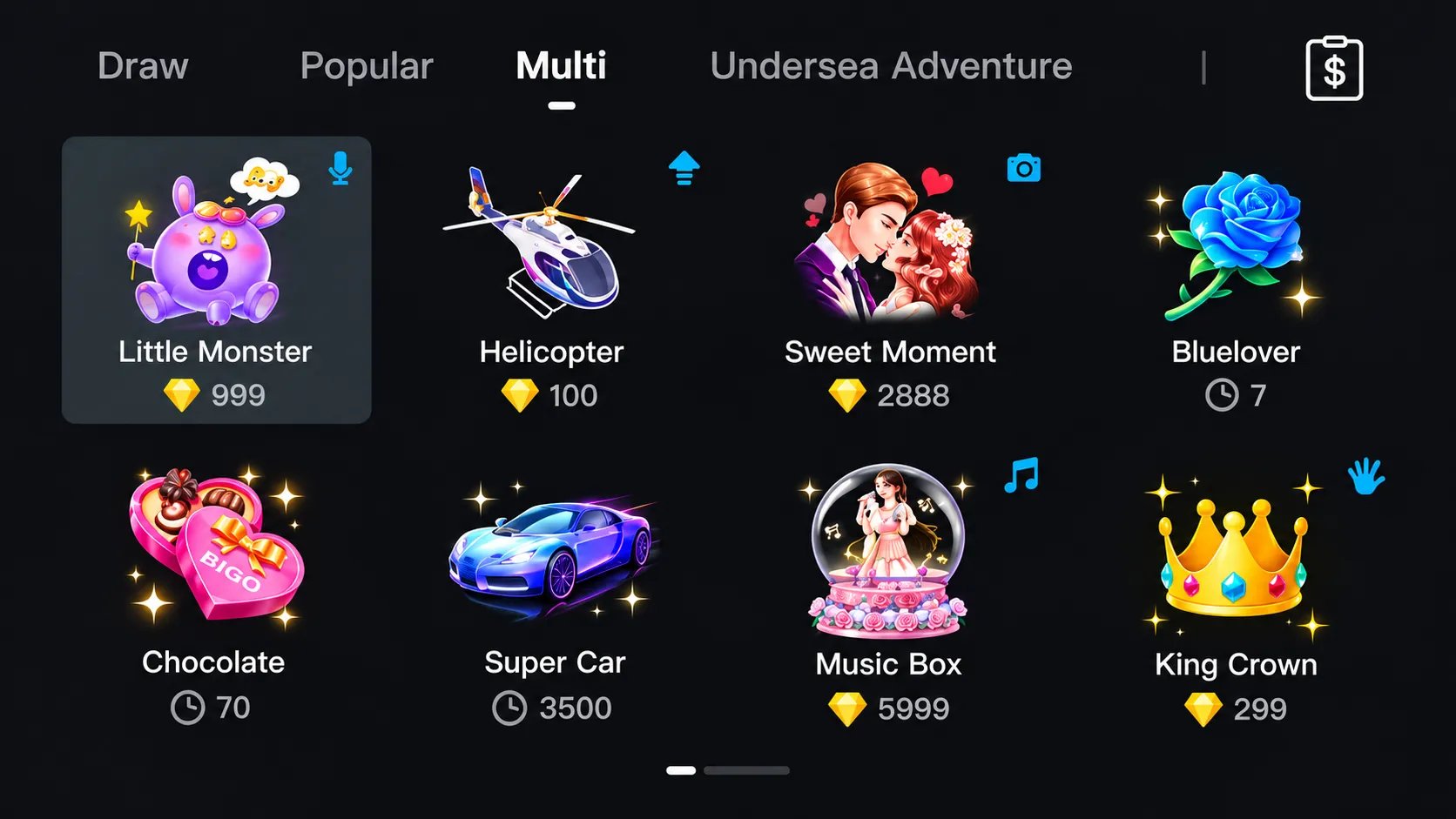
Bigo Live Diamonds are the currency viewers buy to send virtual gifts to streamers during a live broadcast. Each gift has a set Diamond cost, and the gifts you send also count toward a streamer's fan rankings.
Diamonds work alongside a second currency, Beans. Viewers spend Diamonds on gifts, and streamers receive those gifts as Beans they can cash out. Here's how the two compare:
Currency | Who gets it | What it's for | Cash out |
|---|---|---|---|
Diamonds | Viewers, by buying them | Sending virtual gifts to streamers | No |
Beans | Streamers, from the gifts they receive | Withdrawing as real money | Yes |
Diamonds don't expire, so a bigger Bigo Live recharge can sit in your wallet until you need it. They can't be turned back into money, though, so recharge what you plan to gift.
How to Get Diamonds in Bigo Live?
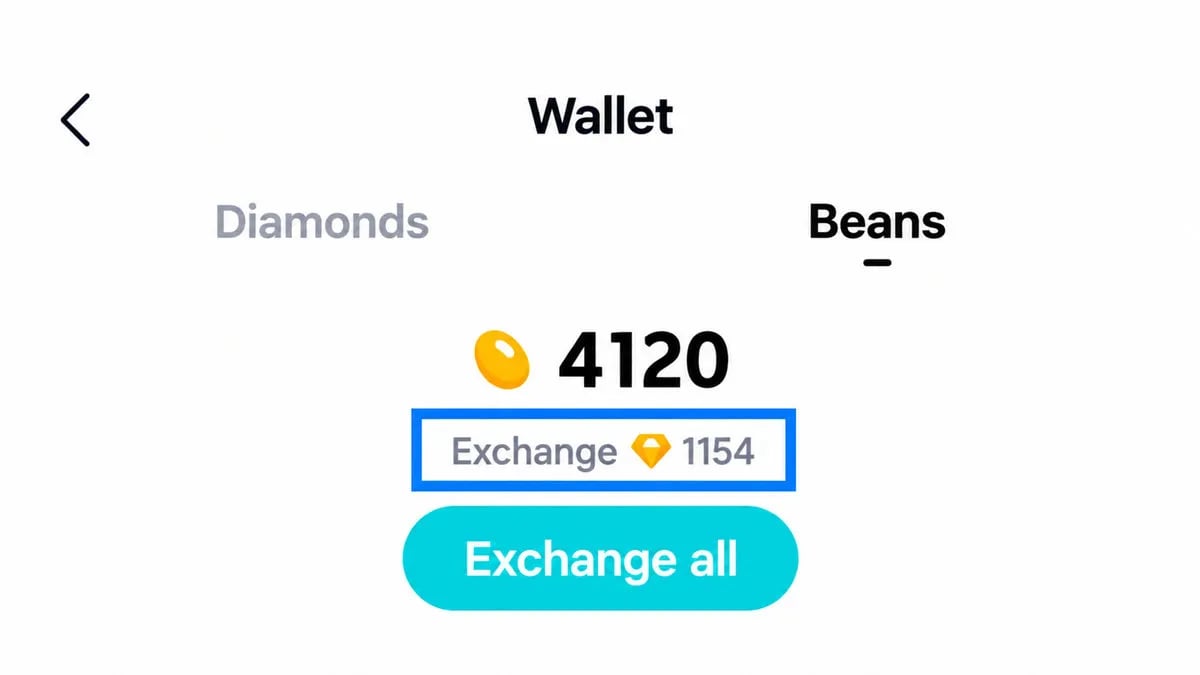
There are three ways to add Diamonds to your Bigo Live wallet:
In-app recharge: Open your wallet in the app and pick a Diamond pack from the Recharge option.
Online recharge by Bigo ID: Buy Bigo Diamonds from a seller and share only your Bigo ID, with no login.
Beans exchange: Streamers can turn Beans into Diamonds, but the rate costs them value compared with cashing Beans out.
With a Bigo diamonds recharge by ID, you can also check a few prices for the same pack before you pay.
Why Buy Bigo Live Diamonds on GameBoost?
When a stream you follow goes live, you want Diamonds ready to gift instead of a long checkout. With a fast Bigo recharge on GameBoost, you pick a pack, share your Bigo ID and get back to the stream.
Every time you top up Bigo Live Diamonds on GameBoost, you get:
Choice of Sellers: Pick from several listings on each Diamond pack, each showing how it's delivered and how long it takes.
Verified Sellers: Every listing comes from an account that passed KYC verification.
EUR or USD: Prices show in euros or US dollars.
Various Payment Methods: Pay the way you like, from Apple Pay to PaysafeCard and more.
Secure Checkout: Every payment runs through GameBoost's own checkout.
No Login Needed: Only your Bigo ID is shared.
24/7 Support: Real people answer around the clock.
An ID-only Bigo recharge, verified listings and round-the-clock help make GameBoost a safe place to buy Bigo Live Diamonds. If anything needs sorting out, open a support ticket or message the team on the GameBoost Discord.
Since sellers set their own prices, GameBoost is an easy place to find a cheap Bigo recharge, and each order adds 3% cashback in GB Coins to your account.
How to Buy Bigo Live Diamonds on GameBoost
Every Bigo top up on GameBoost lands on your Bigo ID or in your in-game mailbox, depending on the delivery method you pick. You can follow the order from your buyer dashboard until it's done.
Follow this path from the homepage to your Diamonds:
Go to gameboost.com and set your language and currency.
Open Top-Ups and find Bigo Live, or search for it.
Open the Bigo Live Diamonds page.
Filter by delivery method: UID or in-game mail.
Pick a seller and a pack that fit.
Pay at checkout with the method you prefer.
Share your Bigo ID in the order chat, then check your wallet or mailbox within the listing's delivery time.