

•Hamza Rashid• 9 min read
Games
Enshrouded multiplayer changed with the 1.0 launch on October 15, 2026. Player caps differ by platform, Enshrouded crossplay is still missing, and your hosting choice decides whether friends can play when you're offline.
Our Enshrouded review called co-op the best way to play and said solo works too. Below, you'll find the practical side of that verdict: player limits, servers and roles, quests in a friend's world, and Enshrouded world settings for one player.
16 players on PC and 8 on PS5, where online play needs PS Plus.
No Enshrouded crossplay yet, and Xbox arrives in spring 2027.
An Enshrouded dedicated server keeps a world online without the host, and PS5 groups can rent one.
Server passwords assign the default Admin, Friend, or Guest roles.
Quests you missed stay available in your journal.
Enshrouded solo play gets presets from Relaxed to Survival, plus Custom sliders.
A PC world holds up to 16 players, per the official Enshrouded FAQ. On PS5, the cap is 8 online players, and the PlayStation Store listing says online play requires PS Plus.
Platform | Max players | Online requirement | Status |
|---|---|---|---|
PC (Steam) | 16 | Steam account | Out now |
PS5 | 8 | PS Plus | Out now |
Xbox Series X|S | Not announced | Not announced | Spring 2027 |
The Enshrouded Launch FAQ confirms 1.0 shipped without cross-platform play. Keen Games is working on it with no time estimate, so PC and PS5 players can't share a world yet.
Xbox owners wait longest. Keen CEO Jan Jockel told Gematsu the Xbox version needs more time to meet the studio's performance and quality bar. Its player cap isn't announced yet. A mixed group should pick one platform now.
Any player can host from their own game, or the group can use an Enshrouded dedicated server. Hosting in-game costs nothing extra on PC, and 1.0 simplified its setup menu into selectable modes. The world lives on the host's machine, though, and goes offline when they quit.
A dedicated server keeps the world up around the clock. PC players can run one with the free server tool on Steam or rent one, and Keen's FAQ names G-Portal as its partner for servers rented from inside the game.
Roles come from passwords. A server's config starts with three groups, Admin, Friend, and Guest, each with its own password. Admins can kick and ban, Admins and Friends can edit bases and open chests, and Guests can do neither. The 1.0 changelog also lets hosts and admins change roles from the social menu, and the game remembers them on rejoin.
Console players can't run a dedicated server on a PS5, which leaves two options: host from one player's console or rent. Several hosting companies sell PS5-only servers, separate from their PC servers. Keen hasn't commented on them, so check the platform before paying.
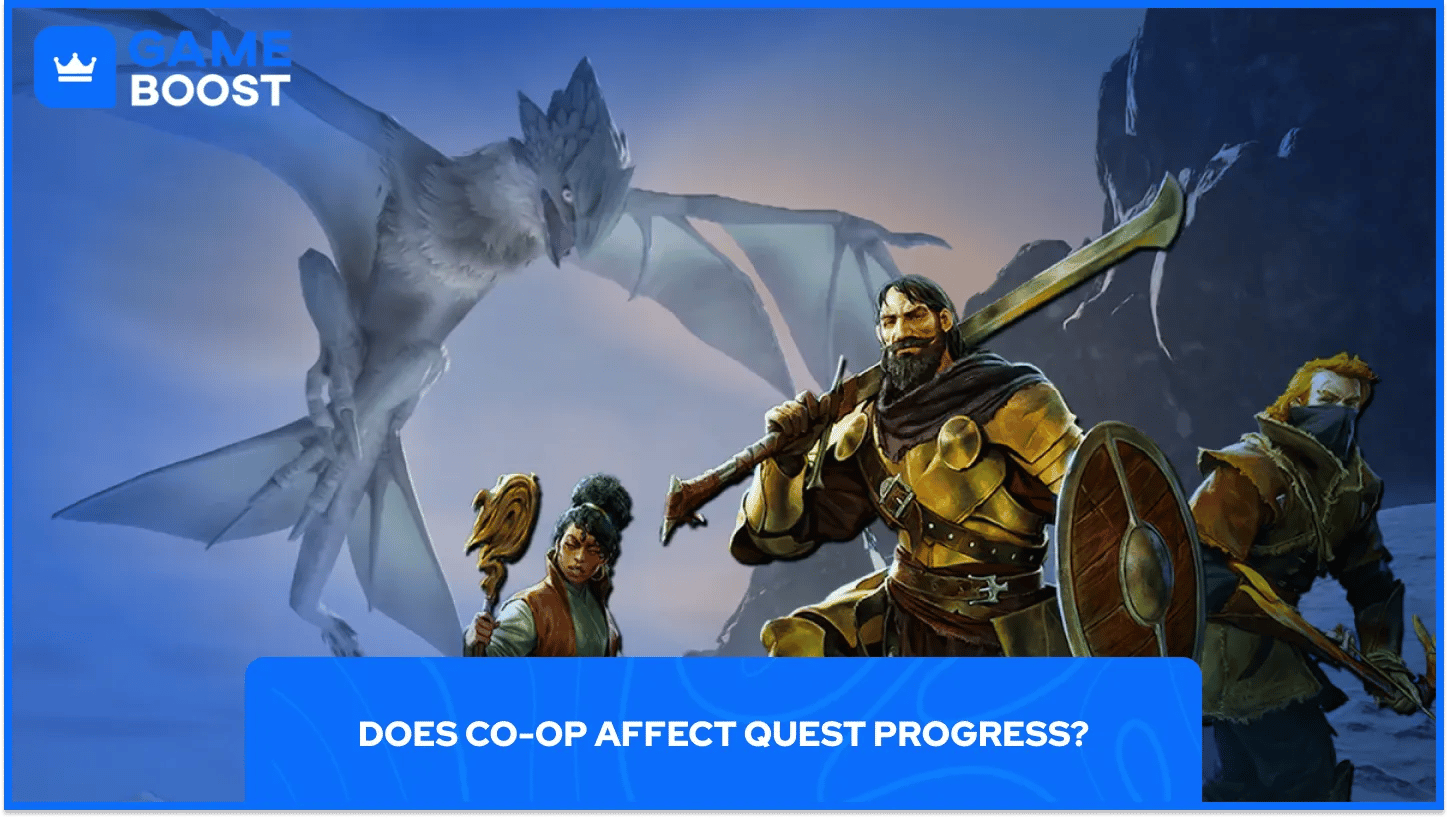
Yes, but only a little now. Since the Melodies of the Mire update in June 2024, each player can finish Embervale quests on their own, and quests friends completed without you appear in your journal as missed quests. 1.0 also labels every quest as personal or world.
Keen's FAQ, unchanged since before Early Access, says your character keeps gear, levels, skills, map memory, recipes that need no workbench, Shroud roots, and towers you found yourself. Most other recipes, freed NPCs, and towers others found stay with the world.
Which rewards a missed quest pays out the second time is still unclear. Steam forum players disagree, and Keen hasn't clarified it for 1.0.
In 1.0, enemies and bosses recover health over time after players leave the combat area, where they used to reset instantly. A quick retry after a party wipe now finds the boss still damaged.
Enshrouded solo play works offline with no subscription. Our review found the Hollow Halls to be where a group matters most, and Keen's changelog says they're best visited with dependable friends.
Five presets have long covered Enshrouded world settings: Relaxed, Default, Hard, Survival, and Custom. Custom opens sliders for enemy and player health, enemy damage, time in the Shroud, starvation, and loot. 1.0 adds updraft charge duration and lets you lower the Flame level. Flame Altars need to push back the Shroud, normally the final level 11. For a solo run, I'd start on Relaxed or Custom with extra player health.
You change settings from the world selection screen. The Hotfix 1.0.0.1 changelog lists the Edit button as a known issue, with a workaround: subscribe to any adventure in Adventure Sharing, then try again.
Adventure Sharing lets players publish adventures built in their worlds for others to visit and vote on, and 1.0 adds Sparkworks, a logic system that wires levers and pressure plates to doors and traps. The creator isn't there when you visit, which means it won't stand in for crossplay.
Platform choice locks in everything else. PC groups get double the player cap and can run their own server, and PS5 groups top out at 8. Got one friend on PC and another on PS5? Right now, one of you has to switch.
Per-player quests topped Keen's feedback board, and the missed-quest journal mostly answers that. Catching up alone still feels thinner than playing live, so save the big story beats for nights when everyone is online.
Watch for a crossplay date and the Xbox player cap next. Solo players can skip most of this: pick a preset, then adjust the sliders the first time a boss feels unfair.
Enshrouded Game Key
View all GameBoost Game Keys
View all GameBoost Accounts
View all GameBoost Boosting Services
View all GameBoost Currencies
View all GameBoost Gift Cards
View all GameBoost Top Ups
View all GameBoost Items
“ A former sports journalist and editor, Patrik joined Gameboost SEO team in 2026. He has spent most of his life playing Football Manager, but his sphere of interests spreads through whole gaming universe.”


