










Overwatch Top Up
Buy your Overwatch top up with various delivery methods and 24/7 human support on every order.

Overwatch Coins for Sale
A top-up adds Overwatch Coins to the Overwatch account you already play on. You pick a pack, and the seller either adds it through your login or hands you a code to redeem.
Overwatch Coins were called Overwatch 2 Coins until Blizzard dropped the "2" from the game's name, so both names mean the same currency.
Supported Platforms
Overwatch Coins listings cover PC, PlayStation, Xbox and Nintendo Switch. Redeem codes come with Overwatch Coins PC and Overwatch Coins Xbox listings only, and each platform handles your Coins balance a little differently:
Platform | Delivery methods | Where your Coins work |
|---|---|---|
PC | Login top-up or redeem code | PC, Xbox and PlayStation, once linked to one Battle.net account |
Xbox | Login top-up or redeem code | PC, Xbox and PlayStation, once linked to one Battle.net account |
PlayStation | Login top-up | PC, Xbox and PlayStation, once linked to one Battle.net account |
Nintendo Switch | Login top-up | Switch only, and only Coins bought through the Nintendo eShop |
Required Information
Each listing states its delivery method before you pay, and what you share when you buy Overwatch Coins depends on that method:
Login top-up: You share the login for the account the seller works on, either your Battle.net account or an Xbox account linked to it. Stay online so you can pass on the verification code the seller may ask for. The top-up starts as soon as they sign in.
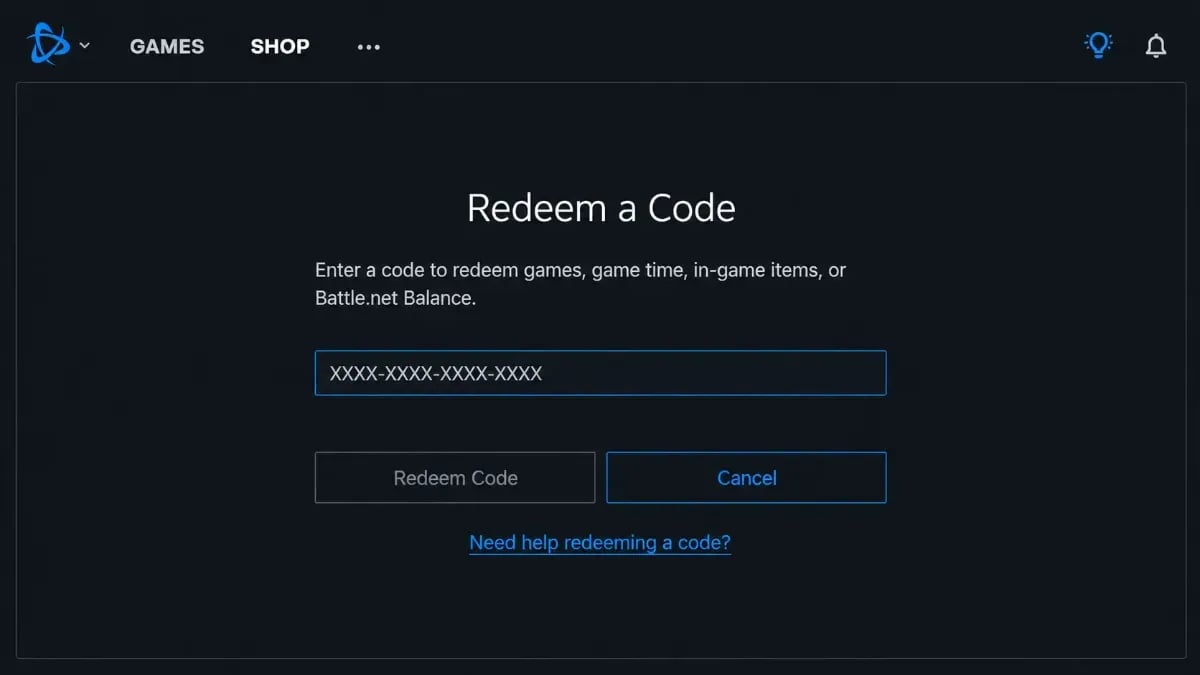
Redeem code: You get a code in your order panel after payment. You redeem it on the account and platform the listing names, and no login changes hands.
Some login sellers add Overwatch Coins through Xbox. If you play on PC or PlayStation, link an Xbox account to your Battle.net account first. You can do this in your Battle.net account settings.
Tips for Your Overwatch Top Up
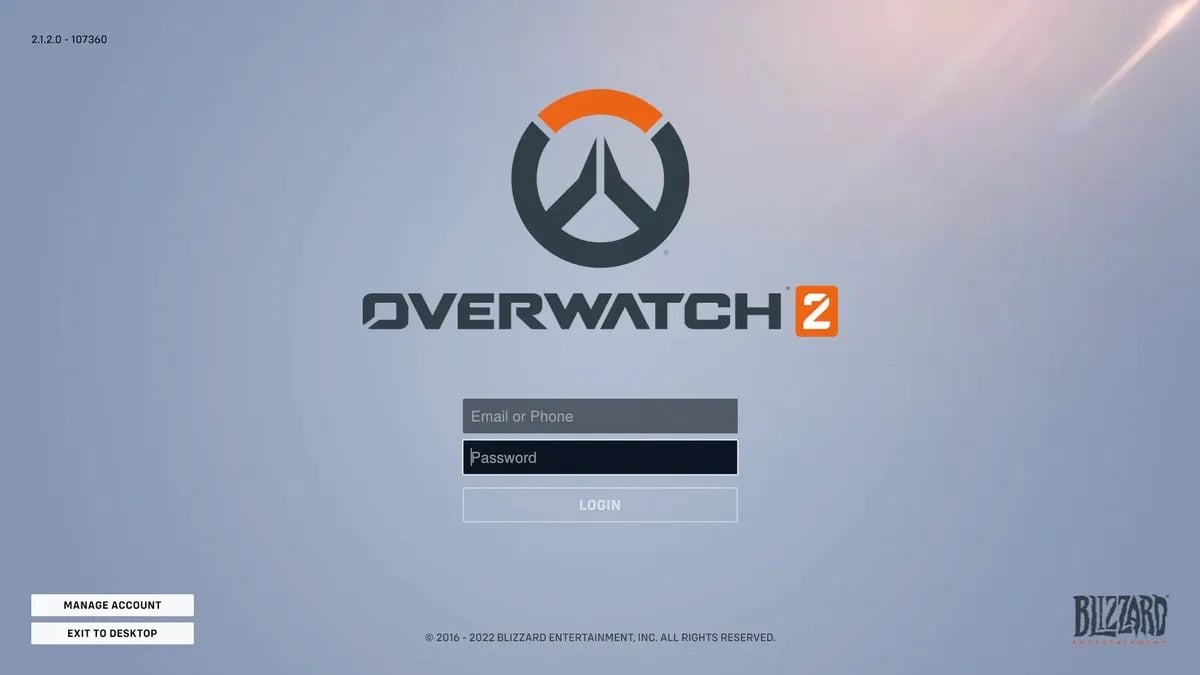
Have your account login ready, and stay out of the game during order processing.
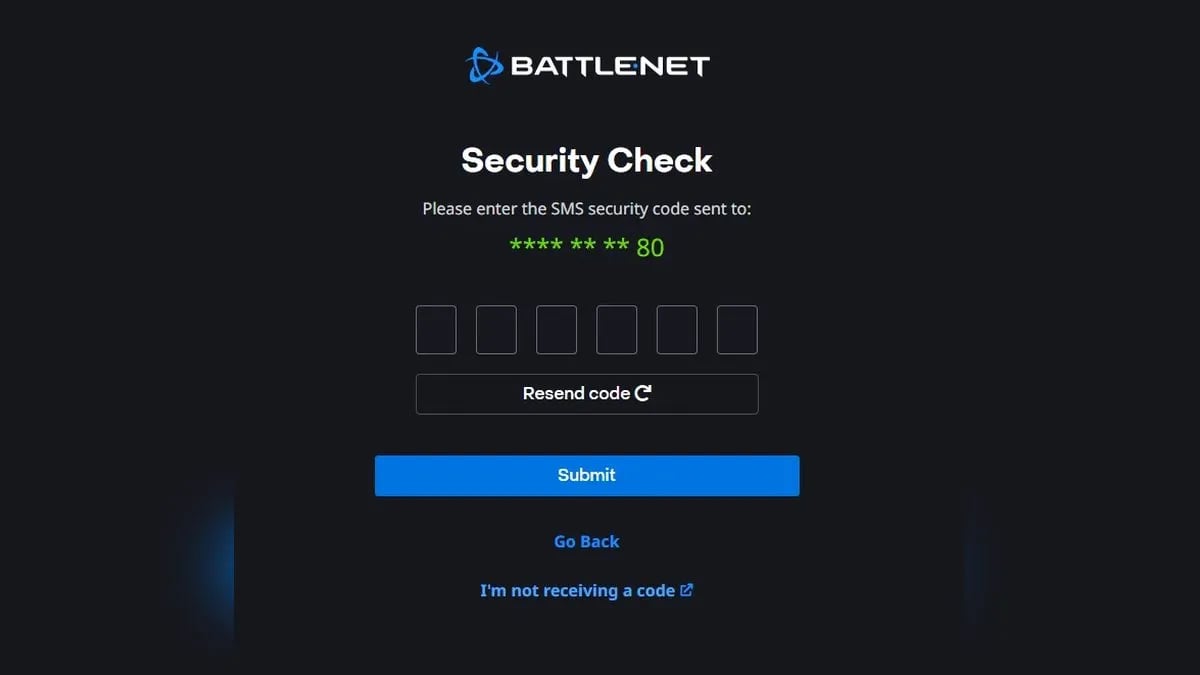
Expect a verification code request during a login top-up and reply to it fast.
Enter a redeem code exactly as written, and only on the platform the listing names.
Double-check the Overwatch Coins pack and platform before you pay, since Switch Coins stay on Switch.
Look at your Overwatch Coins balance in game after the order processes.
If the Coins don't show within the delivery time the listing states, contact the seller's or the store's support.
How to Buy Overwatch Coins
When you buy Overwatch Coins from a seller, they do the top-up and you only follow few steps in this order:
Pick your platform and the delivery method you prefer.
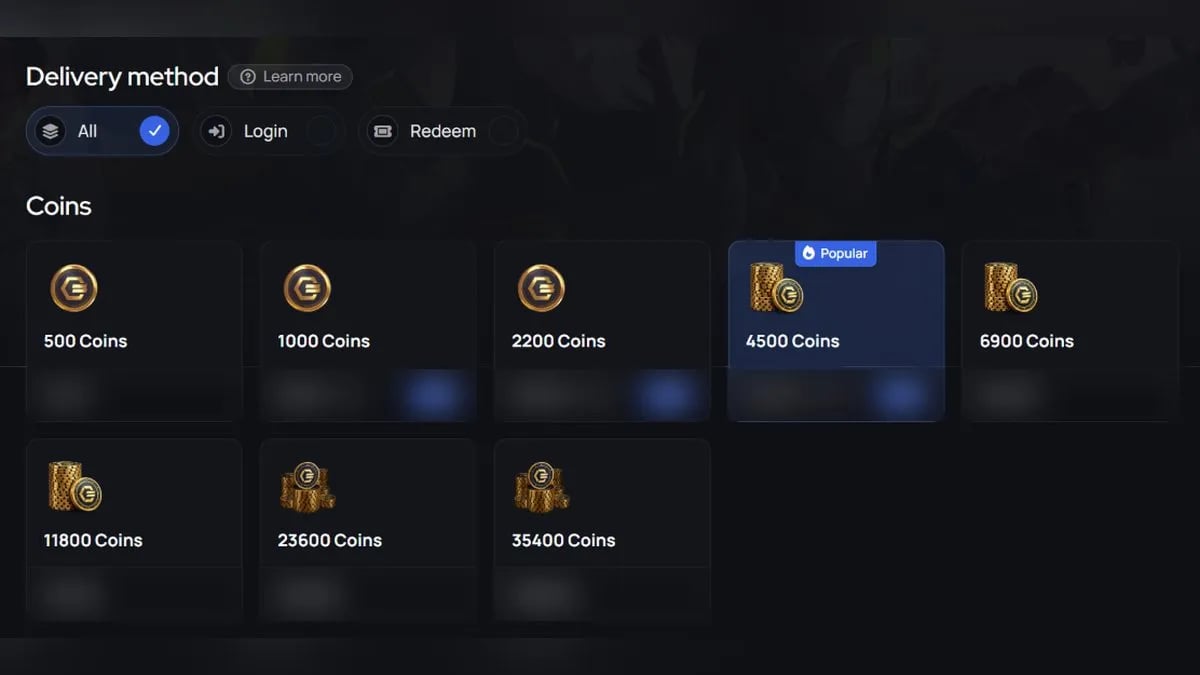
Choose the Overwatch Coins pack you want.
Pay at checkout.
Send your login in the order chat, or redeem the code you get.
What Are Overwatch Coins
Overwatch Coins are the premium balance you spend on cosmetics and the Premium Battle Pass in Overwatch. You buy them with real money or earn a smaller amount by playing, and they sit in one balance on your Battle.net account. Overwatch itself is free to play, so Coins never buy stronger heroes, only looks.
Overwatch Coins pay for these things in the shop:
Item | What it gets you |
|---|---|
Hero skins | New looks for your heroes, bought one at a time |
Other cosmetics | Smaller extras that personalize your heroes and profile |
Premium Battle Pass | The paid reward track, with skins and Mythic Prisms along the way |
Shop bundles | A skin plus extra cosmetics sold as one package |
Overwatch Coins aren't the only resource on your account. Overwatch also uses Credits and Mythic Prisms, and each one pays for a different part of the shop.
The three resources work like this:
Resource | What it is for | How to get it |
|---|---|---|
Overwatch Coins | Paid shop items | Buy with real money, earn on the Battle Pass, or redeem Microsoft Rewards points |
Credits | Older cosmetics in the Hero Gallery | Earn by playing and progressing the Battle Pass |
Mythic Prisms | Mythic skins and their custom looks | Earn on the Premium Battle Pass |
Coins and Credits sit side by side in the shop. Gold prices mean Coins, and grey prices mean Credits, so check which one an item asks for before you spend.
Mythic Prisms have a store of their own, the Mythic Shop, so they never mix with Coins prices.
How to Get Coins in Overwatch?
You can earn some Overwatch Coins for free, but the amounts are small next to shop prices for skins and bundles.
Overwatch gives out free Coins in two ways:
Battle Pass rewards: The free and premium tracks both include Coins drops as you level up.
Microsoft Rewards: Points from Bing searches and daily tasks can be swapped for an Overwatch Coins code.
The paid route is buying Coins in the in-game shop, the Battle.net app or your console store. Many players buy Overwatch Coins from a seller instead, so they can grab a skin or the Premium Battle Pass right away without waiting on free drops.
Why Buy Overwatch Coins on GameBoost?
Free Overwatch Coins come in small amounts, so saving up for a skin or the Premium Battle Pass takes a long time. Buying them on GameBoost lets you skip the grind and grab what you want while it's still in the shop.
Here's what each Overwatch top up on GameBoost comes with:
Compare Sellers: Each Overwatch Coins pack shows several sellers side by side with delivery method and delivery time.
Delivery Options: Pick a login top-up or a redeem code, and every listing states its method before you pay.
Verified Sellers: Every listing comes from an account that passed KYC verification.
Multiple Payment Methods: Pay for your Overwatch Coins with the method that suits you at checkout.
Secure Checkout: Every payment goes through a secure checkout on gameboost.com.
24/7 Support: Human support is available around the clock if anything comes up with your order, and you can also reach the team on the GameBoost Discord.
With KYC-verified listings, a secure checkout and 24/7 support on every order, GameBoost is a safe place to buy Overwatch Coins.
Each seller sets their own rates, so you can pick cheap Overwatch Coins that fit your budget, and every order adds 3% cashback in GB Coins to your account. The same goes for Blizzard's other games, so you can grab Diablo 4 gold here too.
How to Buy Overwatch Coins on GameBoost
Every Overwatch Coins order on GameBoost runs through one listing and one seller. Your order lands in your buyer dashboard once the seller confirms it.
Follow this path from the homepage to your Coins:
Go to gameboost.com and set your language and currency.
Open Top-Ups and find Overwatch, or type it in the search bar.
Open the Overwatch Coins page.
Filter by platform and delivery method.
Compare offers and pick a listing that fits.
Pay at checkout with the method you prefer.
Share your login in the order chat or redeem your code, then check your balance in game.
FAQs About Overwatch Coins
You spend Overwatch Coins on shop cosmetics, bundles and the Premium Battle Pass. Nothing you buy with them changes how heroes play in Overwatch.
Yes, you can earn a small amount of Overwatch Coins on the free and premium Battle Pass tracks. Microsoft Rewards points can also be swapped for an Overwatch Coins code.
On GameBoost, Overwatch Coins come from verified sellers who pass KYC checks, and each order has buyer protection. A redeem code lets you top up without sharing your login at all.
Each Overwatch Coins listing shows its delivery time before you pay. Redeem codes appear in your order panel after payment, and login top-ups start once the seller signs in to your account.
First check that you're looking at the right platform, since Switch Coins stay on Switch. If the Overwatch Coins still aren't there after the listing's delivery time, contact your seller in the order chat or reach GameBoost support.