










Buy Blood Strike Gold – Secure Payments, Fast Delivery & 24/7 Support

Blood Strike Gold Uses and Limits
Blood Strike Gold is the only premium paid currency in the game, and unlike some games that tie currency to seasonal resets, regular Gold carries over indefinitely and doesn't disappear when a new season starts. Players spend Gold in the in-game Mall to access content that's unavailable through standard gameplay progression, including exclusive weapon skins, Striker outfits, the Elite Strike Pass, and Rep Gacha pulls. If you're after any of the premium or limited-edition content releases, Blood Strike Gold is the only way to get there.
Blood Strike uses two types of Gold that work differently. Regular Gold, which is what players receive when they top up, stays in the account permanently and carries over across every season without any expiry date. Timed Gold works differently because it only appears as a refund after completing the Elite Strike Pass. Players who purchase the Elite Strike Pass for 520 Gold and finish all 50 progression tiers get those 520 Gold refunded, but that refunded amount is season-locked and disappears when the current season ends. It can't be saved for the next season or converted into regular Blood Strike Gold.
How to Top Up Blood Strike Gold?
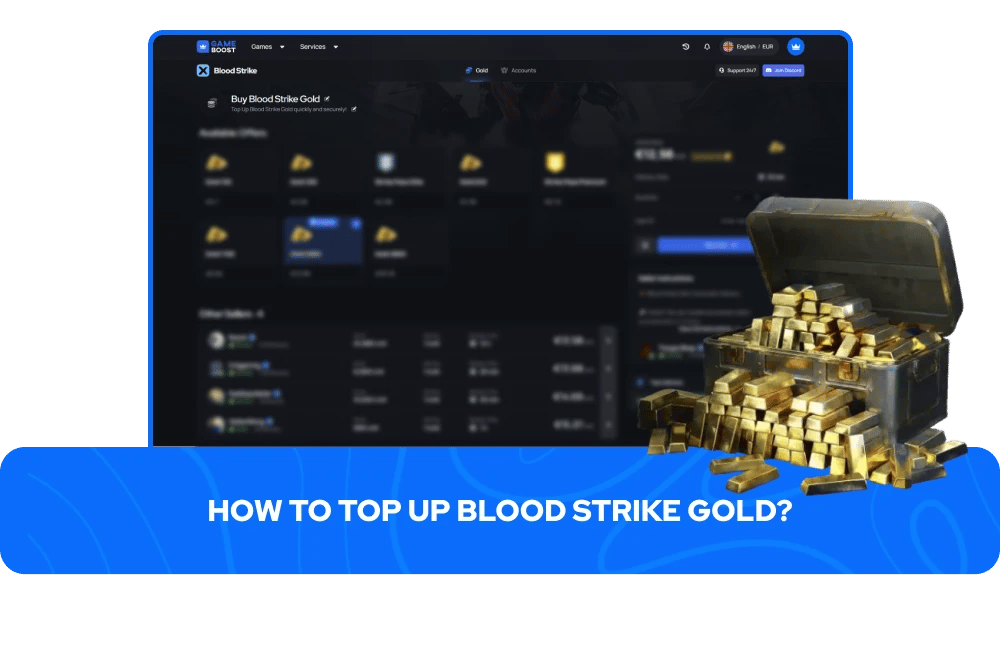
Topping up Blood Strike Gold through GameBoost is built around your User ID only, with no account password required at any point in the process. Your UID is the identifier the system uses to credit Gold directly to the correct account, so locating it accurately before checking out saves time and avoids any delivery issues.
Finding your UID takes a few seconds inside the game:
Launch Blood Strike on your device.
Tap your avatar icon in the upper-left corner of the main screen.
Your User ID will appear on the profile page — copy it exactly, including all digits.
Once you have your UID, head to the Blood Strike Gold top-up page on GameBoost, select the denomination that fits what you're looking for, paste your User ID into the correct field, and complete checkout using your preferred payment method. Gold is credited directly to your Blood Strike account, typically within minutes of payment confirmation. There's no redemption code to enter and nothing extra to do inside the game once the top-up processes.GameBoost offers cheap Blood Strike Gold across all available denominations, with secure checkout and fast delivery on every order
If Blood Strike Gold doesn't show up after a few minutes, restarting the game forces an account balance refresh and usually resolves it. For any order issues, having your transaction ID and UID ready will make the support process faster.