






•Hamza Rashid• 7 min read
Fortnite
Region
Choose your region to see available top-up options
Delivery method
Choose how you want your top-up delivered
V-Bucks
Select an amount to view details and purchase
Fortnite Crew
Select an amount to view details and purchase
Trusted by Millions of Gamers Worldwide

Excellent 4.9 out of 5.0
Based on 361,988+ orders

Su*****ls
Belgium
very fast delivery, kind seller c: would buy again from here :D
Ch*****is
Greece
Fast and legit definitely buying again
Ba*****ga
Latvia
Super fast delivery and excellent communication! The seller replies very quickly and made the whole process smooth and easy. Thank you so much!
wh*****nn
Dominican Republic
The best, 100% recommended by me, attentive and reliable.
Jo*****ga
Netherlands
Took like 30 seconds to deliver, insane!
sc*****ie
Germany
So faaaast and so good. Much love <3
Buy Fortnite V-Bucks in any pack size at low prices, with 24/7 support from checkout to delivery.

Earning V-Bucks by playing is slow, and that's why many players choose to buy them. The Battle Pass and Save the World pay them out a little at a time, so saving up for a single outfit can take a while. Buying Fortnite V-Bucks lets you grab a skin before it rotates out of the Item Shop, top up for a new Battle Pass, or build up the skin collection on a fresh Fortnite account.
When you buy V-Bucks online, they're added to the Epic Games account you already play on. The seller buys them in Fortnite's official store, so they're regular V-Bucks, the same as if you'd bought them yourself.
The seller signs in to your Epic Games account to make the purchase, and it goes like this:
Sign-in: After paying, you share your Epic Games email and password in the chat. The seller signs in once, buys the V-Bucks and signs out.
Verification code: Epic emails a code when someone signs in, so stay online to pass it on. A few sellers ask you to switch 2FA off for the purchase instead, and you turn it back on right after.
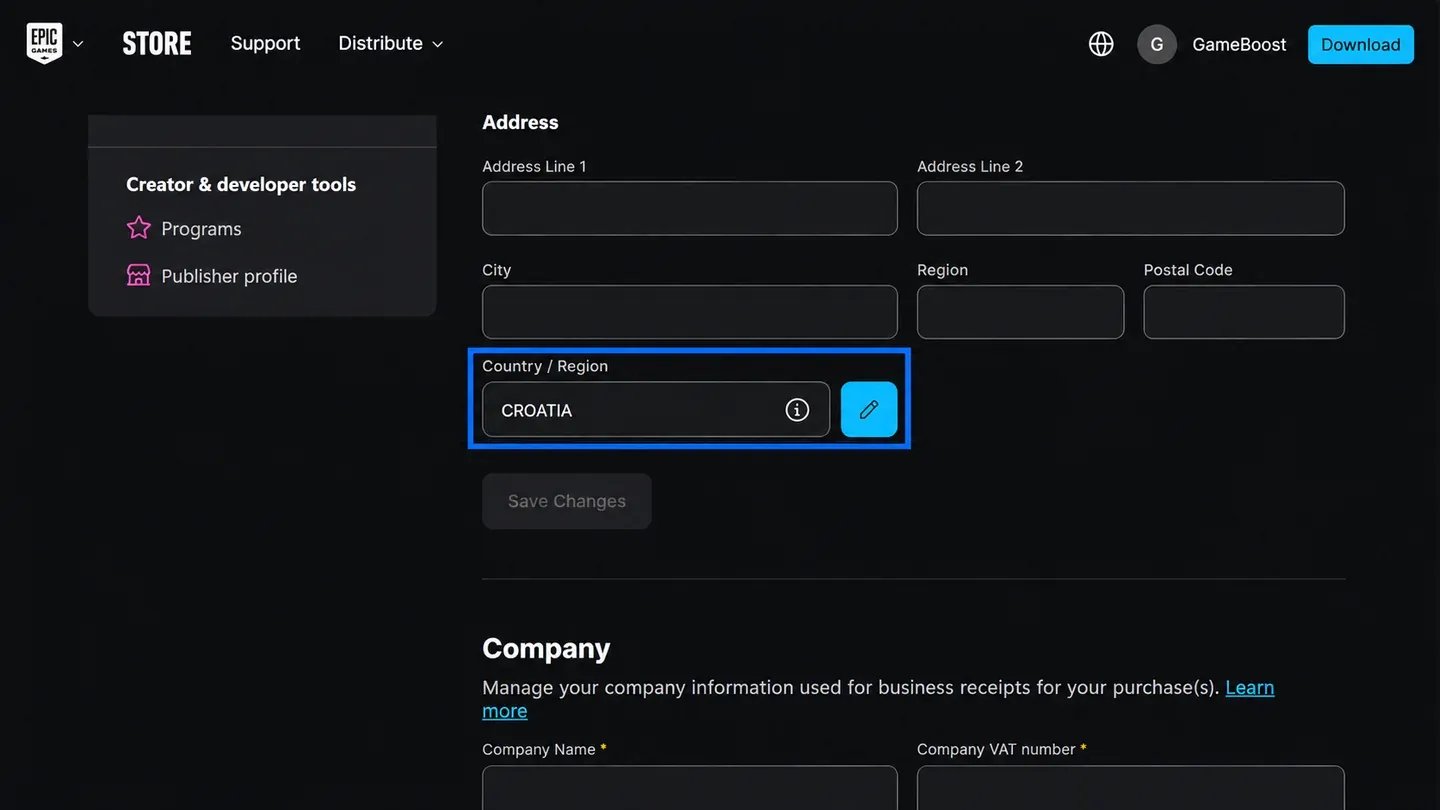
Country change: Many sellers move your account to another country to buy the V-Bucks. Epic allows one country change every 6 months, so the new country stays for 6 months. Your V-Bucks and everything you own stay on the account.
Epic Rewards: Any Epic Rewards balance may be used in the purchase or lost with the country change, so spend it first if you want to keep it.
Once everything is done and the V-Bucks are in your account, change your Epic Games password so you're the only one with access. Sign in at epicgames.com, open Password and Security in your account settings and select Change password. Enter your current password, type a new one and confirm.
Check these details first so you pick the right pack:
Your region: Choose EU or US when you pick a pack. V-Bucks can be added to Epic accounts from any country.
Switch players: Nintendo Switch is the only platform outside Fortnite's Shared Wallet, so V-Bucks bought through Epic can't be spent on Switch.
Other platforms: PlayStation, Xbox, PC, Android and cloud gaming share one V-Bucks balance.
Seller notes: Some sellers don't change your country at all, and Fortnite Crew plans have their own account rules, so read the notes before you pay.
If something's off: Message the seller in the chat or open a support ticket if the V-Bucks don't show up in the stated time.
Buying V-Bucks online works differently from a code or card, because nothing needs redeeming. The seller completes the purchase on your account, so the V-Bucks are ready to spend the moment it's done.
Here's how to buy V-Bucks, step by step:
Pick your region, EU or US.
Choose a V-Bucks pack, or a Fortnite Crew plan.
Pay and enter your Epic Games login.
Share the 2FA code when it's requested.
Open Fortnite and check your V-Bucks balance.
Change your password once everything is there.
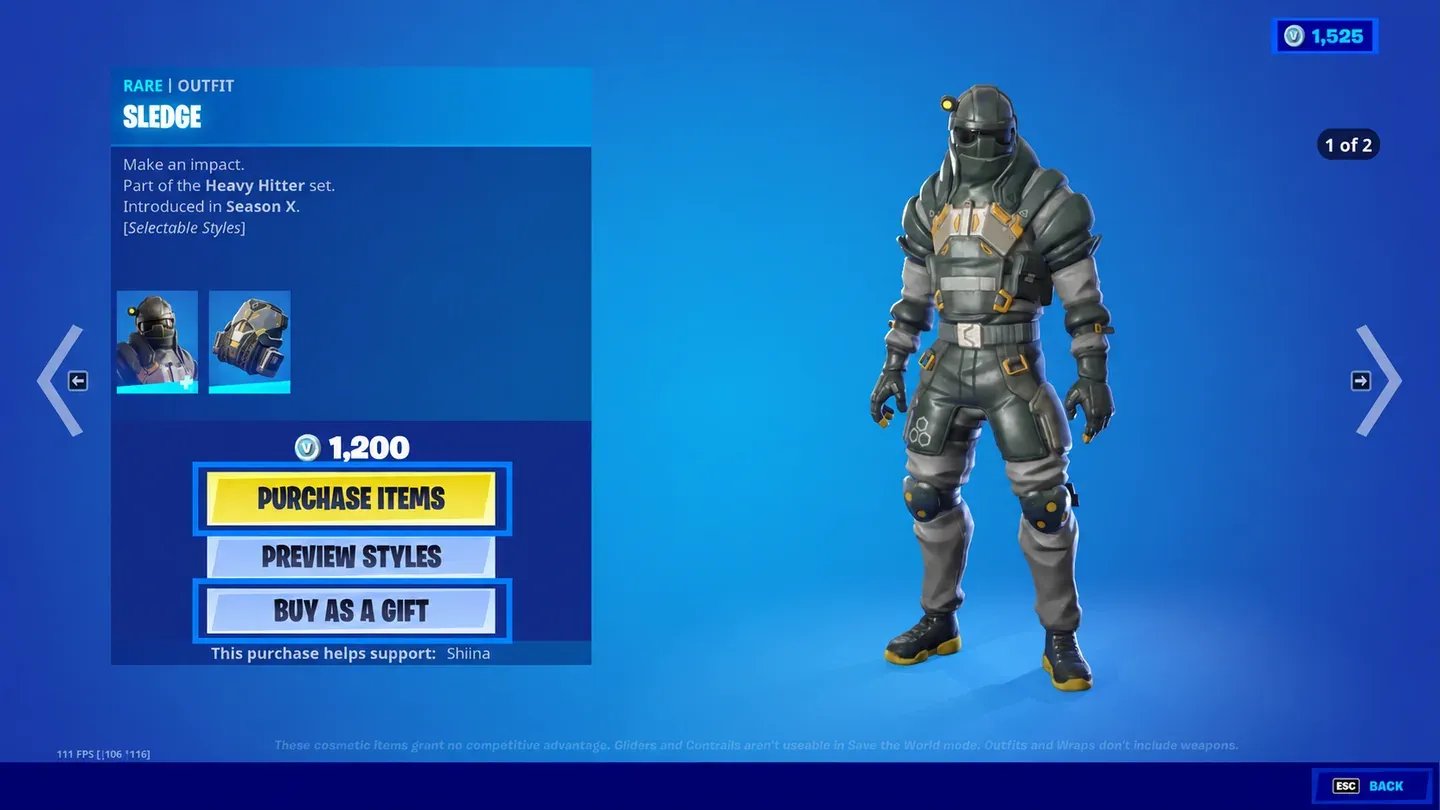
V-Bucks are Fortnite's in-game currency, used to pay for everything in the Item Shop. They only buy cosmetics and passes, so spending them never gives anyone a gameplay edge.
Players spend V-Bucks on:
Item Shop cosmetics: Outfits, emotes, pickaxes, gliders and wraps.
The Battle Pass: The paid season track, which pays some V-Bucks back as you level it.
Gifts: Item Shop cosmetics you send to friends.
Epic sells V-Bucks in set bundles through Fortnite and each platform's store. Buying them online from a marketplace is usually cheaper than those official bundles, because sellers set their own prices and compete on every pack, which makes cheap V-Bucks easy to find. Prices show in euros or US dollars, so you see the exact cost before you buy V-Bucks.
V-Bucks come from a handful of sources, and only one of them is quick:
Battle Pass: Both the free and paid tracks include V-Bucks among their level rewards.
Save the World: Quests in this separate paid mode award V-Bucks, but only for players who own it.
Buying them: Bundles from Epic, gift cards, Fortnite items like skin packs that include V-Bucks, or a top-up made on your account.
Battle Pass rewards cover the next pass if you finish every season, but they rarely stretch to new skins on top.
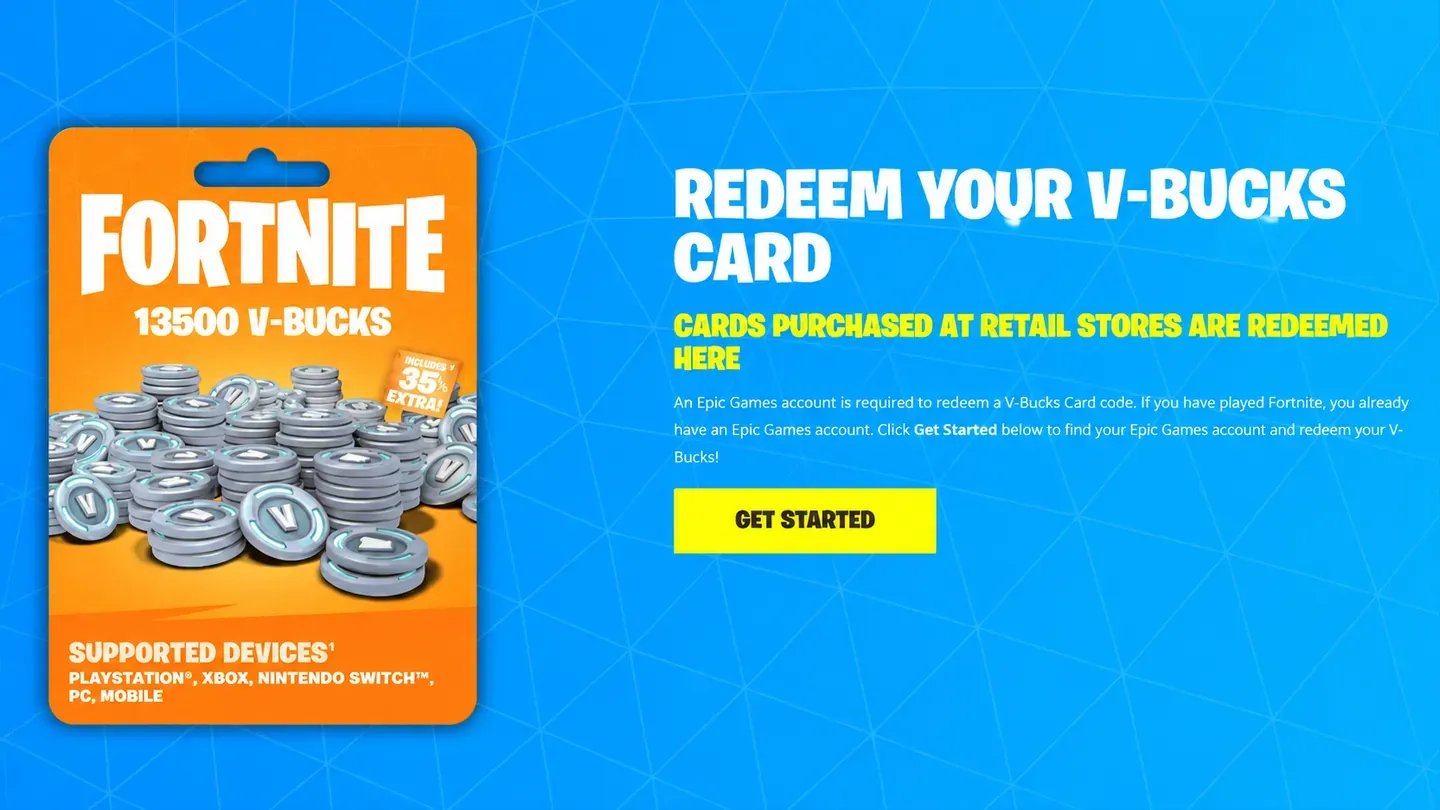
V-Bucks cards and gift codes are redeemed on Fortnite's website, not inside the game. If you have a code from a Fortnite gift card, follow these steps to redeem V-Bucks:
Go to fortnite.com/vbuckscard and select Get Started.
Sign in to the Epic Games account you play on.
Enter the PIN without dashes and select Next.
Choose your platform. Only platforms linked to that Epic account show up.
Check the account and new balance, then select Confirm.
On PC, Switch and mobile, the V-Bucks are ready when you open Fortnite. On PlayStation and Xbox, you get a second code by email that you enter on the Sony or Microsoft site to finish.
No, Epic doesn't let you send V-Bucks straight to another account. You can still get them to a friend in two ways:
Gift an Item Shop cosmetic: Buy an outfit or emote with your own V-Bucks and send it as a gift.
Give a V-Bucks gift card: Your friend redeems the code on their own Epic account.
Gifting a cosmetic has its own rules. You need two-factor authentication turned on, an account at Level 2 or higher, and 48 hours as Epic friends with the person, and you can send up to 5 gifts every 24 hours.
Item Shop skins come and go, and the one you want might not be back for a while. With dozens of V-Bucks offers to choose from, you can top up the same day a skin you like appears instead of waiting on Battle Pass rewards.
Every V-Bucks purchase includes these perks:
Verified Sellers: Each one has passed KYC verification.
Payment Options: Pay with Apple Pay, PaysafeCard and other methods.
Secure Checkout: Payment stays on the site the whole way.
Cashback: 3% of what you pay comes back as GB Coins.
24/7 Support: Real people reply and are ready to help you at any hour.
With KYC checks and V-Bucks bought through the official store, GameBoost keeps buying Fortnite V-Bucks simple and safe. If you need help at any point, create a support ticket or reach the team on the GameBoost Discord.
Checkout only takes a few minutes, and your buyer dashboard tracks every update until the V-Bucks reach your Epic account.
Start on the homepage and follow these steps:
Visit gameboost.com and set your language and currency.
Open Top-Ups and select Fortnite, or search for it.
Go to V-Bucks and set the region to EU or US.
Pick a pack and compare the prices below it.
Pay with your preferred method.
Keep the chat open and share your 2FA code when asked.
“GameBoost is not affiliated, endorsed, sponsored, or authorized by Epic Games, Inc., Fortnite, or any of its subsidiaries or affiliates. Epic Games, Inc.’s official website can be found at: https://www.epicgames.com. The name Fortnite, as well as related names, marks, emblems, and images are registered trademarks of their respective owners. Use of trademarks is covered by fair use principles under EU Regulation 2017/1001, Article 14.”