


Buy Honor of Kings Tokens – Secure Payments, Fast Delivery & 24/7 Support

Spending Honor of Kings Tokens
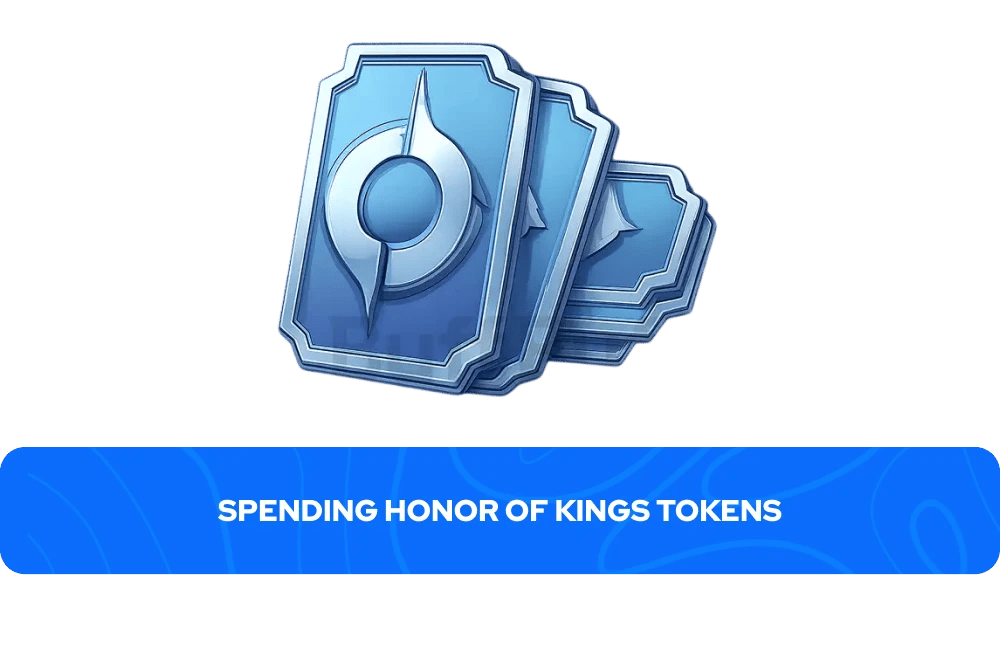
Honor of Kings runs on three separate currencies, and each one serves a different purpose. HoK Tokens are the premium currency acquired with real money, Diamonds are a freemium currency earned through completing achievements, and Starstones are basic match rewards.
Only Tokens give access to the full range of paid content in the shop. Every Token spent also increases a player's Nobility level, so purchases contribute to both direct unlocks and long-term account progression.
Here is what HoK Top Up Tokens cover:
New heroes cost 588 Tokens at standard price, but drop to 294 Tokens during the first week of release
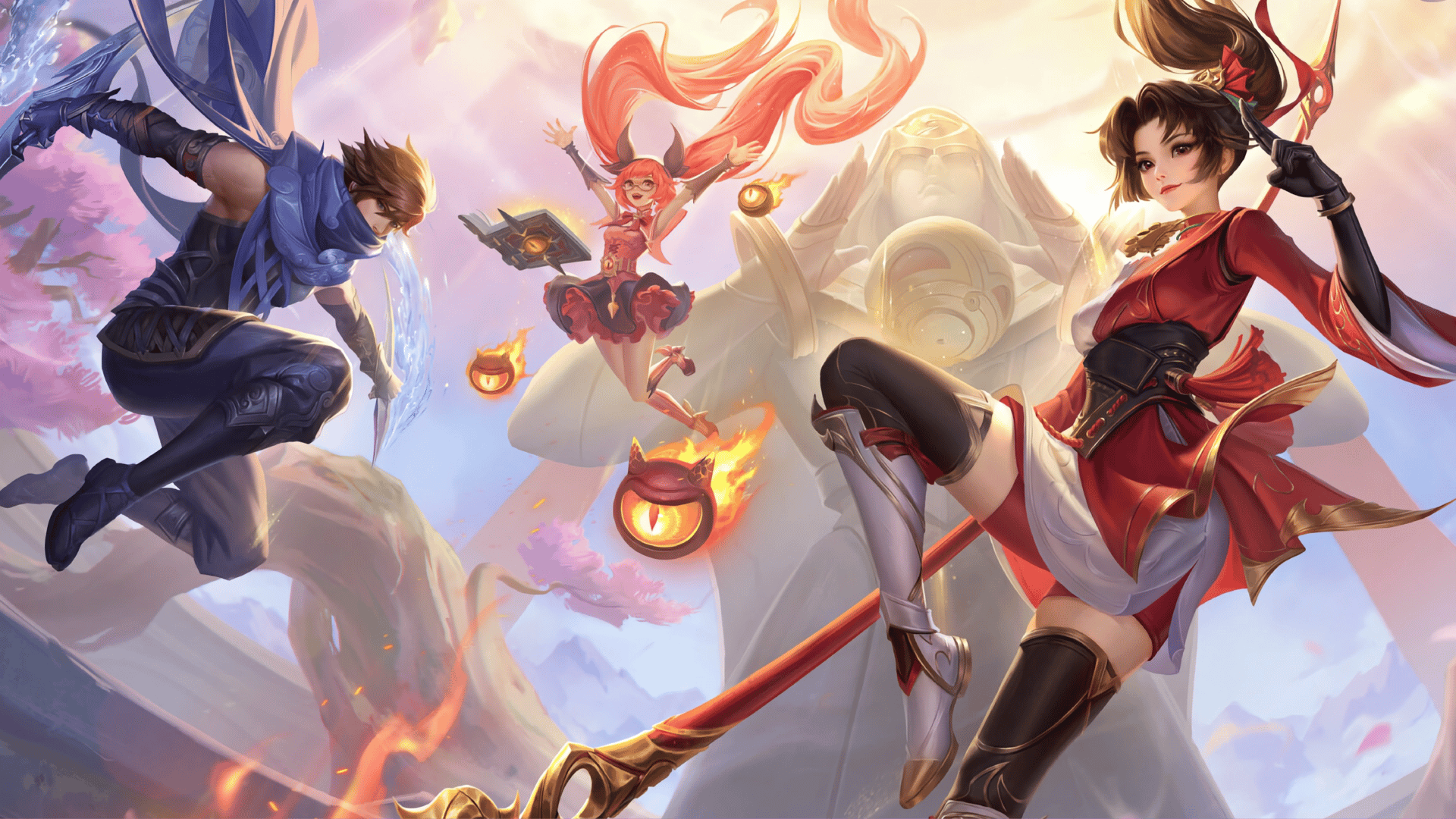
Epic skins are priced between 888 and 1,388 Tokens and come with custom skill effects and exclusive voice lines.
Legendary skins range from 1,688 to 2,888 Tokens and include remastered hero models and unique music.
The Honor Pass costs around 388 Tokens for the basic version or 1,288 Tokens for the deluxe version, and completing it fully generally returns the token cost in rewards.
Tokens also cover recall effects, emotes, battle backgrounds, and seasonal bundles.
Many limited skins are only available for a short window, and once removed from the shop, they may never return. Players who want specific cosmetics typically use Honor of Kings top up before seasonal deadlines rather than waiting.
Buying HoK Tokens on GameBoost
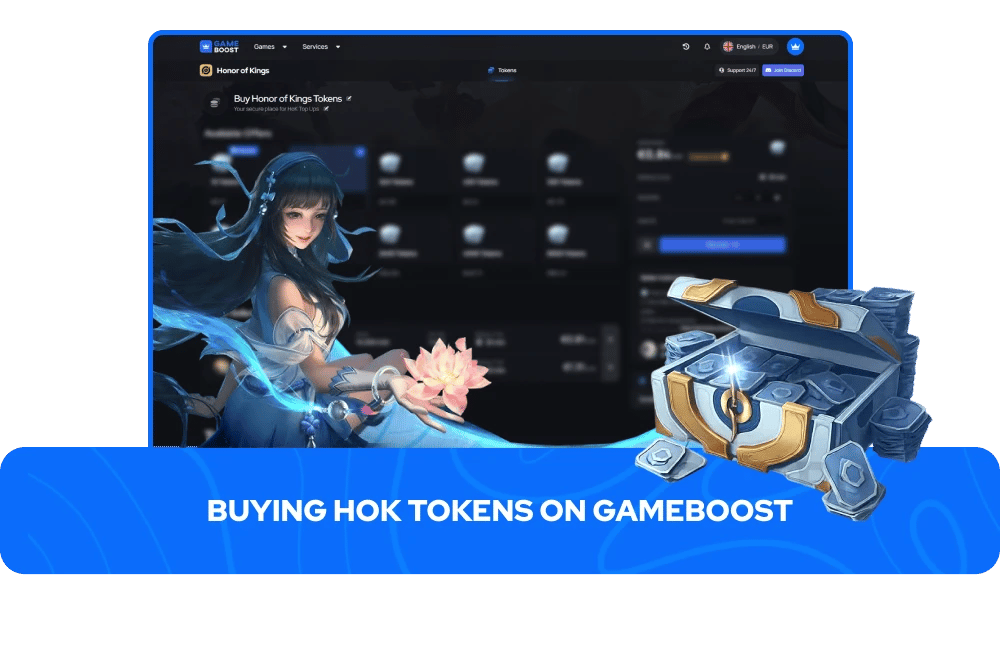
Players looking to buy Honor of Kings Tokens through GameBoost are purchasing from a seller-coordinated marketplace, where real, verified sellers fulfill each order directly. To get started, select the HoK top up amount that fits your needs, enter your UID at checkout, and complete the payment. Once confirmed, the assigned seller credits the Tokens straight to your account. No account password is needed at any point, and nothing extra needs to be installed.
Available packages cover the full range, from small top ups for a single hero unlock to larger bundles for players stocking up before a new season or collaboration event.
The following amounts of HoK Tokens for sale are available to purchase on GameBoost:
16 Tokens
80 Tokens
240 Tokens
400 Tokens
560 Tokens
800 Tokens
1,200 Tokens
2,400 Tokens
4,000 Tokens
8,000 Tokens
Prices vary by seller, and checkout supports multiple payment options, so players can pick whatever works best for them.
How to Top Up Honor of Kings Tokens?
To Top Up Honor of Kings Tokens, players have two options: top up directly through the in-game shop or go through a third-party marketplace like GameBoost for a seller to do it.
The in-game route runs through the App Store or Google Play, which keeps things tied to whatever payment method is linked to that account. The GameBoost route works through a seller-coordinated marketplace, giving players more flexibility on package size and payment options. Both methods credit HoK Tokens straight to the account, with no extra steps needed once the purchase goes through.
For players doing a HoK top up in-game, the steps are as follows:
Open Honor of Kings and tap the "+" icon beside your Token display.
Select the Token denomination you want.
Confirm your purchase through your linked App Store or Google Play payment method.
Tokens appear in your account instantly in over 99% of transactions.
Before placing an order on any third-party marketplace, players need their Player ID (UID), which can be found by tapping the avatar at the top left of the main screen, opening the settings icon in the upper right corner, and selecting View UID. Since sellers deliver directly to the account tied to that ID, submitting an incorrect UID is the most common cause of delays. Any issues after purchase can be directed to the GameBoost help center at help.gameboost.com.