
.png)

•Filip Premuš• 6 min read
Call of Duty: Modern Warfare 4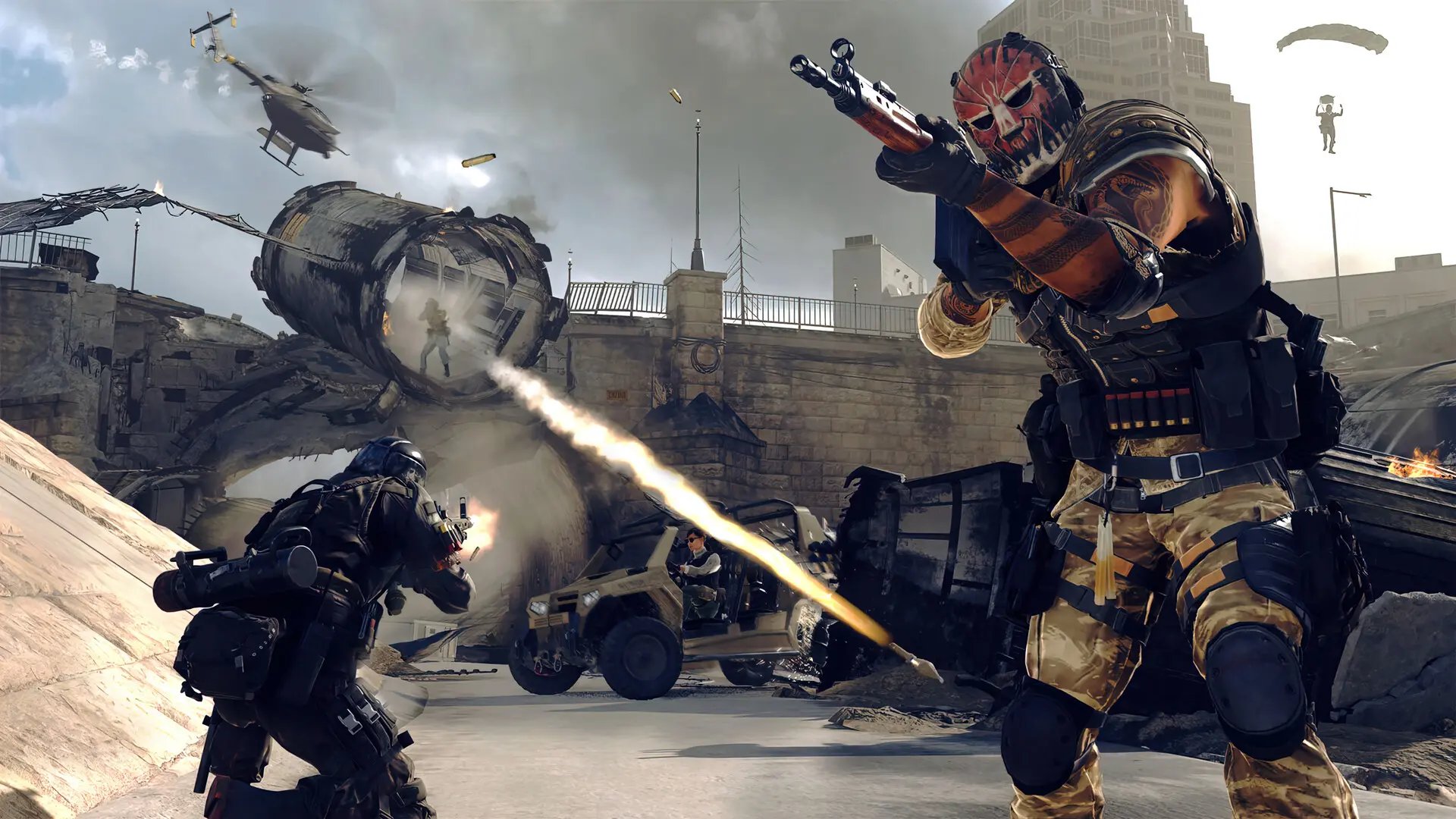
Modern Warfare 4 is a first-person shooter from Infinity Ward that pairs a campaign, competitive multiplayer, and the extraction mode DMZ. Every mode uses XP, and cosmetics like operator skins and weapon blueprints give each loadout its own look.
Players who want to redeem codes in Modern Warfare 4 usually hold a 13-character code from a receipt or packaging, or a tab code from a Monster Energy can. Every one of them ends up on an Activision account, and the rewards follow that account into the game. Next, we cover everything from the official redemption page to reward limits and error fixes, so every code lands in the right place.
Every MW4 reward code redeems on one official page: Most players enter codes at callofduty.com/redeem after signing in to an Activision account that links to their platform account.
A 13-character code must match the receipt exactly: Codes from receipts, inserts, and packaging fail on a single wrong character.
Monster Energy tab codes take two separate steps: The tab code produces a 2XP code on the Monster site, and that 2XP code redeems on the Call of Duty page.
Each 2XP code grants a 15-minute token: The first six Monster redemptions also add themed cosmetics to the account.
Token limits cap how fast levels climb: An account holds 40 hours of each token type, and the game uses one hour of each type per day.
Digital preorder and Vault rewards need no code: Operator packs, camos, and blueprints from those editions arrive in the game automatically.
Missing rewards usually need a game restart: Items can take up to 24 hours to appear, and consoles sometimes need a reboot.
Most MW4 reward codes redeem on one official page, callofduty.com/redeem. The page works with PlayStation 5, Xbox Series X|S, Xbox on PC, Battle.net, Steam, and Nintendo Switch 2 accounts. Rewards attach to the Activision account, not the console, so that account has to link to the platform account players use for the game. Anyone without an Activision account can create one at the login step.
Redeem codes also differ from the keypad codes inside campaign missions. Door and safe combinations belong to the campaign, and the full list of key code solutions sits in a separate walkthrough, so none of them belong on the redeem page.
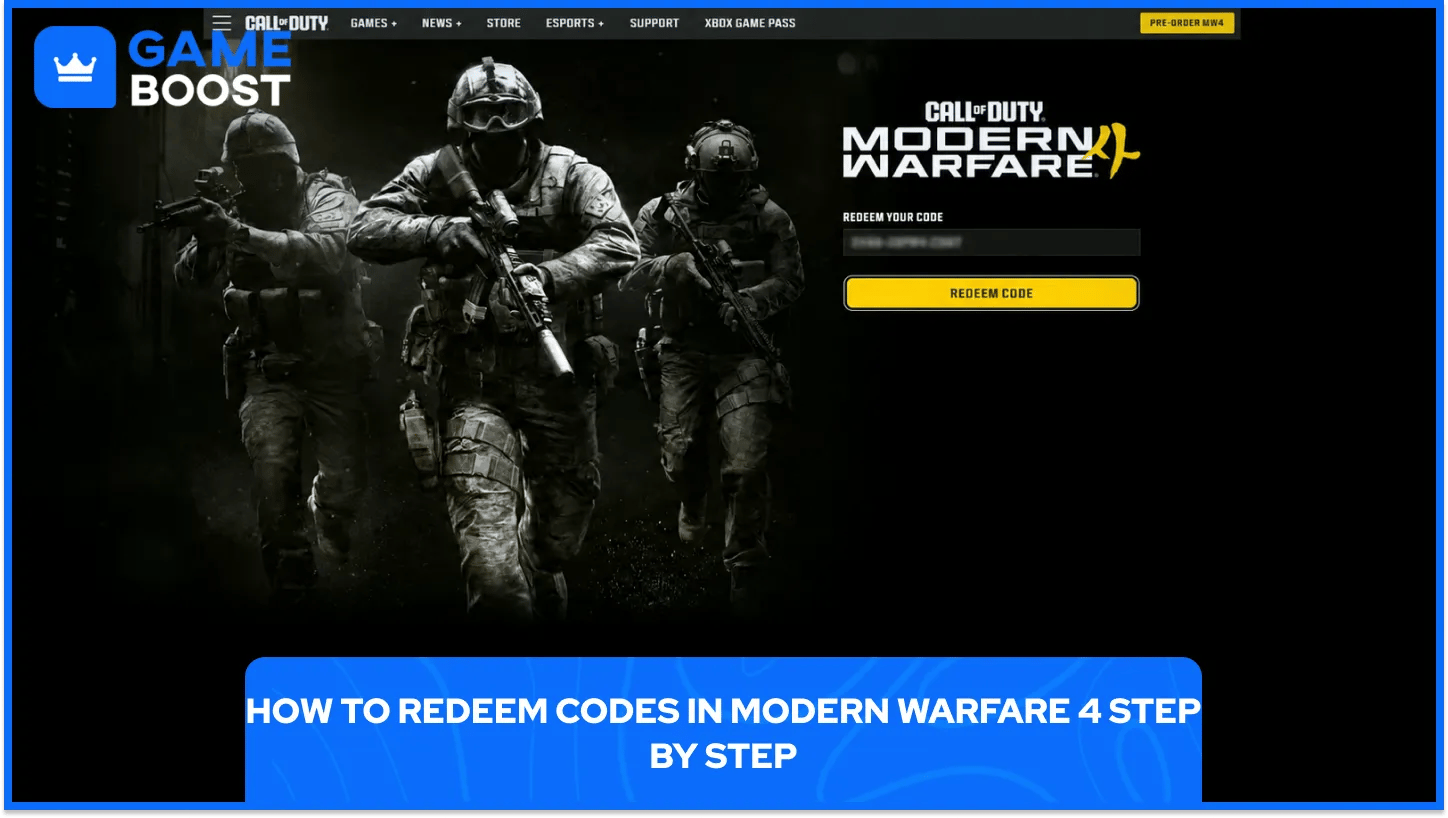
The process takes a few minutes and works the same way for every code that redeems on the Call of Duty website. A browser, the code, and the login details for the Activision account are the only things needed.
Players follow these steps to add a code to an Activision account.
Sign in with the Activision account that carries the game: Players open callofduty.com/redeem and log in with the account linked to their platform.
Enter the code exactly as it appears: Codes from receipts, inserts, and packaging have 13 characters, and every character has to match the original.
Submit the code and wait for the success page: A redirect to the success page confirms a valid code, and that page lists every item the code granted.
Start the game and check the inventory: New items and tokens appear after the game loads, with a restart needed only if the game was already running.
New items sometimes take up to 24 hours to appear in the game. A redemption made with the game running needs a full restart first, and console players also reboot the system if the items stay hidden.
Players holding several codes redeem them one at a time. Reading each success page before entering the next code keeps a clear record of which code granted which reward.
Not every MW4 code arrives the same way. Activision splits the sources into drink promotions, store incentives, and shop products, and each source hands out codes through its own channel.
Each source grants its own rewards and points to its own redemption route.
Code Source | What It Grants | Where Players Redeem |
|---|---|---|
Monster Energy co-branded cans | 2XP Tokens plus themed cosmetics on early redemptions | callofduty.com/redeem, after the tab code converts to a 2XP code |
Xbox Store digital preorder | A Dual 2XP Pack with 1 hour of 2XP and 1 hour of Weapon 2XP, plus a $5 gift card | Xbox app or xbox.com/redeem |
Call of Duty Shop select products | Extra in-game digital content that varies by product | callofduty.com/redeem |
Retailer-exclusive Monster promotions follow their own purchase rules. Some of them email the code through the retailer's rewards program instead of printing it under the pull tab.
Codes from stores sit outside those promotions and redeem the same way. Players who want tokens without buying drinks can pick up MW4 2XP codes, though codes from earlier Call of Duty promotions fail in Modern Warfare 4.
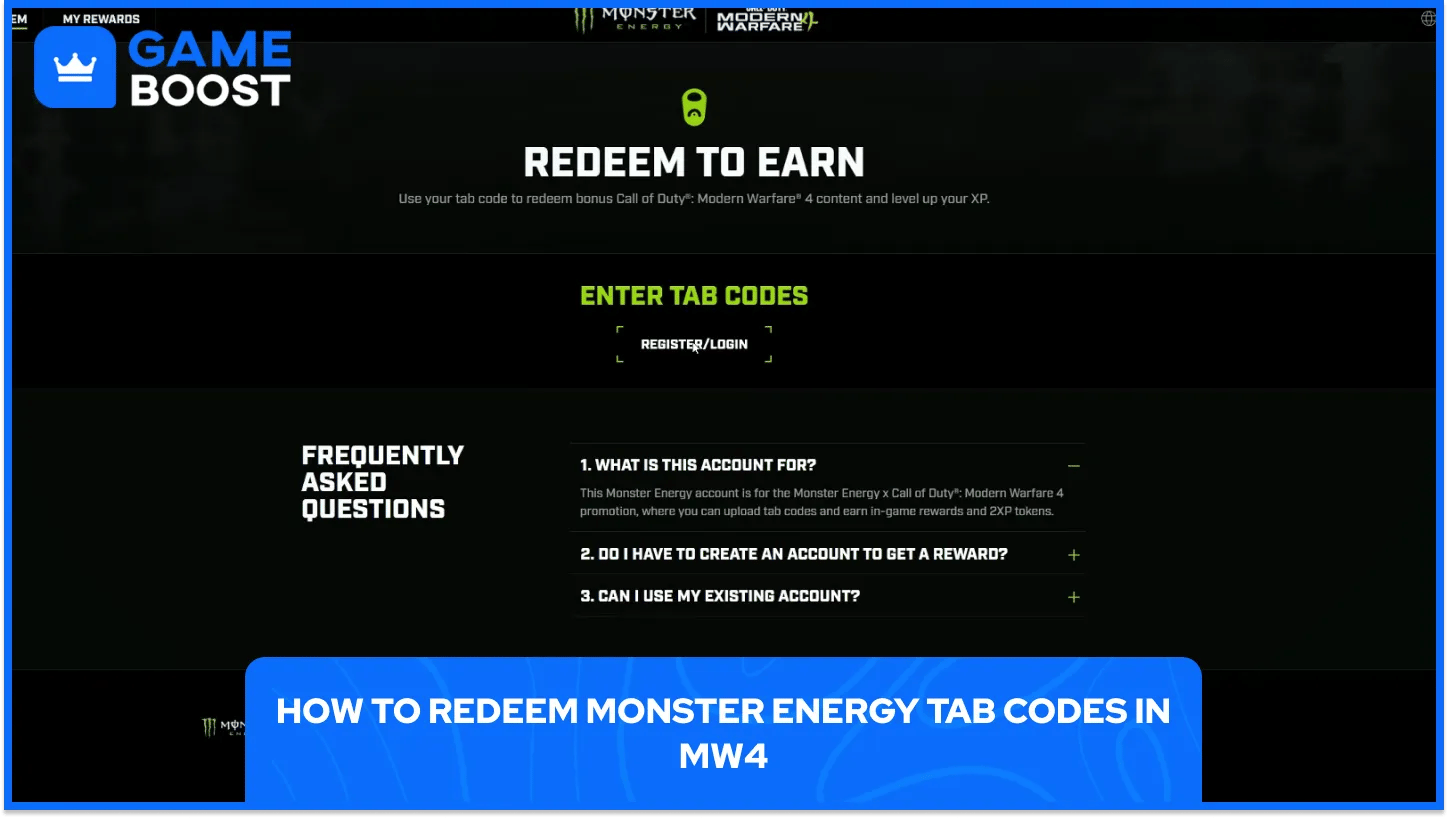
Monster Energy codes take two steps instead of one. Each co-branded can or multipack carries a tab code under the pull tab, and that code converts into a 2XP code on the Monster Energy website.
The route from can to inventory runs through two websites.
Open the Monster Energy promotion website and sign in: Players go to callofduty.monsterenergy.com and log in or create a Monster Energy account.
Go to the Redeem page after logging in: Players open the Redeem page on that site.
Select the store and submit the tab code: Players pick the retailer where the drink sold, type the tab code, and press Submit Code.
Collect the 2XP code the site returns: A valid tab code produces a 2XP code for the Call of Duty website.
Redeem the 2XP code on the callofduty.com/redeem page: Players finish with the standard redemption flow on the Activision account.
Each 2XP code grants one 15-minute 2XP Token. The first six redemptions also add Monster-themed content, starting with the Tagged large decal and the Green Light Kilo blueprint, then the OG Green Coffey operator skin, the Canned Limax blueprint, and the Zero Chill Coffey operator skin.
Accounts redeem one tab code per day, so a stack of cans takes several days to clear. Players who receive no 2XP code after a valid tab code contact Monster Energy support, and Activision support covers problems on the Call of Duty redeem page.
Every 2XP token type carries two limits. An account holds a maximum of 40 hours of each token type across all promotions, and the game allows only one hour of each type per day.
2XP and Weapon 2XP count as separate types, so each carries its own cap and its own daily hour. Smart spending means picking the track that still has room, and a plan for using Double XP tokens across player and weapon levels makes that choice easier.
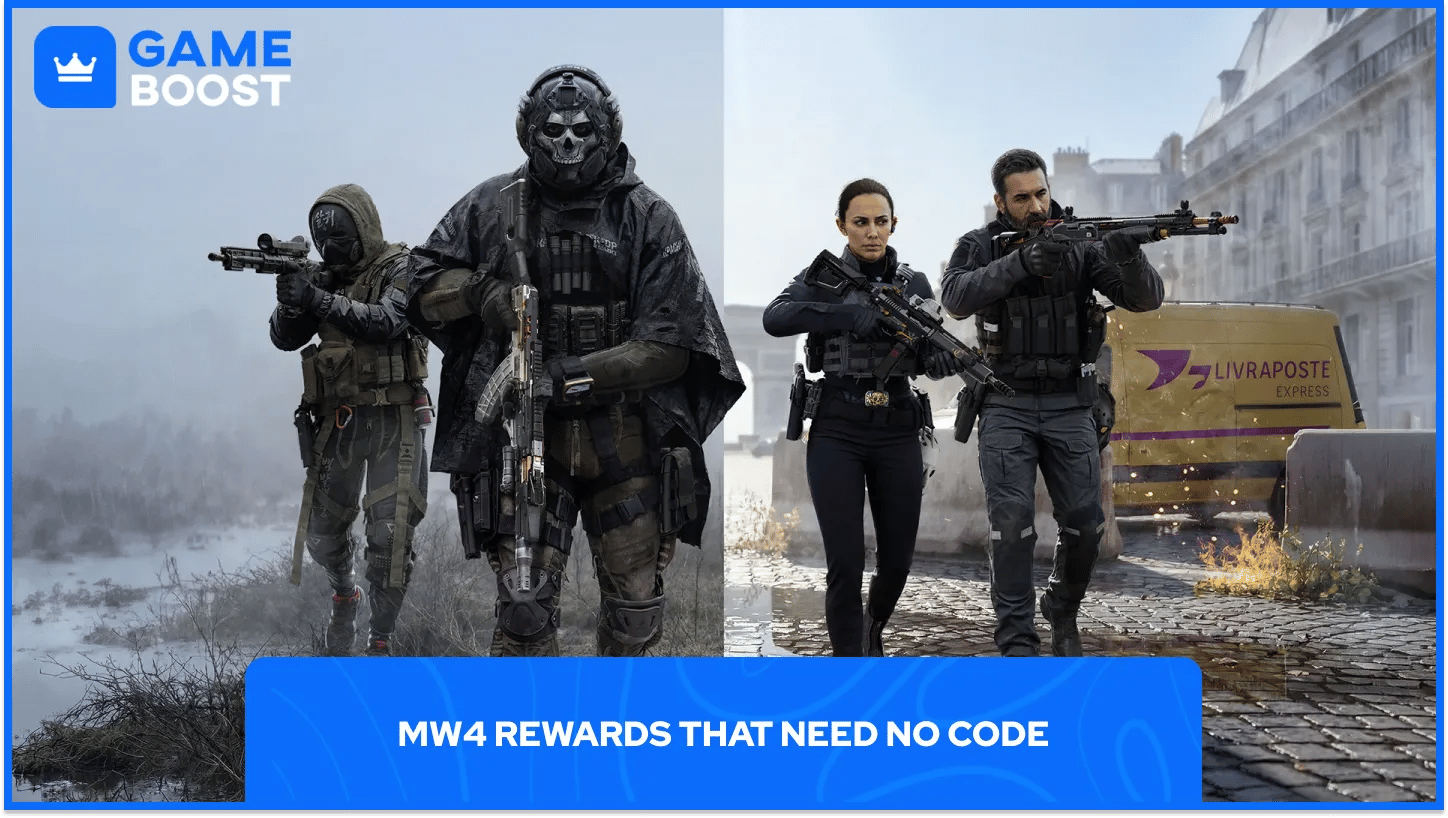
Digital preorders and Vault Edition purchases skip the redeem page entirely. The Inner Circuit M4 blueprint arrives automatically with any digital preorder, and the Vault Edition adds the Hostile Alliance and Special Forces operator packs, the Signature Weapon Collection, and one season of BlackCell.
Two preorder items carry a condition that involves another game. The Hunter Killer operator skin and the Gilded Pearl camo pack need Black Ops 7 or Warzone on the same preorder platform, and neither one needs a code.
Redemption problems trace back to the code, the account, or timing, and the redeem page names which one with a specific error message. Each message points to a specific cause and a specific fix.
Error Message | Cause | Fix |
|---|---|---|
Invalid Code | The entry differs from the 13-character code on the receipt, insert, or packaging | Retyping the code exactly as it appears |
Code Already Redeemed | The code already granted its content | Checking the game inventory for the items |
Max Limit Reached | The account already received this bonus through another code | Confirming the signed-in Activision account |
Codes missing from a receipt or packaging go back to the retailer first. Activision support steps in once a code exists and still fails on the redeem page. Players whose items stay missing after the 24-hour window and a restart contact Activision support through the Support Options page with the redeemed code ready.
Redeeming codes in MW4 comes down to one habit, treating the Activision account as the home for every reward. Cans, stores, and promotions all feed one profile, and that profile carries the tokens and cosmetics into the game.
The daily caps set the real pace of progress, not the codes themselves. A player holding a large stack of tokens still spends only one hour of each type per day, so planning purchases around that pace avoids wasted tokens.
Cheap Call of Duty Game Keys
Buy Cheap Call of Duty MW4 Accounts
Buy CoD Modern Warfare 4 Items
Buy Call of Duty Accounts
CoD Items for Sale
Cheap Call of Duty Points
View all GameBoost Game Keys
View all GameBoost Accounts
View all GameBoost Boosting Services
View all GameBoost Currencies
View all GameBoost Gift Cards
View all GameBoost Top Ups
View all GameBoost Items
“ Hamza is your average video game enthusiast who’s always looking for his next game to play. Whether he’s diving into a competitive multiplayer match, exploring a massive open world, or getting completely hooked on a new release, gaming has always been one of his favorite ways to spend his time. Over the years, his love for games has grown into a passion for understanding and sharing everything about them. Through his articles, Hamza aims to help gamers discover new games, improve their skills, stay up to date with the latest gaming news, and get the most out of their favorite titles.”