


•Filip Premuš• 6 min read
Call of Duty: Modern Warfare 4
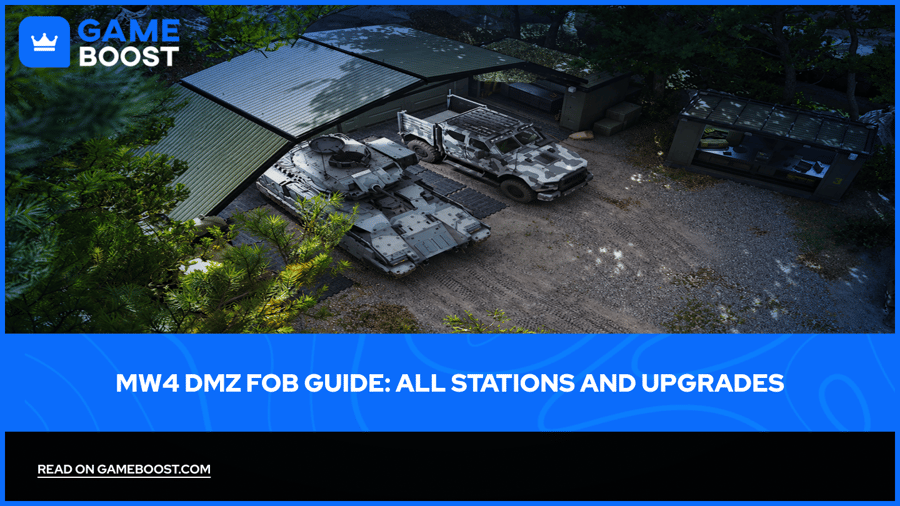
The Forward Operating Base is where a successful DMZ extraction starts paying off. You return with supplies, put together another loadout, and decide which base improvement deserves the materials you've brought home.
Your MW4 DMZ progression opens more services as you play. The Stash, 3D Printer, Vendor, and Gunsmith each handle a different part of preparation, so knowing where to go saves time between deployments.
This guide covers the full FOB station list, crafting, permanent improvements, and a practical order for spending your early resources.
The FOB is your base between deployments, with stations for storage, crafting, weapons, Operators, and objectives.
Use the 3D Printer for equipment and craftable base upgrades.
Recipes, basic Resources, and specific Ingredients each play a different role in crafting.
Extract with Weapon Manuals to add weapon types to your Gunsmith purchase options.
Check upgrade requirements before selling valuables or spending scarce materials.
Choose early improvements around the supplies, storage, or recovery costs holding you back.
FOB stands for Forward Operating Base. It's the encampment you use before and after trips into Hajin.
Between deployments, you can manage equipment, select an Operator, review objectives, and prepare for your next run. As you progress, the base provides more ways to replace losses and put recovered supplies to use.
A few minutes here can save a deployment. Before leaving, decide what you're trying to finish and what you can afford to take. After returning, sort the haul before immediately queuing again.
The FOB includes the following stations and menu functions. Some are available immediately; others require progress.
Station | Main Use | Access |
|---|---|---|
Operators / Active Duty | Choose Operators, manage Traits, and recover MIA characters | Immediately |
DMZ Orders | Review objectives and rewards | Immediately |
Stash / Loadout | Store loot and equip gear | Immediately |
Firing Range | Test weapons before deployment | Immediately |
Survival Kits | Open supply kits | Immediately |
Bounty Leaderboard | View leading hunters and Wanted players | Immediately |
3D Printer | Craft equipment, Ingredients, and base upgrades | Early DMZ progression |
Boss Board | Review bosses and purchase Lieutenant intel | After your second DMZ Order |
Vendor | Buy weapons and equipment | DMZ level 5 |
Gunsmith | Buy and modify weapons | DMZ level 10 |
Dog Tag Case | Store collected enemy Dog Tags | DMZ level 20 |
DMZ Progression | Inspect level rewards | Immediately |
Deploy | Select your next operation | Immediately |
For everyday preparation, start with Orders, Operators, and Stash / Loadout. Visit the crafting and weapon stations once you know what the next run needs.
You don't need to visit every station after every extraction. A short supply run and a planned boss hunt call for different preparation.
Think of the Stash as your reserve and the loadout as what you're committing to the next deployment. Supplies stored at the base stay there when you head into Hajin.
Start by removing items you don't need for the next objective. Keep the materials you're collecting for an upgrade, then build a loadout around the job ahead.
Survival Kits contain themed supplies, such as medical or armor equipment. Opening a kit sends its contents to the Stash. Unopened kits remain in their station menu, so there's no reason to open everything the moment it arrives.
If storage is tight, check your actual stock before unpacking another kit. You may already have enough of the items you need, with the shortage sitting somewhere else in the loadout.
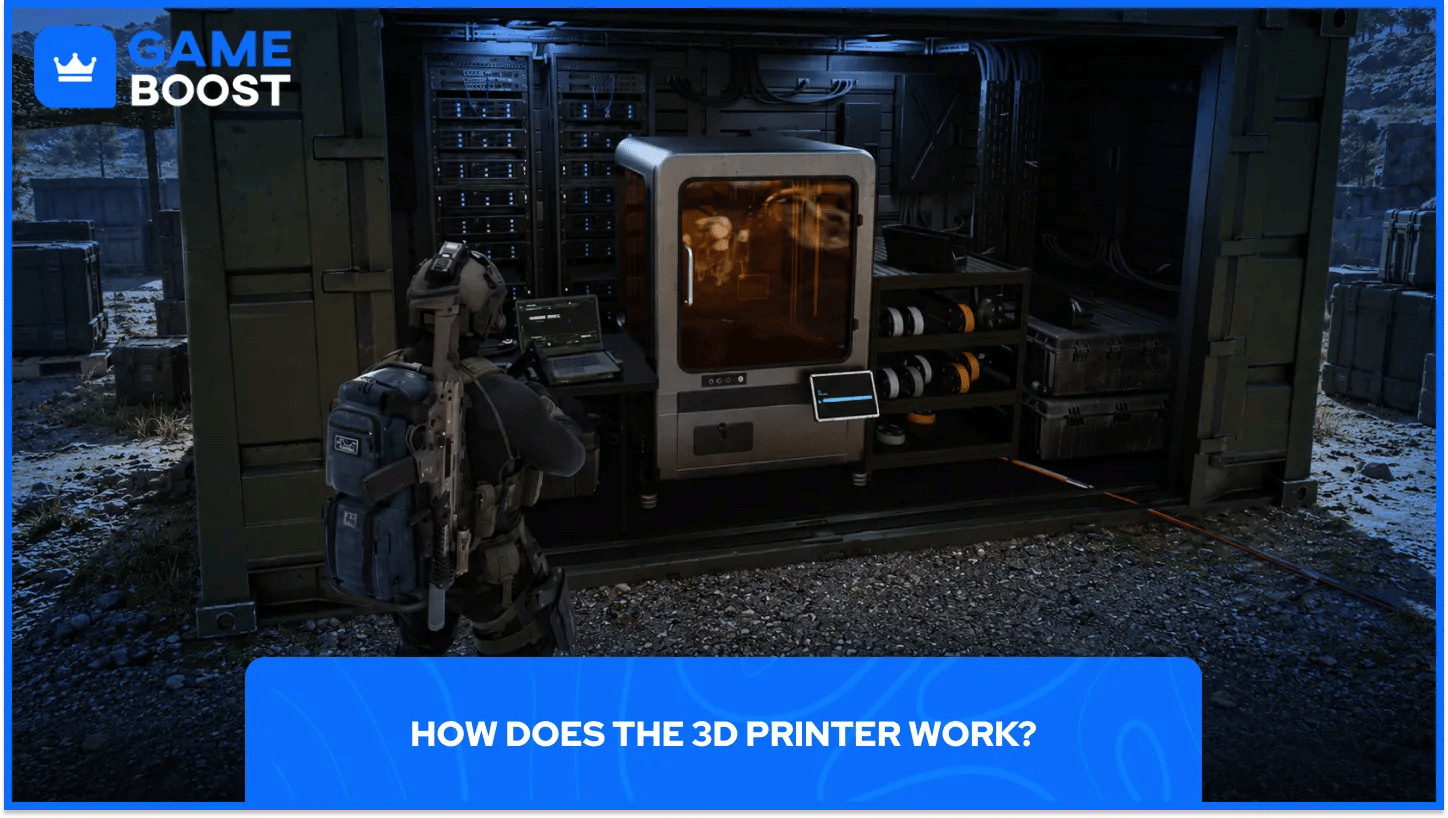
The 3D Printer turns recovered materials into equipment and FOB improvements. Crafting uses three different types of requirement:
Requirement | What It Does |
|---|---|
Recipe | Gives access to the item you want to print |
Resources | Supplies basic materials: Synthetics, Electronics, Chemicals, and Metals |
3D Printer Ingredients | Supplies specific components used by a recipe or upgrade |
Recipes come from DMZ levels, Orders, and successful extractions. A recipe recovered in Hajin is added to the printer after you get it out.
Select the item you want to make and read its requirements before collecting more materials. Pin the recipe or Ingredients so you can spot what you're looking for during a deployment. The menu also provides location suggestions for certain Ingredients.
That turns a vague looting trip into a specific shopping list. If you're missing one component, plan around finding that component rather than filling a backpack with things you already own.
You can send finished equipment to your Stash or equip it on your Operator. Check the destination before printing several copies.
Open the Upgrades category at the 3D Printer to see craftable base improvements. These permanent improvements require materials, and some involve multiple prints before completion.
The available improvements cover storage, finances, equipment access, and other services.
Upgrade Area | What to Look For |
|---|---|
Bank | More DMZ Cash capacity |
Item Stash | Extra room for stored items |
Weapon Stash | More weapon storage |
Operator recovery | Lower MIA recovery costs |
Ingredient printing | Access to crafting rarer components |
Gunsmith | Purchase discounts |
Vendor | More purchase options |
Dog Tag Case | Additional storage for collected tags |
DMZ level rewards also provide station improvements. For example, the published progression track lists an additional Operator slot at level 15, more item storage at level 22, and a Gunsmith discount at level 25.
If you're catching up through MW4 DMZ leveling, a useful target is the next base feature you want to use. Check its crafting requirements too; access to an option doesn't automatically cover
every material it needs.
Before selling valuables, look through the upgrades you're working toward. Some valuables have a use beyond their sale price.
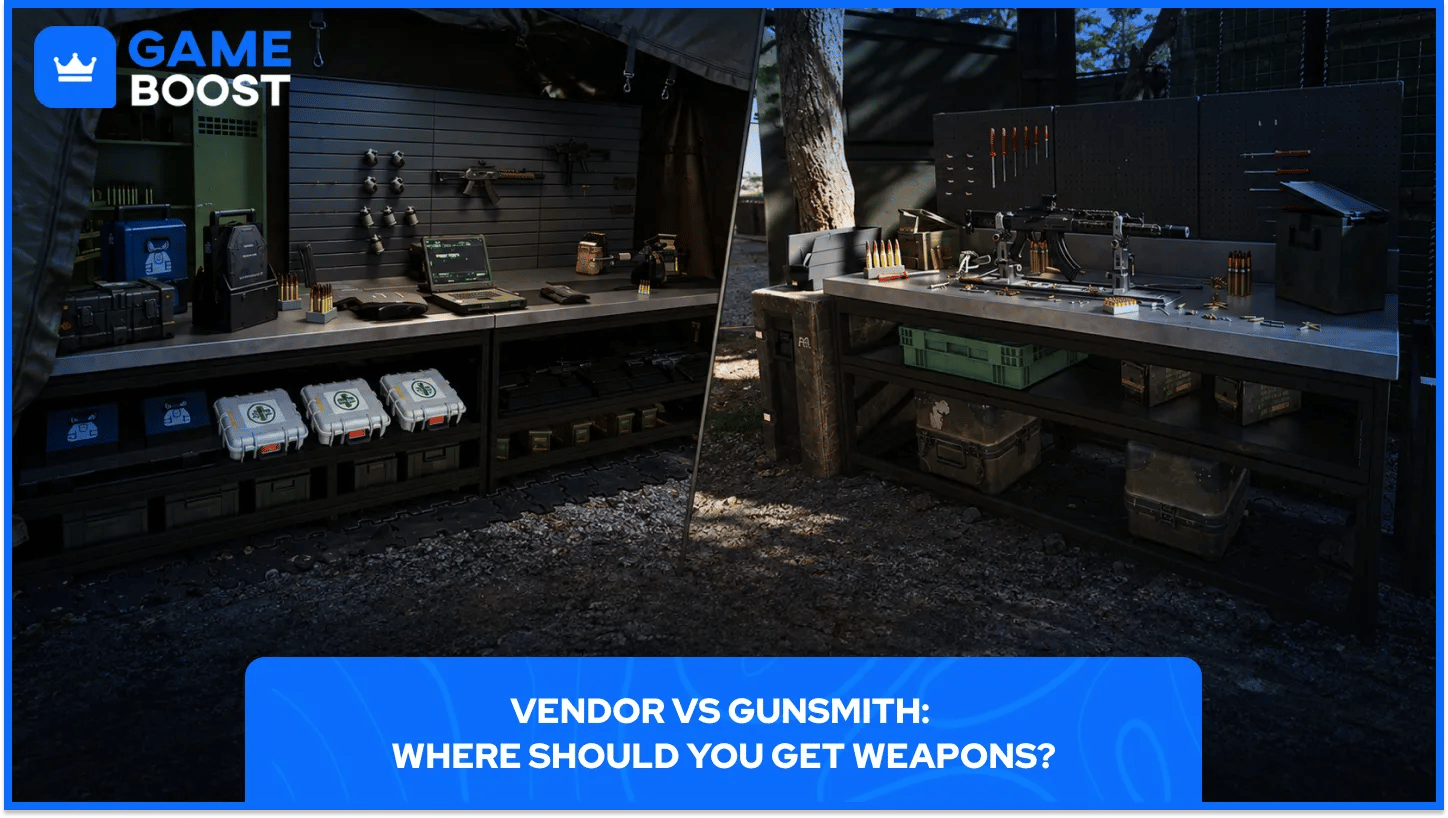
The Vendor sells a changing selection of weapons and equipment for DMZ Cash. It's a convenient stop when you're replacing a loss or filling a gap before another deployment.
The Gunsmith handles weapon building and modification. To purchase a weapon type there repeatedly, you need to find its Weapon Manual and extract with it. Bringing home a single looted weapon gives you that copy to use; the Manual provides access to buying the type.
That difference matters after a loss. Before spending heavily on a favorite weapon, check how you'll replace it if the run goes badly.
My suggestion: test a build at the Firing Range before committing your remaining funds to attachments. A quick test can help you decide if the handling suits the route and objective you have planned.
Leave room in the budget for the rest of the kit. A weapon purchase still has to fit alongside the equipment and recovery costs you expect to face.
I'd choose early upgrades around the problem you keep bringing back to the FOB. There's little value in spending scarce materials on a feature you rarely use.
If every extraction ends with a long sorting session, consider more Stash space. First, clear equipment you don't plan to use and check unopened Survival Kits. You may be able to make room without spending upgrade materials yet.
Extra capacity is most useful when you're saving supplies for specific goals. Give those supplies a purpose rather than treating every item as something you'll need someday.
An MIA Operator can return with their Traits after you pay for recovery. The price rises with Trait investment.
If you repeatedly recover an experienced Operator, a recovery discount deserves a look. Keep enough cash available to bring that character back instead of spending the entire Bank on the next weapon.
Look at which supplies you keep running short of. A repeatable way to prepare those items can be more useful to your routine than another option you only use occasionally.
Before buying an improvement, check the recipe and materials for the equipment you expect to make. The base feature and the supply of components need to work together.
Gunsmith discounts and additional Vendor options make more sense when you regularly use those stations. If most of your current equipment comes from successful runs, another improvement may deserve the materials first.
Compare the upgrade with how you actually prepare. The station you use every session is a sensible place to start looking.
Use a short preparation loop to avoid leaving with the wrong equipment or spending supplies you meant to save:
Sort the haul. Move reserve supplies into the Stash.
Review the next objective. Decide what the next deployment needs.
Choose an available Operator. Account for any recovery payment.
Prepare equipment. Craft or buy what's missing.
Track a material target. Pin what you need for the next improvement.
Deploy when the squad is ready. Agree on the main goal before leaving.
The same priorities help when comparing MW4 accounts: DMZ level, available base services, and individual Operator builds describe different parts of the setup.
Use the FOB to turn the last deployment's haul into a clear plan for the next one. Store what you're saving, replace what you're missing, and choose an improvement you'll use.
Before heading back into Hajin, leave with an objective and a short list of materials to bring home. That makes each successful extraction easier to put to work.
Call of Duty Game Keys For Sale
Buy Call of Duty MW4 Accounts
CoD Modern Warfare 4 Items for Sale
Buy Cheap Call of Duty Accounts
CoD Items for Sale
Buy Call of Duty Points
View all GameBoost Game Keys
View all GameBoost Accounts
View all GameBoost Boosting Services
View all GameBoost Currencies
View all GameBoost Gift Cards
View all GameBoost Top Ups
View all GameBoost Items
“ Filip Premuš is a seasoned gaming content writer specializing in titles like Steal a Brainrot, Old School RuneScape, and other popular online games. With a sharp focus on accuracy, updates, and in-game strategy, he creates comprehensive guides that help players stay ahead of the meta and make informed decisions.”