Buy Battle.net Games | Cheap Battle.net Keys
Blizzard titles at competitive prices — instant delivery, 3% cashback, and new keys added regularly.

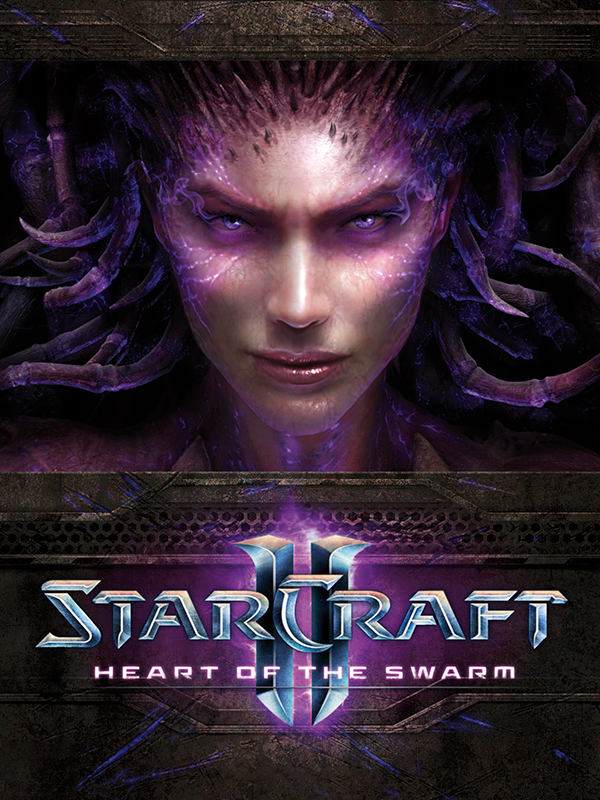
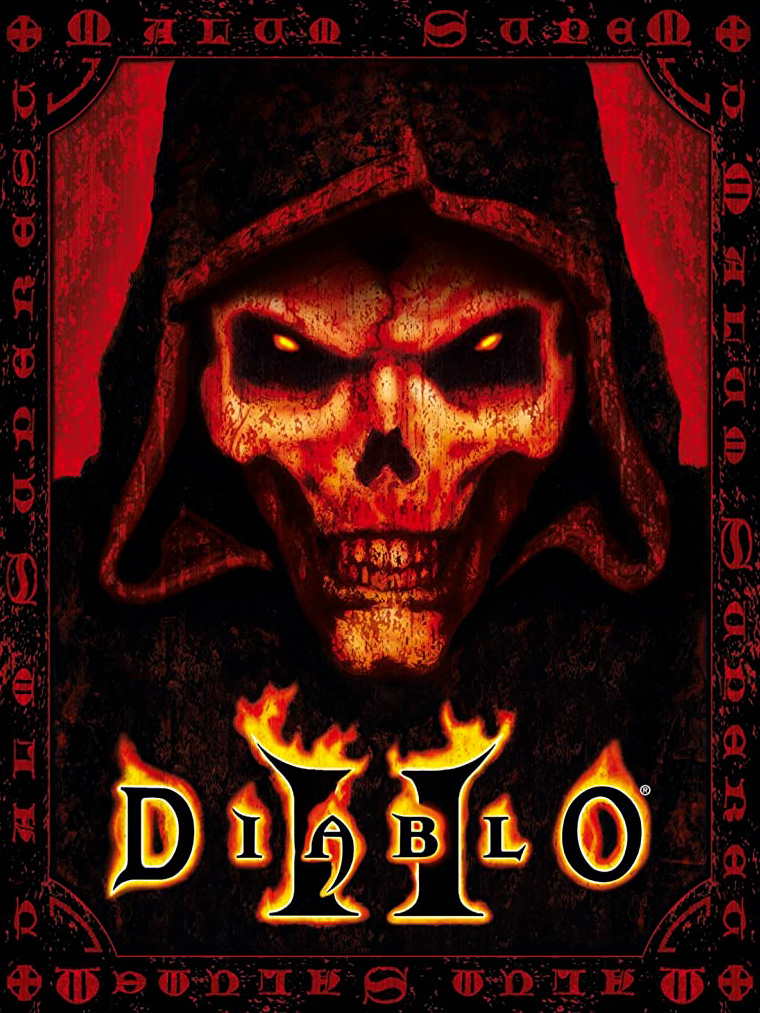
More Game Keys by Platform
Browse game keys for every platform we sell.



Battle.net Game Keys on GameBoost
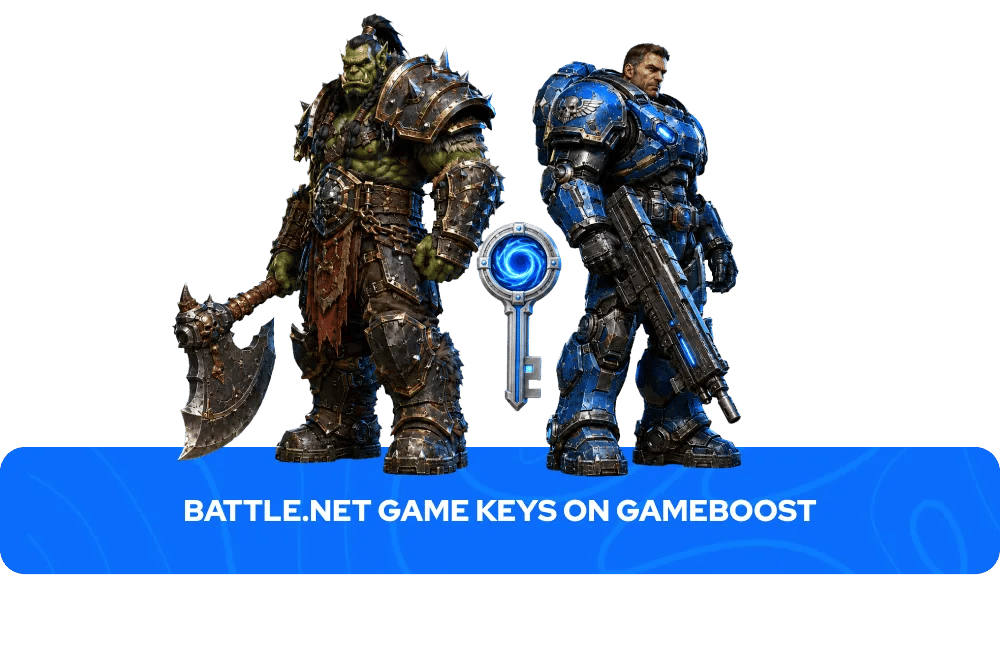
Browse a range of Battle.net game keys on GameBoost with instant delivery and prices consistently below the official Battle.net shop. Every key activates directly through the Battle.net client and adds the game permanently to your Blizzard account. Every purchase comes with instant key delivery to your GameBoost account dashboard, 3% cashback in GB Coins, and 24/7 live chat support, backed by over 20,000 verified Trustpilot reviews. From Diablo to World of Warcraft, GameBoost carries Battle.net keys across the full range of Blizzard's catalogue.
What Is Battle.net?
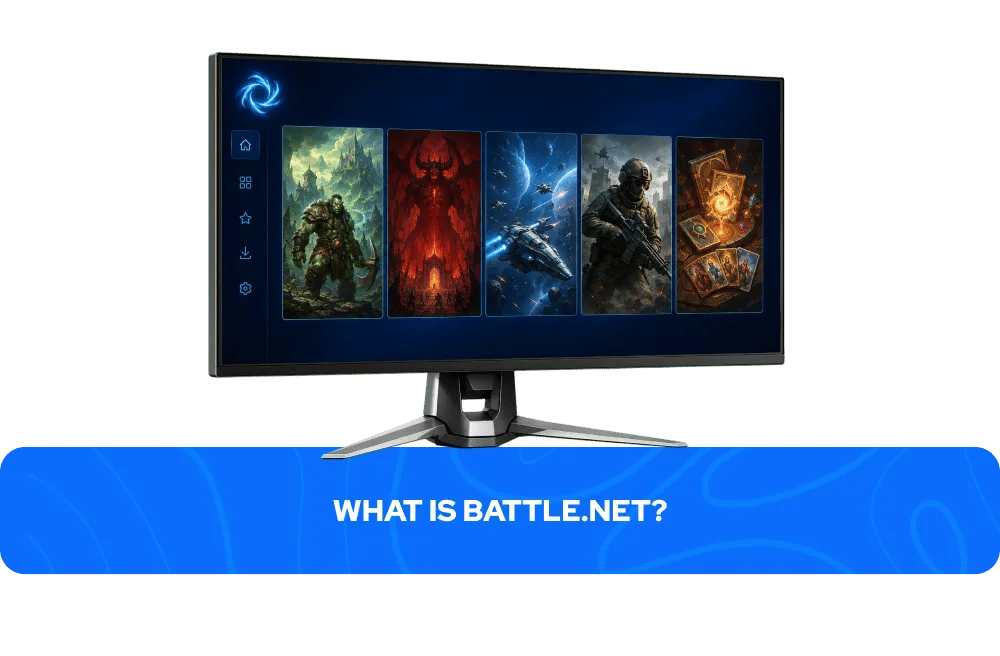
Battle.net is Blizzard Entertainment's official digital distribution platform and launcher, home to some of the most iconic game franchises in PC gaming history. Originally launched in 1996 as one of the first online gaming services, Battle.net has evolved into a fully featured platform covering game purchases, social features, online multiplayer, and automatic updates across Blizzard's entire catalogue.
The platform is home to five of gaming's most enduring franchises — World of Warcraft, the defining MMORPG that has maintained a dedicated global player base for over two decades; Diablo, the genre-defining action RPG series now in its fourth mainline entry; StarCraft, the real-time strategy series that built the foundations of competitive esports; Call of Duty, available on Battle.net for PC players who want Blizzard's infrastructure behind their multiplayer experience; and Hearthstone, the free-to-play digital card game built on the Warcraft universe that remains one of the most played card games in the world. A free Battle.net account is required to activate and play any Battle.net key — creating one takes less than two minutes at battle.net.
How to Activate a Battle.net Key
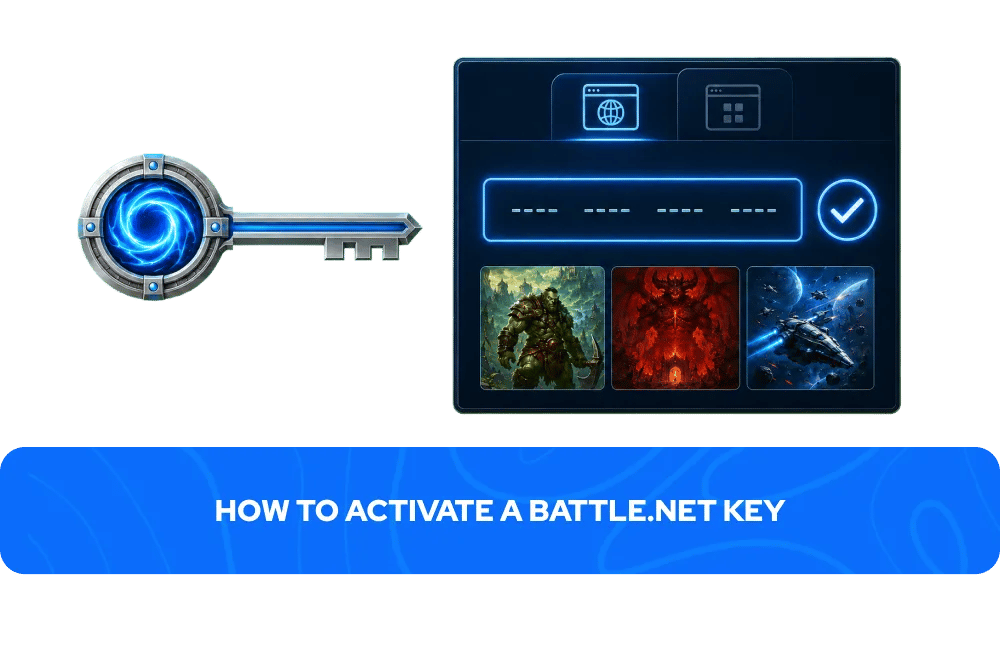
Activating a Battle.net key takes less than two minutes. You can redeem your key through the Battle.net website or the desktop app:
Via the Battle.net website:
Go to battle.net and log into your account
Navigate to Account Overview
Find the Redeem a Code box and enter your key
Click Redeem Code
The game will appear in your library
Via the Battle.net app:
Open the Battle.net app and go to the Shop tab
Click Services and then Redeem a Code
Enter your key and confirm
The game will appear in your library
Your Battle.net key will appear in your GameBoost account dashboard immediately after your payment is processed — no waiting, no email delays.
More Game Keys on GameBoost
FAQs About Battle.net Game Keys
A Battle.net game key is a unique digital code that activates a game or content on your Blizzard account through the Battle.net platform. Once redeemed, the game is permanently added to your Battle.net library and can be downloaded and played at any time on any PC logged into your account.
Battle.net keys on GameBoost are delivered instantly after purchase. Your key appears in your GameBoost account dashboard immediately after your payment is processed, with no waiting period.
Yes. A free Battle.net account and the Battle.net desktop app are required to activate and play any Battle.net game key. You can create a free account at battle.net before purchasing.
Some Battle.net keys are region-locked and can only be activated on accounts registered in specific countries. On GameBoost, the region is always clearly stated in the product listing. Always check the region before purchasing to ensure compatibility with your Battle.net account.
Yes. GameBoost is a verified marketplace with over 20,000 Trustpilot reviews and an Excellent rating. Every purchase includes instant delivery, 3% cashback in GB Coins, and 24/7 live chat support.
You are eligible for a refund if the key has not been revealed and a valid refund reason is provided and approved by GameBoost, if the delivered key is not as described, or if the key is invalid or duplicated. You are not eligible for a refund if the key has been revealed and redeemed successfully. Contact our 24/7 live chat support for any refund requests.