



•Mustafa Atteya• 3 min read
Rocket League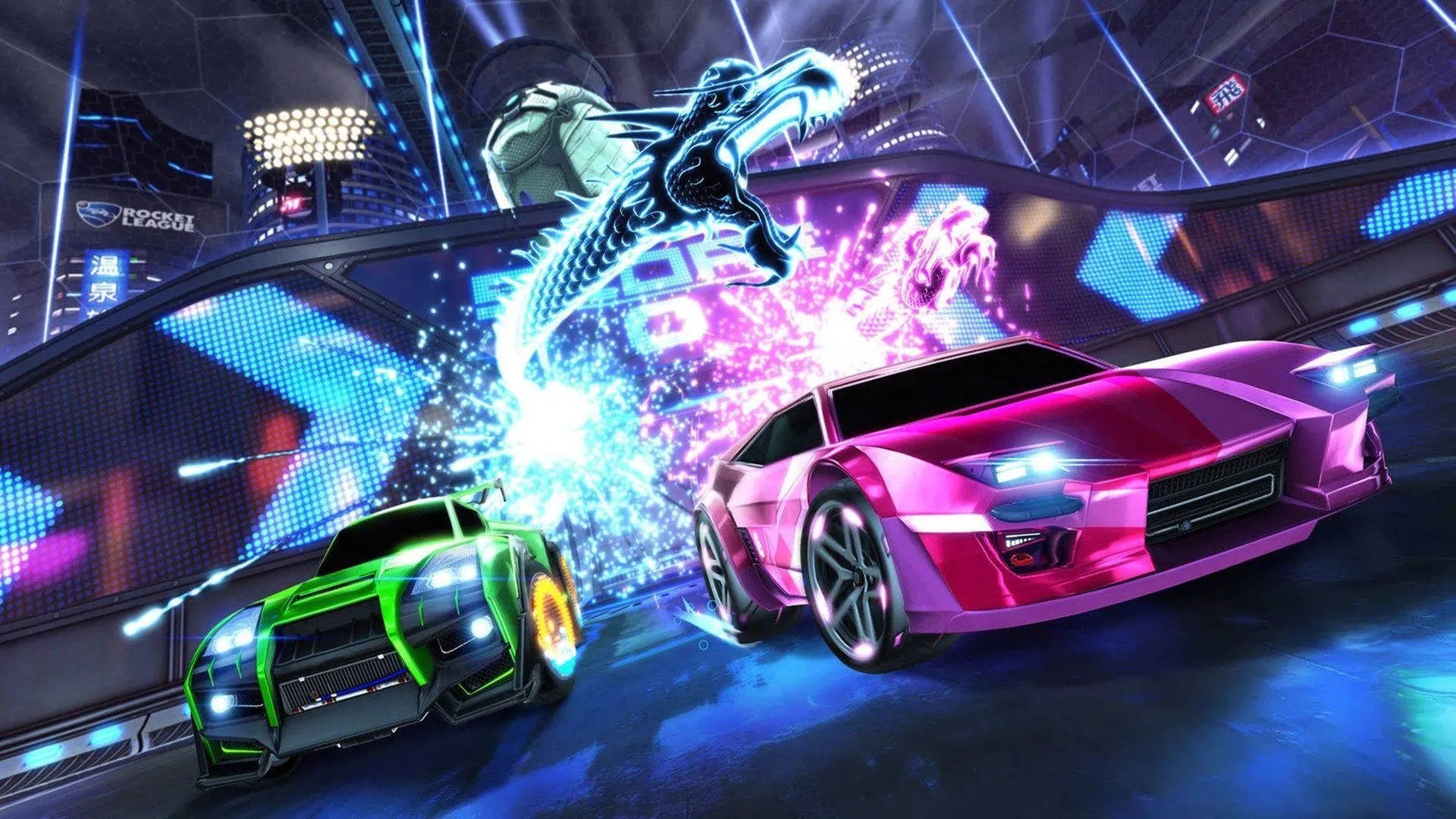
Popular searches:
Popular Categories:
Trusted by Millions of Gamers Worldwide

Excellent 4.9 out of 5.0
Based on 1,320,677+ orders

Gian Marco Spada
Finland
I recently purchased a GTA5 account from gameboost, and the overall experience was fantastic. The entire process was awesome! It was a smooth and great experience overall.

Nick
Germany
I bought the account 07:00 and received everything at 07:05 it is super fast. The account is working i can change the mail adress. Perfect I will buy again. Have a nice day. 😘❤️
God Church
France
Bought an account here, best experience, helped me change the email and provided me with a good account.
Noel van der meulen
France
Account works great
Sekai
Germany
A kind seller and a clean account ! Thanks !
simon hitter
Netherlands
perfect, i got fast access to the account and it is exactly what i wanted

Buy Rocket League accounts with high ranks, rare painted items and Steam access.

Rocket League mixes soccer with rocket-powered cars, and matches run in 1v1, 2v2 and 3v3. It's free to play on PC, PlayStation, Xbox and Switch. However, climbing the ranked ladder from Bronze to Supersonic Legend takes sharp mechanics and a lot of hours.
On top of rank, many of the most wanted items can't be earned anymore. Alpha Boost, older painted items and pre free-to-play inventories only exist on accounts that already hold them. That's why Rocket League accounts for sale cover both rank and items:
Account Type | What It Holds |
|---|---|
Steam access to Rocket League, which new players can't get anymore | |
The highest rank in the game, for players who want the top lobbies | |
Grand Champion rank, one step below Supersonic Legend | |
Accounts that are already eligible for ranked play | |
Stacked Rocket League Accounts | Large inventories with painted, certified and exotic items |
RL Alpha Boost Accounts | Gold Rush Alpha Boost, one of the rarest items in the game |
Platform matters too, since each type works differently. Epic accounts run through the Epic Games Launcher on PC, while console accounts use a PlayStation, Xbox or Nintendo login.
Steam accounts let you play through Steam, which new players can't do since Rocket League left the Steam store at the free-to-play launch. Owners from before that switch also got Legacy status, with loyalty items like an "Est. 20XX" title and every non-licensed DLC item.
Since rank and inventory drive most of an account's value, the product description is where to spend your time before buying. It lists the platform, rank, items and linked login for every account on offer.
From there, here's how buying a Rocket League account works:
Pick your platform first, since Steam, Epic and console accounts work differently.
Narrow it down by rank, or search for an item like Alpha Boost or a Fennec.
Read the product description for the full inventory and login type.
Click Buy Account and pay with your preferred method.
Open your order panel to get the login details.
Sign in and link the account to your own platform.
Every account comes with a 14-day warranty, and 24/7 support is there to answer questions and help with logins or linking.
Selling a Rocket League account works through jobs.gameboost.com. You'll join a waiting list, and every seller passes KYC before listing.
Rocket League saves progress to the platform account you play on, like a PlayStation, Xbox, Nintendo or Steam account. To use it somewhere else, link that platform account to the same Epic Games account you sign in with on your other devices.
Here's how linking works for a bought account:
Log in to the Epic Games account using the details from your order panel.
Open Connections in your Epic account settings and link your platform.
Launch Rocket League on every linked platform and reach the main menu, so the progress syncs.
Keep in mind that you can't merge a bought account with your old one. Epic doesn't combine levels or inventories, and each Epic account can only link one PlayStation, Xbox, Nintendo and Steam account at a time.
Player-to-player trading ended on December 5, 2023, so items can no longer move between accounts. Anything traded before that date stays in its owner's inventory.
That's a big reason rare inventories now sell as full accounts. For single items, the Item Shop still lets you gift items in Rocket League to friends. On top of that, the trade-in system still works for upgrading items you already own.
Buy Rocket League Credits
Rocket League Boosting Service
Buy Rocket League Items
View all GameBoost Accounts
View all GameBoost Boosting Services
View all GameBoost Currencies
View all GameBoost Game Keys
View all GameBoost Gift Cards
View all GameBoost Top Ups
View all GameBoost Items
Supersonic Legend is the highest rank in Rocket League, and Grand Champion sits right below it. Both put you in high-level lobbies, while SSL accounts hold the very top spot.
Every item in the product description stays on the account, including painted and certified variants. Since trading is gone, buying the account is the only way those items come with you.
On Epic accounts, your in-game name is your Epic display name, which you can change in your account settings every two weeks. Steam and console accounts use the name from that platform.
Launch Rocket League on every linked platform and reach the main menu, since that triggers the sync. If it still doesn't show, support can help from your order chat.
“GameBoost is not affiliated, endorsed, sponsored, or authorized by Psyonix LLC, Rocket League, or any of its subsidiaries or affiliates. Psyonix LLC’s official website can be found at: https://www.psyonix.com. The name Rocket League, as well as related names, marks, emblems, and images are registered trademarks of their respective owners. Use of trademarks is covered by fair use principles under EU Regulation 2017/1001, Article 14.”