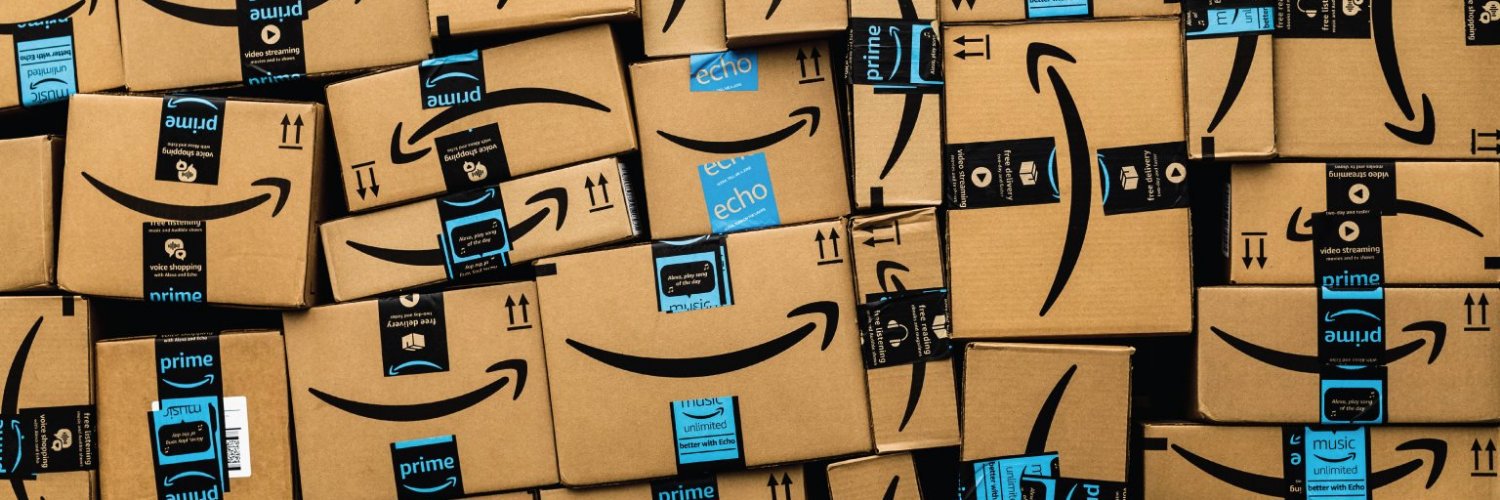


Amazon Gift Cards
Gift CardShopping€0,02 – €4.950,00
Select Region
Choose your region to see available gift card options









Available Offers
Select an offer to view details and purchase
Instant Delivery
24/7 Support














Buy Cheap Amazon Gift Cards
Amazon gift cards are prepaid vouchers used to pay for purchases on the Amazon online store. They contain a specific amount of money that you add to your Amazon account by entering the card's unique code, and the balance becomes available to spend on eligible products and services on Amazon.
Amazon gift cards come in various amounts. Digital codes are available from $5 to $2,000, with common preset amounts including $10, $15, $25, $50, $75, and $100. You can purchase them from GameBoost, Amazon directly, or various retail stores.
How to Buy Amazon Gift Cards at GameBoost
Getting Amazon gift cards through GameBoost follows a quick process:
Select Amazon from the shopping gift cards section
Choose your region
Pick the card amount
Click "Buy Now"
Complete payment using your preferred method (credit/debit cards, Apple Pay, Google Pay, or cryptocurrency)
Receive your code instantly
Your Amazon gift card code appears instantly in your GameBoost dashboard once the payment processes. Copy the code and apply it to your Amazon account balance, or hold onto it for future use.
How to Redeem Amazon Gift Cards
Redeeming an Amazon gift card is quick and straightforward. The balance is added directly to your Amazon account and can be used immediately for eligible purchases. For a complete step-by-step walkthrough and useful tips, you can check our detailed guide on how to redeem Amazon gift cards.
Once you’re on Amazon’s gift card redemption page, be sure to enter the digit claim code exactly as displayed. Characters that look alike may result in errors if entered incorrectly. After successful redemption, the funds will appear instantly in your Amazon balance and can be used immediately or saved for future purchases.
Can You Purchase Amazon Prime With a Gift Card?
Yes, you can use an Amazon gift card balance to pay for an Amazon Prime membership. The option to pay with gift card balance appears during the Prime sign-up process, or you can change your payment method in your Prime membership settings.
If your gift card balance exceeds the membership cost, the remaining funds will stay in your account for future renewals. Ensure you maintain sufficient balance each billing period to avoid subscription interruptions. The system will automatically deduct the membership fee from your gift card balance when renewal occurs.
Benefits - Amazon Gift Card GameBoost
Lower prices compared to standard retail rates
Instant Amazon code delivery to your dashboard immediately after checkout
Support available 24/7 via live chat
Strong platform reputation: 4.4 Trustpilot rating from over 15,665 reviews
Cashback program on all purchases
Flexible payment options: credit/debit cards, Apple Pay, Google Pay, cryptocurrency
Summary
Amazon gift cards add funds to your Amazon account for purchasing products and services
Available in amounts ranging from $5 up to $2,000, including preset values of $10, $15, $25, $50, $75, and $100
Redeem by entering the 14- or 15-digit claim code in your Amazon account
Gift card balance can be used to pay for Amazon Prime membership
Cards have no fees and never expire
Balance is automatically applied at checkout for eligible purchases