


•Filip Premuš• 9 min read
Call of Duty
Shop CoD Points securely and start unlocking operator skins, weapon blueprints, and the latest seasonal Battle Pass in Call of Duty today.
Platform
Choose your platform to see available top-up options
Available Offers
Select an offer to view details and purchase
Other Sellers · 3
F  FastEasySeller 376 Reviews 99.2% | Stock9,973 Unit | Min Qty.1 Unit | Delivery Time 1 h | €7.80 /Unit | |
S SunRise 367 Reviews 98.09% | Stock65 Unit | Min Qty.1 Unit | Delivery Time 30 min | €9.72 /Unit | |
TB Trusted Bunny 52 Reviews 100% | Stock5 Unit | Min Qty.1 Unit | Delivery Time 20 min | €13.06 /Unit |

Trusted by Millions of Gamers Worldwide

Excellent 4.9 out of 5.0
Based on 3,403,000+ orders

Vi*****nt
Germany
He is a really nice salesman who also completes his order quickly.
Pa*****ot
Germany
He is a very great seller he give me all that what i want he dont scamm buy at him
Jo*****ti
Germany
sehr schnell geliefert und sehr freundlich gerne bei ihm kaufen ;)
Re*****no
Netherlands
Fast delivery, verry helpfull and aaaloottt of patience
xx*****xx
United States
It’s legit you just gotta be patience
Lo*****es
Portugal
Ótimo vendedor rápido honesto e pratico super confiável

CoD Points are the premium in-game currency used across Call of Duty titles, including Warzone, Black Ops 6, and Modern Warfare III. They're purchased with real money through whatever storefront players use on their platform, with Activision's standard tier structure running from 200 CP at the low end up to larger packs that offer better value per point at higher amounts. Players cannot earn CoD Points through regular gameplay beyond what the Battle Pass track occasionally returns.
Once purchased, Call of Duty Points are spent in the in-game store on anything from operator skins and weapon blueprints to calling cards, emblems, and weapon charms. The Battle Pass costs 1,100 CoD Points per season and remains the most popular use case, since completing it returns enough points to cover the following season's pass if players hit all tiers. Most cosmetic bundles in the store run between 1,200 and 2,400 CP, with premium or Mastercraft bundles occasionally reaching 3,000 CP or more.
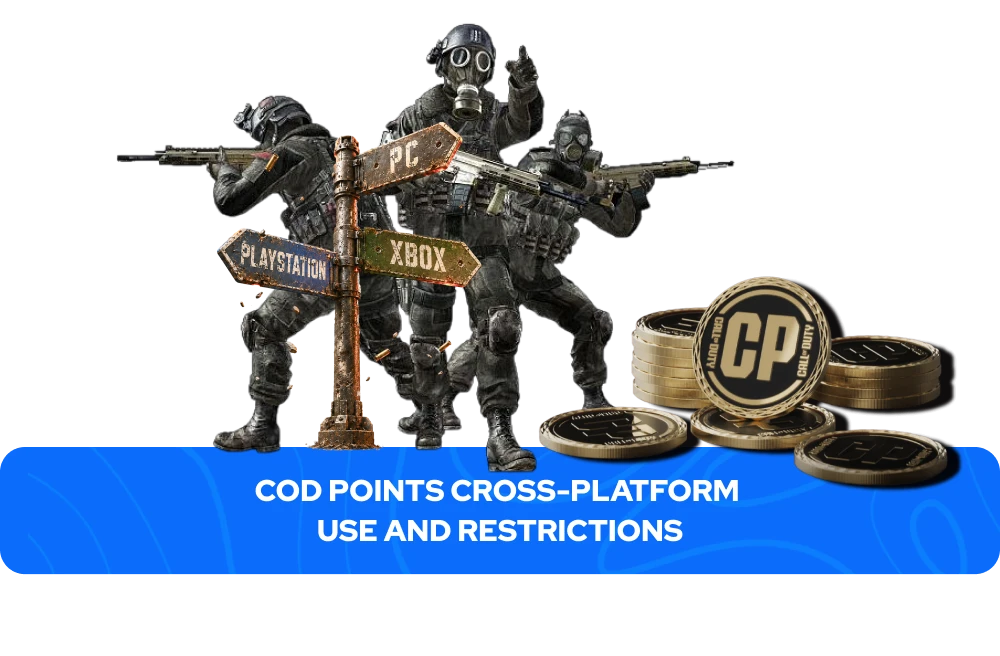
While purchased content like operator skins, weapon blueprints, and cosmetic bundles is stored on your Activision account and carries over automatically between PlayStation, Xbox, and PC as long as all platform accounts are linked to the same Activision profile, the CoD Points balance itself works differently. Call of Duty Points bought on PlayStation stay on PlayStation, points bought on Xbox stay on Xbox, and the same applies to PC via Battle.net. They cannot be transferred or moved between platforms, and the same rule applies to CoD Points earned through Battle Pass tier rewards, which are locked to the platform where they were unlocked. Players who game across multiple platforms should factor this in when deciding where to buy Call of Duty Points, since a balance purchased on one platform cannot be used on another, even though any content already bought with those points remains accessible everywhere.
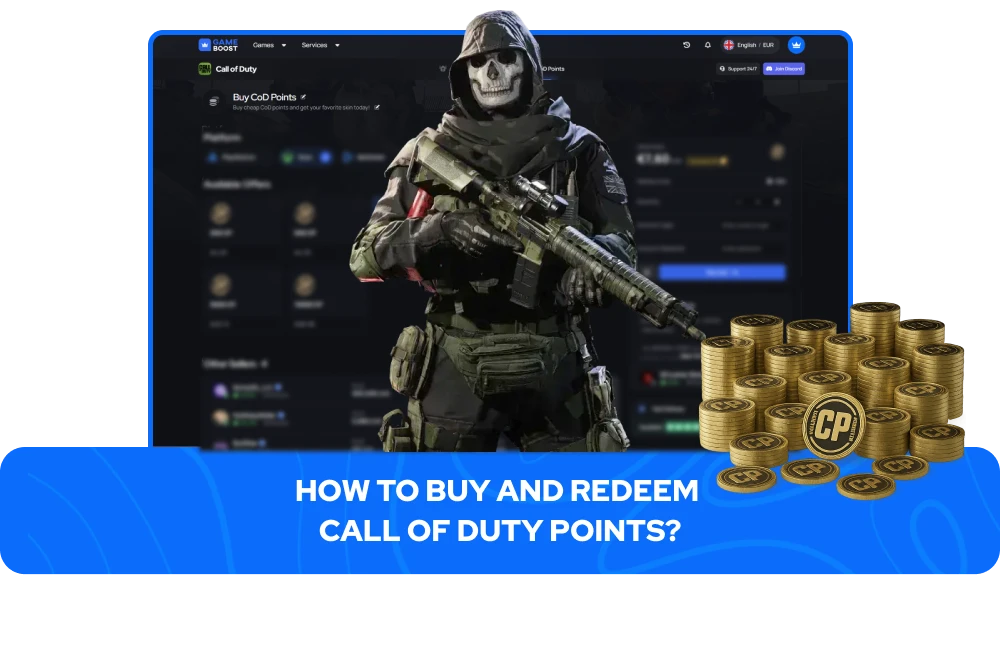
Players looking for Call of Duty Points for sale outside the official store can purchase them through GameBoost at competitive prices. Available packages cover the most used amounts, from smaller CoD Points top-ups to larger bundles suited for players buying multiple seasons of content at once.
After completing a purchase on GameBoost, Call of Duty Points are delivered by the seller handling your order. Depending on which seller fulfills the purchase, delivery of CoD Points for sale works in one of two ways:
Direct redemption code -- The seller provides a code that is applied to your linked Xbox account, adding the CoD Points automatically with no login required from your side.
Account-assisted redemption -- The seller logs into your linked Xbox account directly to redeem the points on your behalf, then sends you confirmation once the balance has been added.
Both methods require your Activision account to have an Xbox Live account linked before the seller can process the order. Xbox players can proceed immediately, while players on PlayStation, Steam, or Battle.net need to set this up first through the Linked Accounts section in their Call of Duty account settings. Once that link is in place, the seller can complete delivery through whichever method applies to your order.
To redeem an activation code, players visit their platform's redemption portal:
PlayStation - Open the PlayStation Store, select "Redeem Codes" from the account menu, and enter the code.
Xbox - Open the Xbox Games Store, select "Use a Code," and enter the code.
PC (Battle.net) - Log in to Battle.net, go to account settings, and select "Redeem a Code."
When redeemed, launch Call of Duty and the CoD Points balance will be updated in-game automatically. Codes are single-use and region-specific, so players should confirm their platform and region match before completing an order. GameBoost lists delivery instructions clearly for each offer to avoid any issues at the redemption stage.
Direct point-to-point transfers of CoD points between players are not supported by Activision. Players cannot send their CoD Points balance to another account. The most practical workaround is purchasing a digital gift card or a platform-specific code, which the recipient can redeem on their own account to receive CoD Points. For PlayStation users, this means a PSN wallet code, for Xbox a Microsoft Store code, and for PC players on Battle.net, a Battle.net Balance gift works the same way.
What players can do directly within the game is gift specific bundles to friends. To gift a Battle Pass in Warzone or a main series title, players need to navigate to the Battle Pass screen and select the gift option, which requires Two-Factor Authentication to be active on the Activision account. Eligible store bundles also display a "Gift Now" option when they qualify for gifting, which spends CoD Points from the buyer's account and delivers the item directly to the recipient.
“GameBoost is not affiliated, endorsed, sponsored, or authorized by Activision, Inc., Call of Duty, or any of its subsidiaries or affiliates. Activision, Inc.’s official website can be found at: https://www.activision.com. The name Call of Duty, as well as related names, marks, emblems, and images are registered trademarks of their respective owners. Use of trademarks is covered by fair use principles under EU Regulation 2017/1001, Article 14.”