



•Filip Premuš• 8 min read
Valorant
Pick up Valorant Points and unlock your favourite Agent skins, gun buddies, and everything worth showing off in Valorant.
Region
Choose your region to see available top-up options
Platform
Choose your platform to see available top-up options
Available Offers
Select an offer to view details and purchase
Other Sellers · 6
F  FastEasySeller 381 Reviews 99.21% | Stock9,992 Unit | Min Qty.1 Unit | Delivery Time 1 h | €27 /Unit | |
S SunRise 367 Reviews 98.09% | Stock983 Unit | Min Qty.1 Unit | Delivery Time 1 h | €28.11 /Unit | |
R RlxStore 108 Reviews 98.15% | Stock999,999 Unit | Min Qty.1 Unit | Delivery Time 23 h | €34.99 /Unit | |
E  ExoStore 5,163 Reviews 99.48% | Stock33 Unit | Min Qty.1 Unit | Delivery Time 1 h | €35 /Unit | |
C Cnlgaming 8,172 Reviews 98.84% | Stock9,999 Unit | Min Qty.1 Unit | Delivery Time 10 min | €35.98 /Unit | |
D DRAGON_24X7 495 Reviews 100% | Stock998 Unit | Min Qty.1 Unit | Delivery Time 4 h | €37.46 /Unit |

Trusted by Millions of Gamers Worldwide

Excellent 4.9 out of 5.0
Based on 3,411,000+ orders

El*****ia
United States
He was 100% legit and will send you the accurate robux you want.
zy*****ro
Germany
Very fast no complications would recommend all day everytime
Mu*****ah
India
The process was smooth and I did not have any issues
Li*****th
Italy
actually one of the fastest delivery i’ve ever gotten
Co*****in
Romania
Super fast delivery and everything was absolutely perfect!
Na*****rd
Germany
At first i was a bit suspicious about that account but its real and a good dealer.

Valorant Points are the premium in-game currency in Valorant, Riot Games' free-to-play tactical shooter. They exist alongside Kingdom Credits and Radianite Points as one of three currencies in the game, but VP is the only one that must be purchased with real money. There is no way to earn VP through regular gameplay, missions, or contracts, meaning anyone looking to buy Valorant Points has two options: Riot's official store or a third-party marketplace like GameBoost.
Valorant Points are used to purchase weapon skins, bundles, gun buddies, sprays, player cards, battle passes, agent unlocks, and Radianite Points. The Valorant store operates with two main sections: a featured area that cycles through new Valorant bundles on a limited-time basis, and a daily offer section featuring individual Valorant skins.
Most bundle accessories like buddies, player cards, and sprays become permanently unavailable once a bundle leaves the store, so having Valorant Points ready before a bundle rotates out is the only way to guarantee the full set. Weapon skins from standard bundles can reappear later through daily offers or the Night Market, but accessories from those bundles do not come back.
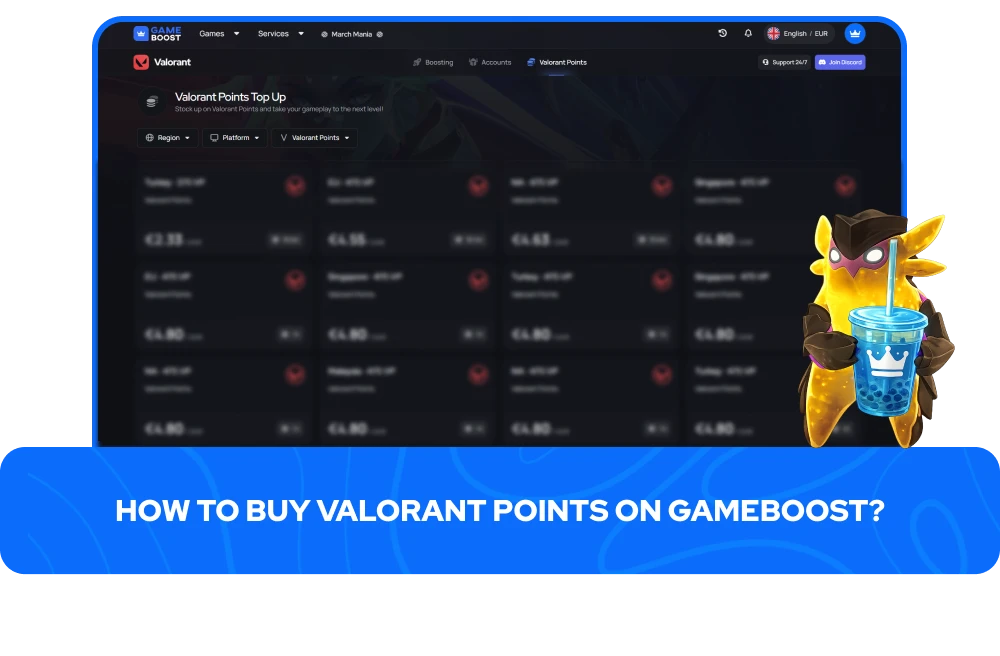
Buying Valorant Points on GameBoost gives players access to various Valorant Points for sale offers from multiple sellers, each listing providing VP bundles at different price points. Finding affordable Valorant Points that match a specific budget or purchase goal is simple.
Listings cover everything from smaller VP bundles for a single skin to larger packs for players who want to stock up for an entire season of content.
Placing an order to buy VP from GameBoost involves just a few simple steps:
Select the region and platform that correspond to your Riot account
Compare VP for sale listings from multiple sellers
Choose the bundle size and quantity
Click “Buy Now” and complete your purchase via our secure checkout
Coordinate delivery details directly with the seller
Most orders are fulfilled quickly, though delivery times can vary depending on the seller's availability at the time of purchase. Once the Valorant Points land in the account, they are ready to spend in the store immediately with no additional setup required. Both GameBoost support and the sellers are available throughout the process, so any questions or delays get resolved fast.
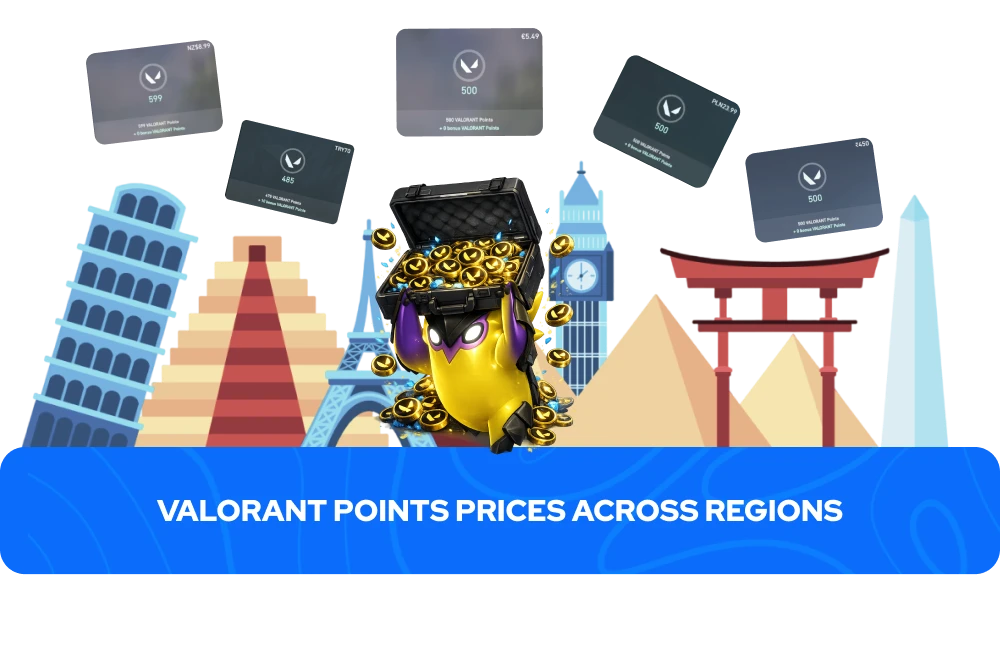
Valorant Points pricing varies by region, with most areas using USD or EUR pricing models, although some countries have unique rates reflecting local income levels. In the US, purchasing VP in larger bundles grants players bonus points in addition to the base amount, making larger purchases the better value per point.
The most popular option is priced at $49.99 for 5,800 VP, consisting of 5,350 base VP plus an extra 450 as a bonus. Players aiming for the best value per point can opt for 11,000 VP at $99.99. There are also smaller bundles available for those who just need a quick top-up before a specific Valorant skin or bundle rotates out.
Riot has previously adjusted VP prices in various countries due to global economic shifts and problems with players using VPNs to purchase cheap Valorant Points at lower regional rates and resell them elsewhere, so prices of Valorant Points for sale are not guaranteed to remain the same indefinitely. The in-game store or Riot's official website will always have the most accurate pricing for your region.
To get a clearer picture of how far Valorant Points actually go in the store, individual skins range from 875 VP for Select Edition pieces up to 2,475 VP for Ultra Edition options, with full bundles stretching from around 2,930 VP for basic collections to 9,900 VP for Ultra Edition bundles. Outside of skins, the Battle Pass costs 1,000 VP to activate, with tier skips available at 300 VP each, and individual agent unlocks sit at 1,000 VP per agent, making cheap Valorant Points for sale on GameBoost a practical option for players who want to cover multiple purchases at once.
If you bought VP using a gift card or received a promo code, you can redeem it either within the game or on Riot’s official website. Both ways are fully supported: redeem in-game via the store, or through the Riot code redemption page.
Redeeming Valorant Points in-game involves the following steps:
Launch Valorant, log into your account
Select the Valorant icon next to the Store tab
Select the Prepaid Cards and Codes
Enter your pin code without any spaces (as the system will flag spaced entries as invalid)
Press Submit, and the VP will be credited to your account automatically
To redeem Valorant Points online, here is what you need to do:
Go to the Riot Code Redemption page
Log in to the account where you want the VP added
Enter the code exactly as it appears
Select the game for which you want to use the cash code
Confirm your information and select Redeem Code
Gift cards are region-locked, so a card purchased in the US can only be redeemed on the North American server. Always confirm the card matches your account's region before buying, particularly from third-party sellers. Riot does not support redemption from mobile devices, so the PC client or a desktop browser is required to complete the process.
“GameBoost is not affiliated, endorsed, sponsored, or authorized by Riot Games, Inc., Valorant, or any of its subsidiaries or affiliates. Riot Games, Inc.’s official website can be found at: https://www.riotgames.com. The name Valorant, as well as related names, marks, emblems, and images are registered trademarks of their respective owners. Use of trademarks is covered by fair use principles under EU Regulation 2017/1001, Article 14.”